 AppRank
스크린샷


설명
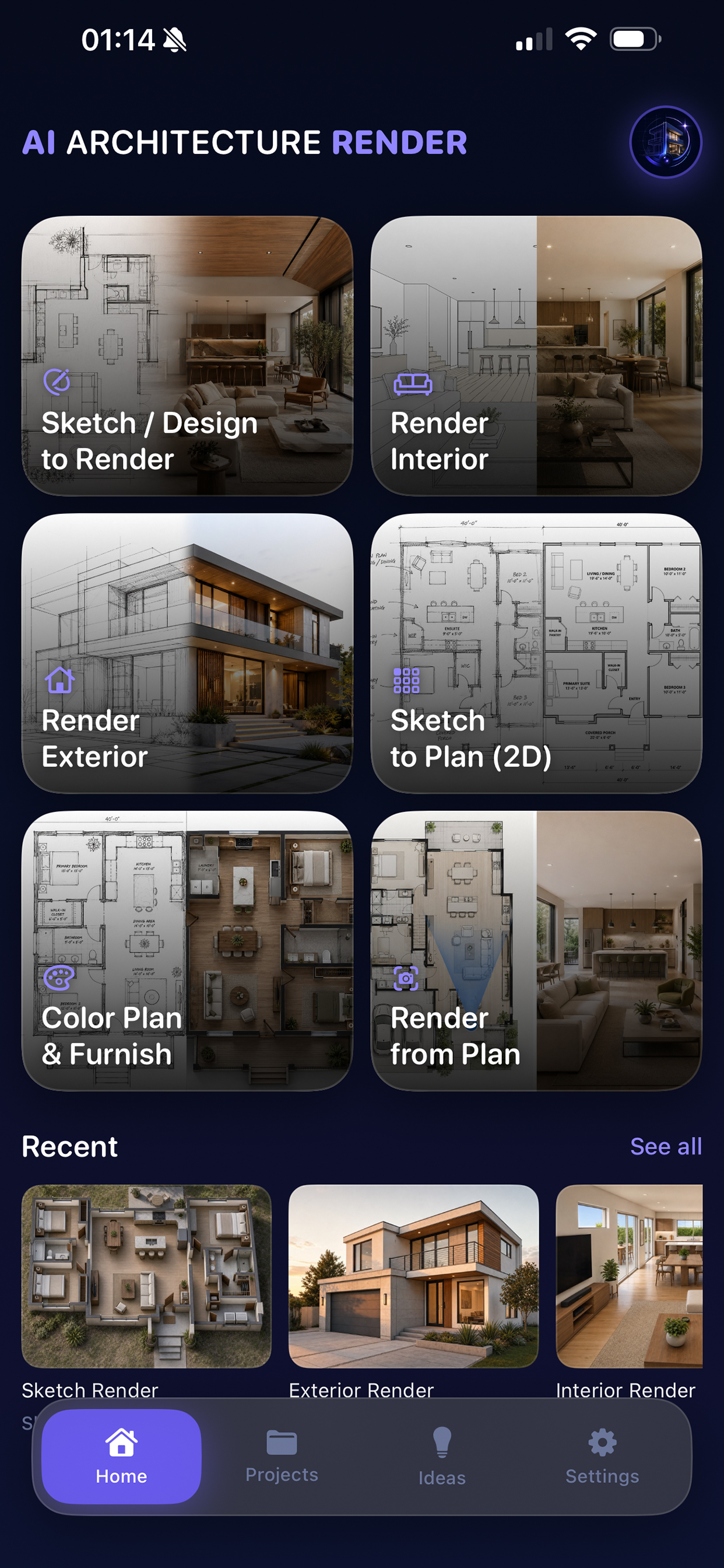
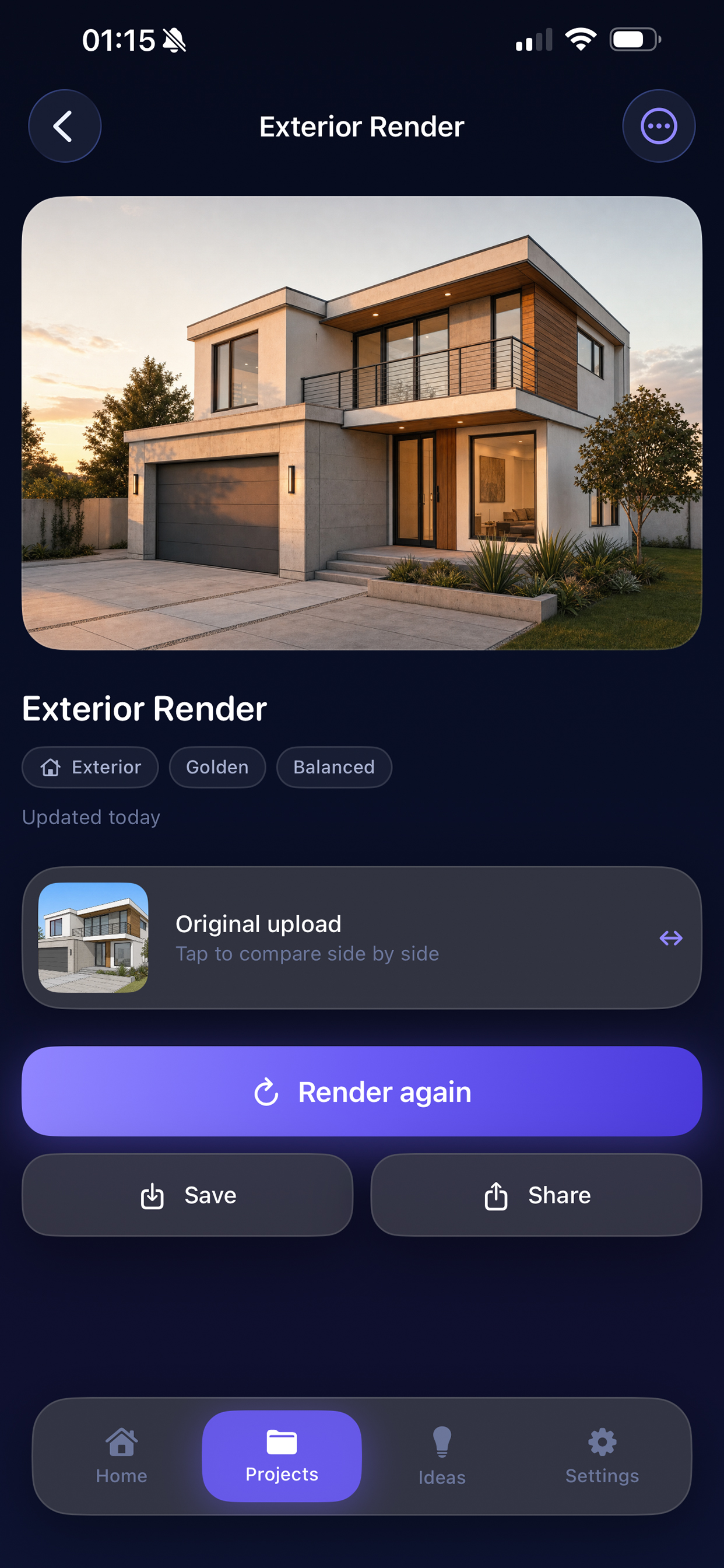
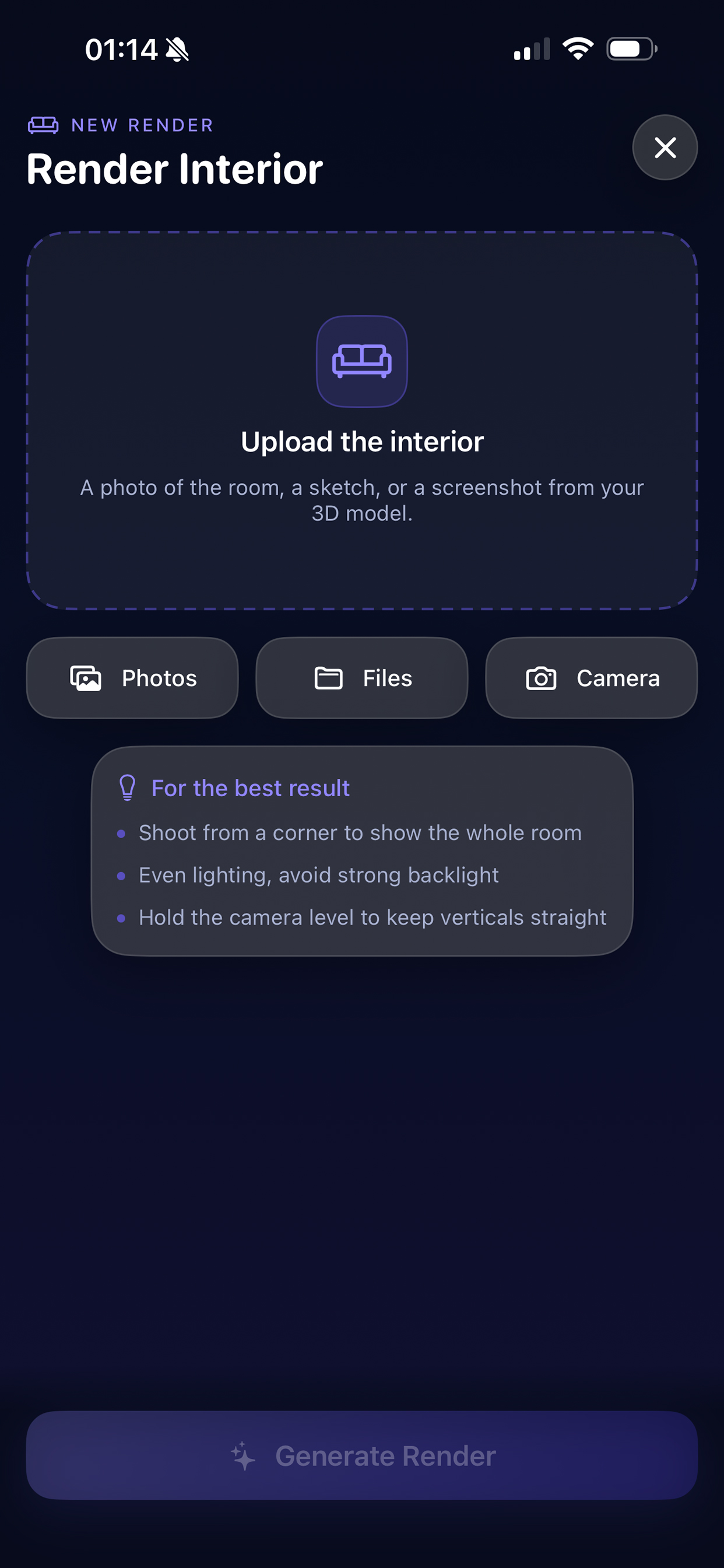
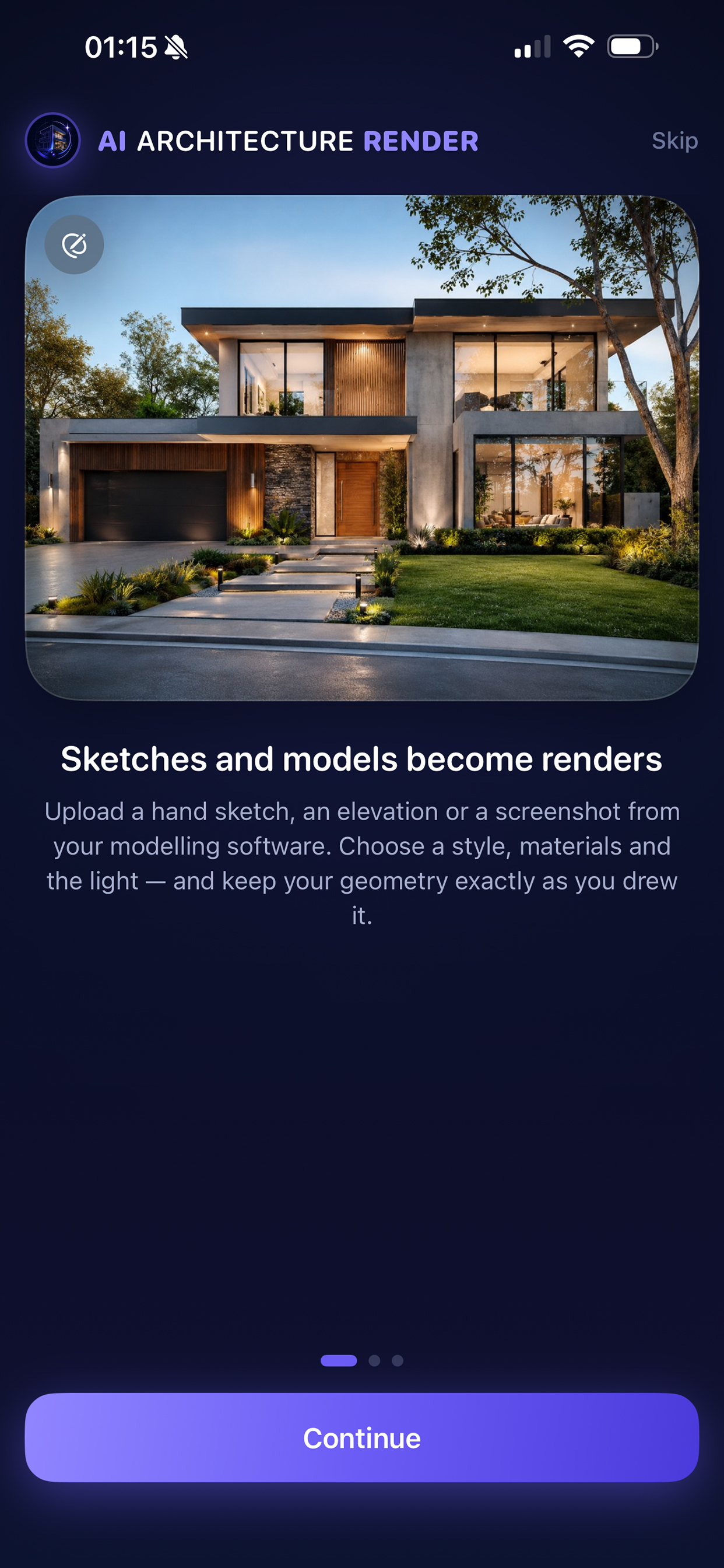
AI Architecture Render turns the drawings you already have into finished images. Upload a hand sketch, a screenshot from your 3D modelling software, a photo of a room, or a floor plan — then choose a style, the light and the materials. Your geometry stays where you put it. SIX TOOLS Sketch / Design to Render Give it a line drawing or an untextured model view and get a photorealistic architectural visualisation of the same design. Render Interior Turn a photo, sketch or model view of a room into a finished interior render. Same walls, same windows, same camera — new materials, furniture and lighting. Render Exterior Render a building and its setting from a photo, elevation, sketch or model view. Sketch to Plan (2D) Redraw a hand-drawn floor plan as a clean, drafted-looking 2D plan with room labels, door swings and annotation. Colour & Furnish Plan Take a flat CAD plan and render it as a coloured presentation plan with real materials, textures and top-down furniture. Your layout is preserved exactly. Render from Plan Place a cone of vision anywhere on a floor plan, aim it, and render the room as seen from that position. BUILT FOR PEOPLE WHO DRAW Faithful mode. The most important control in the app. It tells the model not to move a single wall, opening or camera — only to add materials, light and finish. Balanced and Creative are there when you want ideas instead. Real controls. Twenty architectural styles from Brutalist to Japandi, twelve space types, six lighting moods, seven material palettes — plus your own notes in plain English. An Inspiration library. Forty-five reference pages explaining what every style, space, lighting mood and material actually means, and exactly what choosing it does to your render. Before-and-after comparison, version history on every project, and one-tap variations to explore alternatives without re-uploading. PLANS OR YOUR OWN KEY — YOUR CHOICE Render with credits: Monthly (30 credits a month), Pro (100 credits a month), or a one-time pack of 15 or 50 credits that never expires. A Standard render uses 1 credit, High quality uses 3. No OpenAI account needed. Or use it free with your own OpenAI API key: paste it once, it stays in your device's Keychain, and each render is billed to your OpenAI account at their standard rate. NO LOGIN. YOUR DEVICE. No sign-up and no cloud storage: projects, uploads and renders stay on your iPhone. If you buy credits, our server keeps only a random account ID and your credit balance, which you can delete any time in Settings. SUBSCRIPTIONS Monthly and Pro renew automatically each month until cancelled. Payment is charged to your Apple ID at confirmation of purchase and at each renewal unless cancelled at least 24 hours before the end of the period. Manage or cancel in your App Store account settings. Monthly credits refresh at renewal and don't roll over. WHAT THESE RENDERS ARE, AND WHAT THEY AREN'T Every result is generated by an image model, not computed from a 3D model. Sketch to Plan produces an image that looks like a drafted plan — it is not a CAD file, and any dimensions or areas shown are drawn to look plausible rather than measured. Render from Plan infers the view from what the plan shows; expect the right rooms and character, not survey-accurate proportions. Always check a render against your own drawings before presenting it as fact. Images and text you submit are sent to OpenAI for processing — directly with your own key, or through our render server if you use credits. The app asks for your consent before this happens the first time. Terms of Use: https://www.apple.com/legal/internet-services/itunes/dev/stdeula/ Privacy Policy: https://www.oanarinaldi.com/aiarchitecturerenderprivacy.html
새로운 기능
버전 1.1.1 · 2026. 10. 1.Faster and lighter with large project libraries: smoother scrolling, less storage used by original photos, and improved stability on older devices.
정보
- 판매자
- OANA RINALDI
- 카테고리
- Graphics & Design
- 버전
- 1.1.1
- 필요 사양
- iOS 17.0+
- 크기
- 7.7 MB
- 연령 등급
- 4+