 AppRank
Screen Off Recorder
Wujie Yibang (fuzhou) Software Technology Co., Ltd
Photo & Video
스크린샷



설명
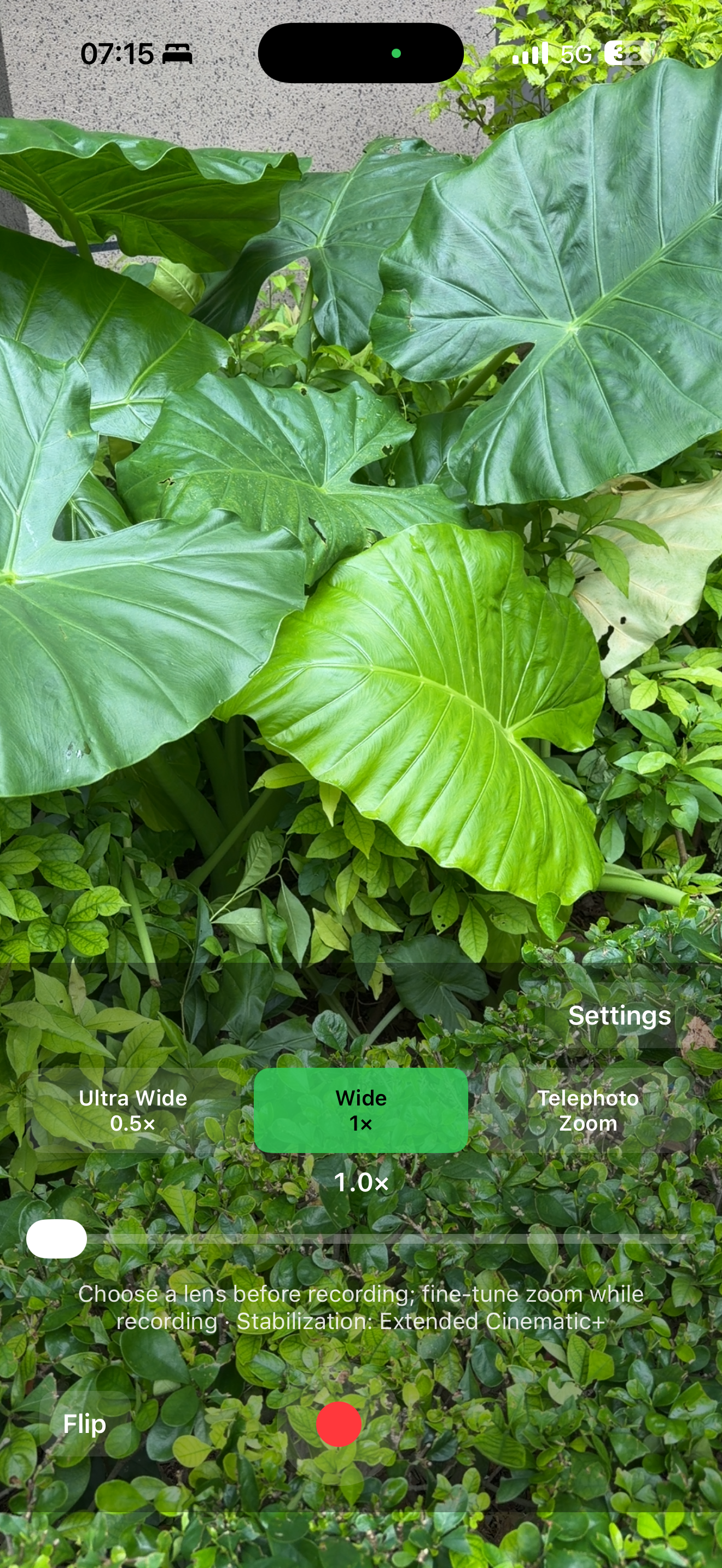
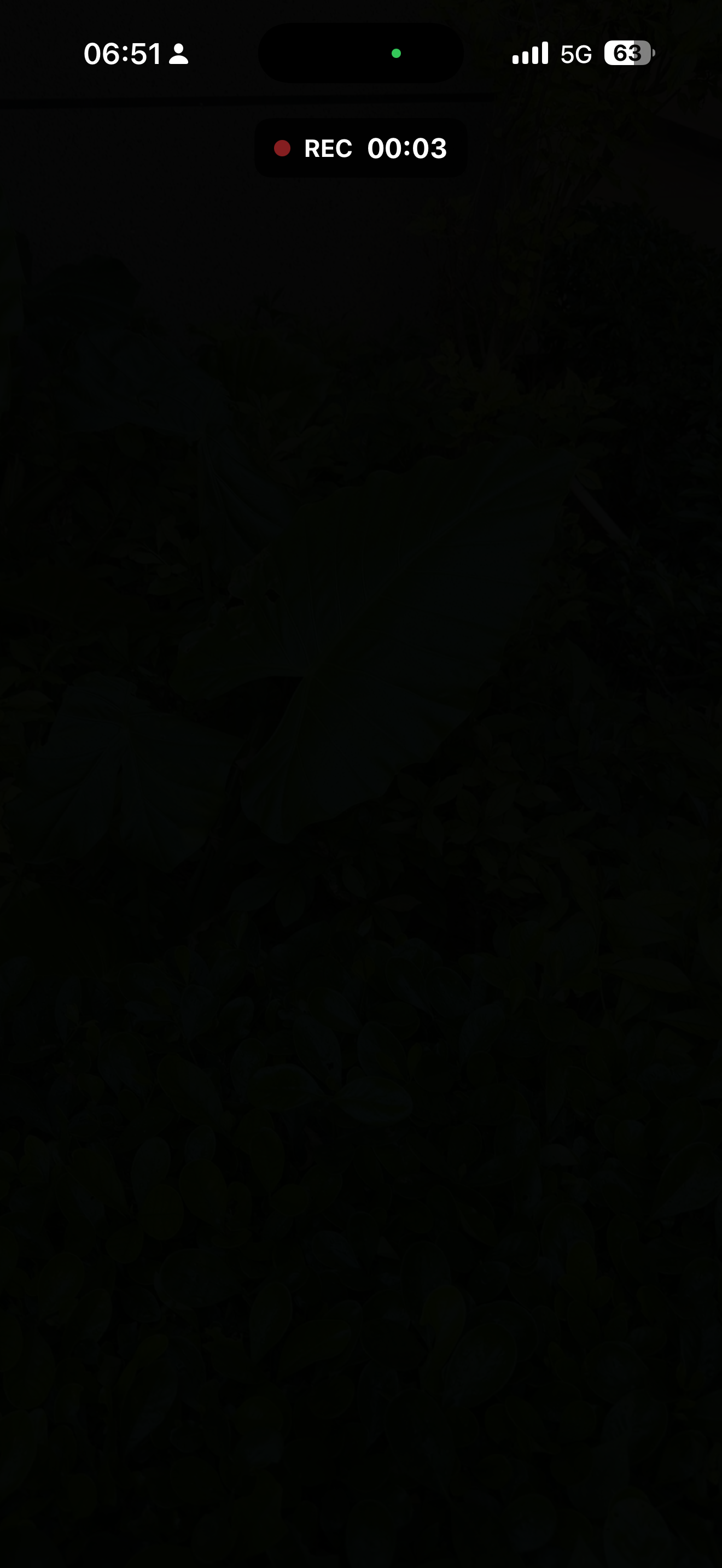
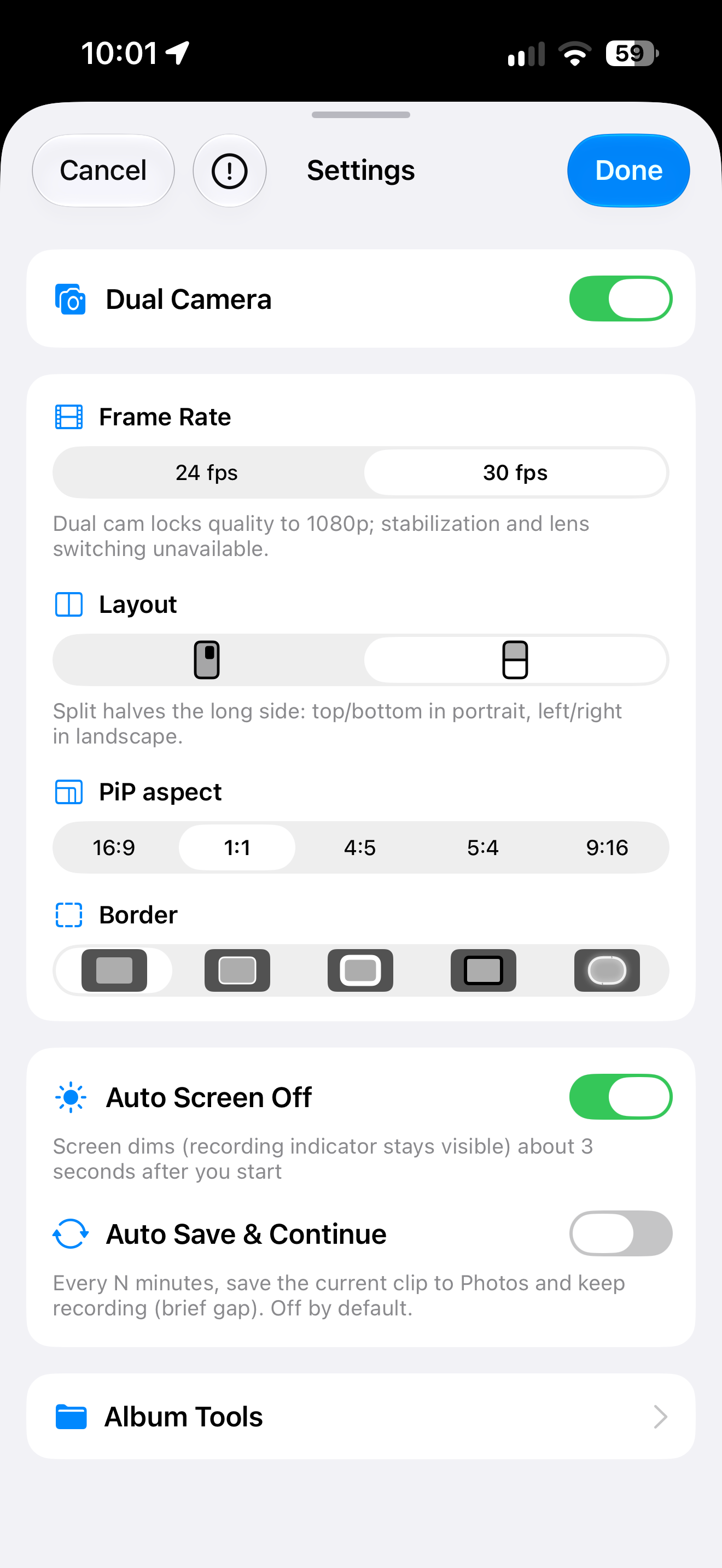
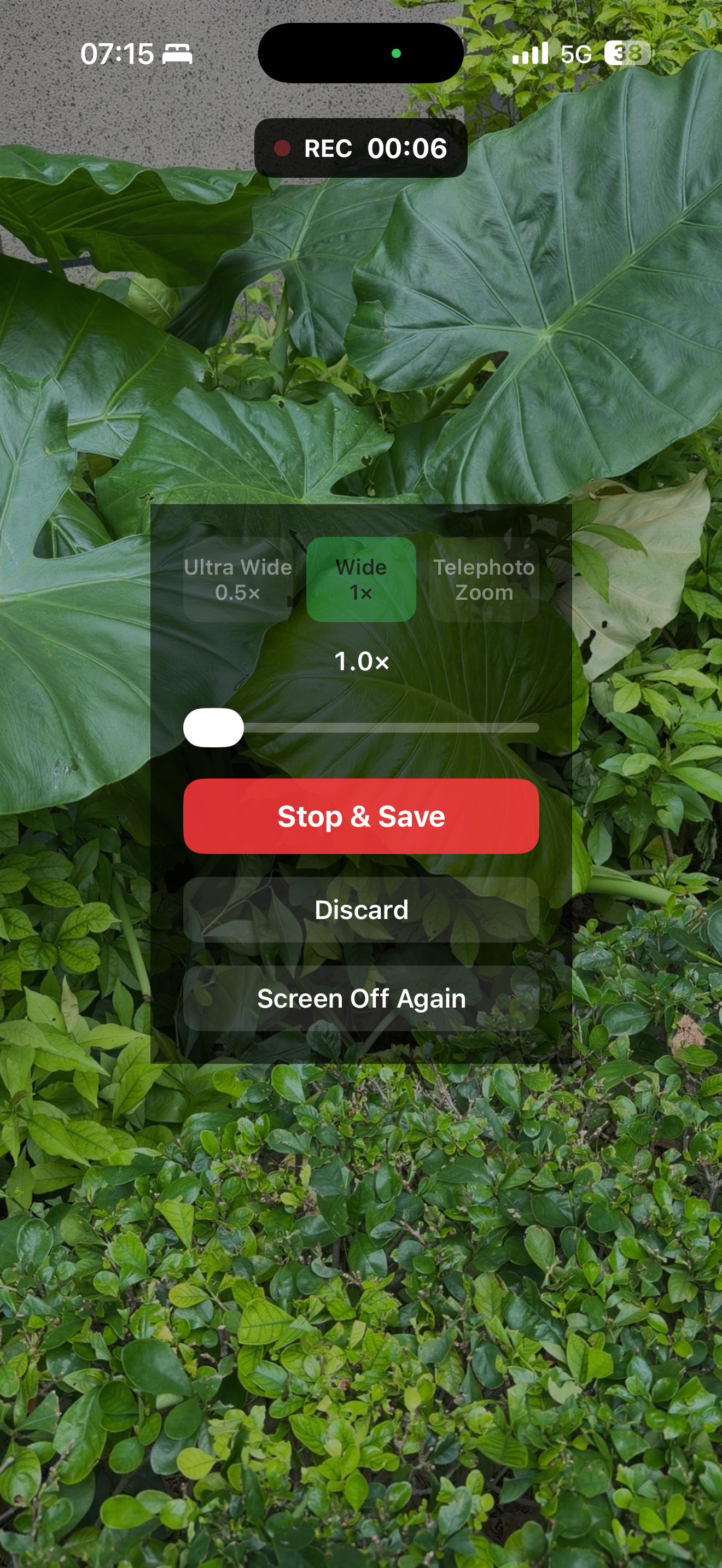
Screen Off Recorder is a native iOS camera app for long takes on a mount—cycling, running, motorcycling, road trips, skating, or a desk tripod for classes and meetings. It supports Apple Watch remote control and album timestamps, and version 1.6.1 adds front+back dual-camera recording. THE CORE IDEA While recording, turn on Screen Off: a near-black full-screen overlay lowers brightness to save power and prevent accidental taps. Recording continues as long as the app stays in the foreground. Tap to wake the controls, then Stop & Save to Photos or discard the clip. DUAL CAMERA (NEW IN 1.6.1) • Turn it on in Settings to record front and back cameras at once into a single video in Photos—capture the view and your reaction together • Picture-in-picture: drag the inset, resize with the corner handle or a pinch; aspects 16:9 / 1:1 / 4:5 / 5:4 / 9:16; position and size are remembered • Long-edge split: top/bottom in portrait, left/right in landscape; rear camera first by default, swappable • Border styles: None, Thin white, Thick white, Black, Soft white—around the inset in PiP, around both halves in split • One-tap primary/secondary swap; Apple Watch preview follows the current primary view • Requires iPhone XS/XR or later (A12+), or iPad with A12X or later. Stabilization and lens switching are unavailable in dual-cam mode DYNAMIC TIMESTAMP • Pick a video from Photos and burn in a clock that advances with the capture time • Six positions with live preview; multiple styles (classic, outline, yellow, cyan, red, and more) • Saves a new video and keeps the original; HDR / Dolby Vision sources export as SDR LONG TAKES, LESS WORRY • Darker Screen Off overlay; the recording indicator stays visible • Auto Save & Continue (off by default): every 5/10/15/30/60 minutes, save the current clip to Photos and immediately continue • Stop & Save ends the session after saving the current clip; Discard drops only the unsaved segment APPLE WATCH REMOTE • Start/stop and save, preview the shot, enter Screen Off, and adjust settings from your wrist • Live preview mirrors your iPhone framing (unavailable while recording); follows the primary view in dual cam • Instant control while the iPhone app is in the foreground; the Watch app installs with the iPhone app STANDALONE CAMERA · ADVANCED STABILIZATION (SINGLE CAM) • Native Swift + AVFoundation drives the system camera directly—not a WebView shell • Optional motion stabilization, preferring Extended Cinematic modes where supported; best at 1080p + Ultra Wide HOW IT WORKS • Large start / stop control • Single cam: selectable frame rates, 1080p/4K, front/rear with Ultra Wide / Wide / Telephoto (device-dependent), zoom, tap to focus • Dual cam: PiP or split, with its own aspect, border, and primary settings • Screen Off manually, or automatically ~3 seconds after you start (optional) • Preview and recording orientation follow how you hold the phone • Multilingual interface (follows system language) PRIVACY & DATA • No account required • No upload to our servers—videos are saved to your on-device Photos library • iCloud Photos sync, if enabled, is managed by Apple IMPORTANT NOTES • Screen Off is an in-app blackout—not recording after the side-button hardware lock. Keep the app in the foreground. • Dual cam uses more power and generates more heat than single cam; watch battery and temperature on long takes. • Timestamps are on-device post-processing, not burned in live while recording. • Auto-save creates multiple clips with a brief gap between segments. • Watch preview and instant remote control require the iPhone app in the foreground. • iOS may show green/orange privacy indicators while the camera or microphone is active—that is normal. • Record only where you have permission and follow local laws. Screen Off Recorder—dim the screen, keep recording; both cameras, one clip.
새로운 기능
버전 1.6.1 · 2026. 9. 29.• Record front and back cameras together—picture-in-picture into one video saved to Photos • Drag the PiP window, resize with the corner handle, pick 16:9 / 1:1 / 4:5 / 5:4 / 9:16, and remember position and size • Long-edge split view (top/bottom in portrait, left/right in landscape), border styles, and one-tap primary/secondary swap • Dual-cam requires iPhone XS/XR or later (A12+) • Apple Watch preview follows the dual-cam primary view; screen-off recording and album timestamps still work as before
정보
- 판매자
- Wujie Yibang (fuzhou) Software Technology Co., Ltd
- 카테고리
- Photo & Video
- 버전
- 1.6.1
- 필요 사양
- iOS 15.0+
- 크기
- 7.7 MB
- 연령 등급
- 4+