 AppRank
스크린샷




설명
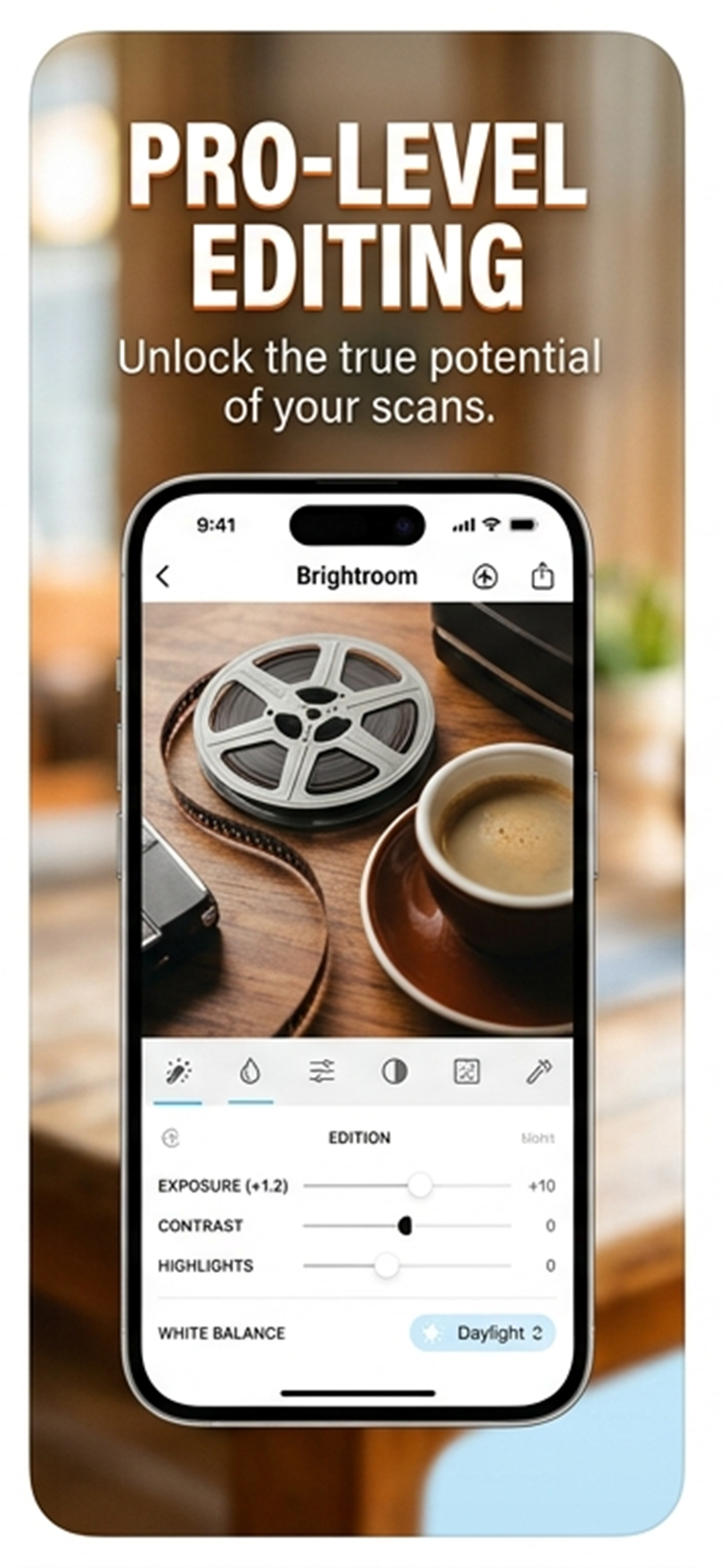
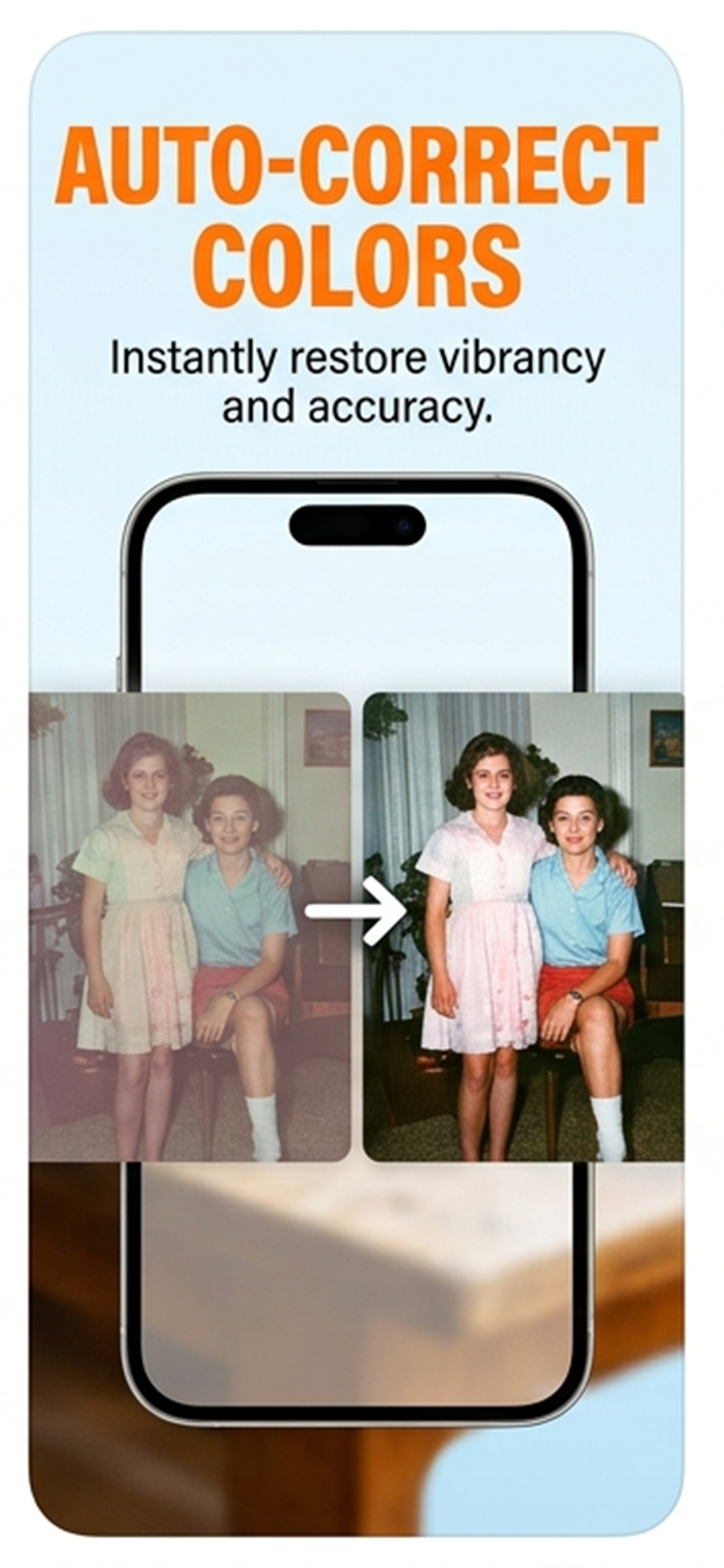
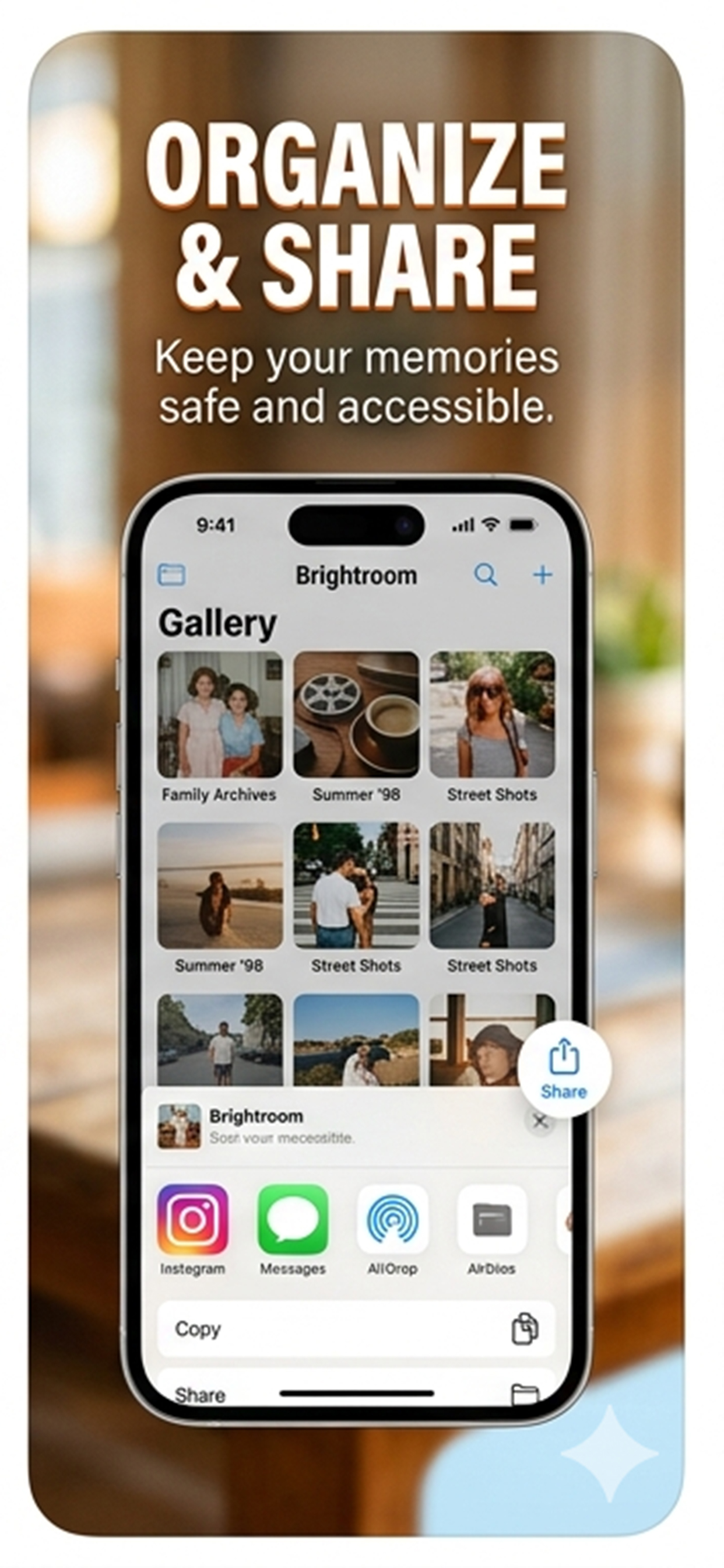
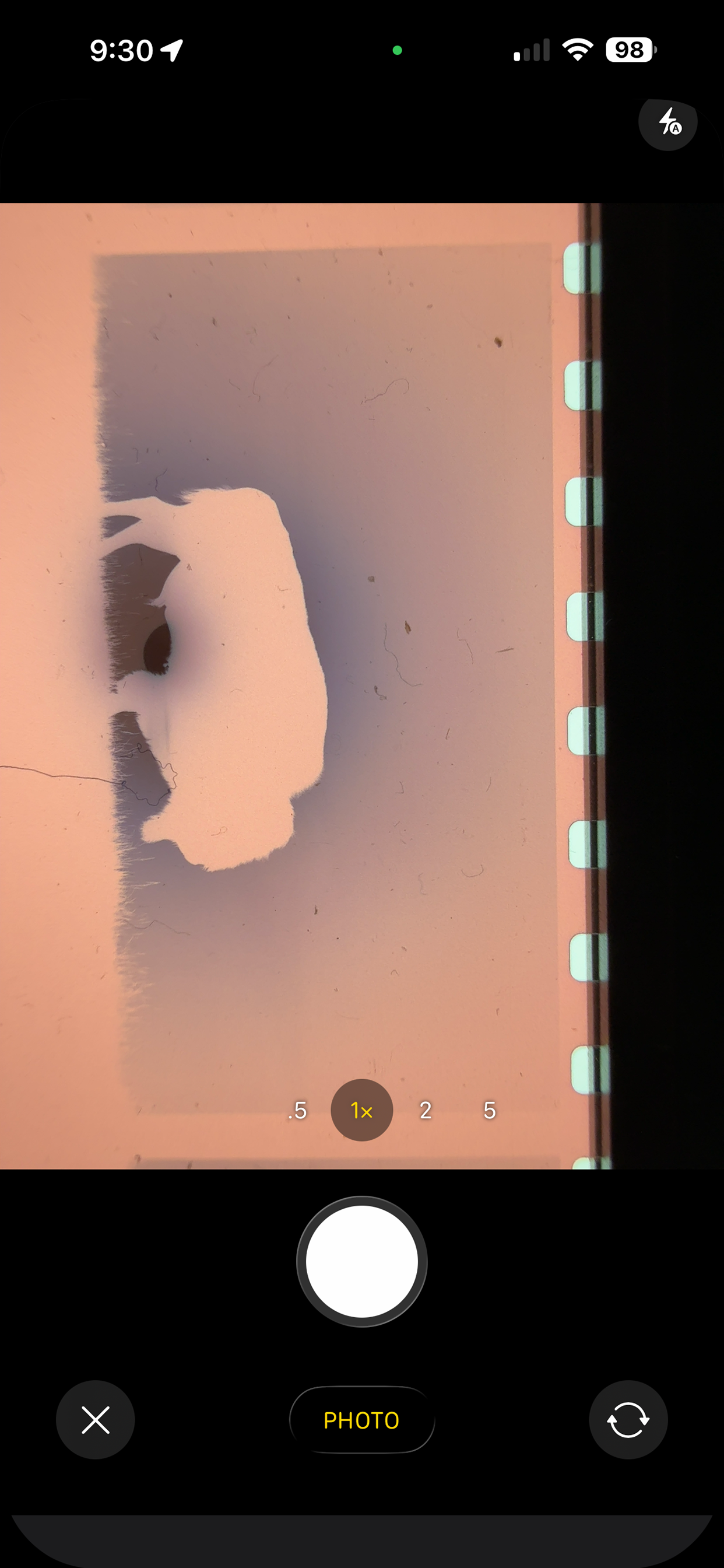
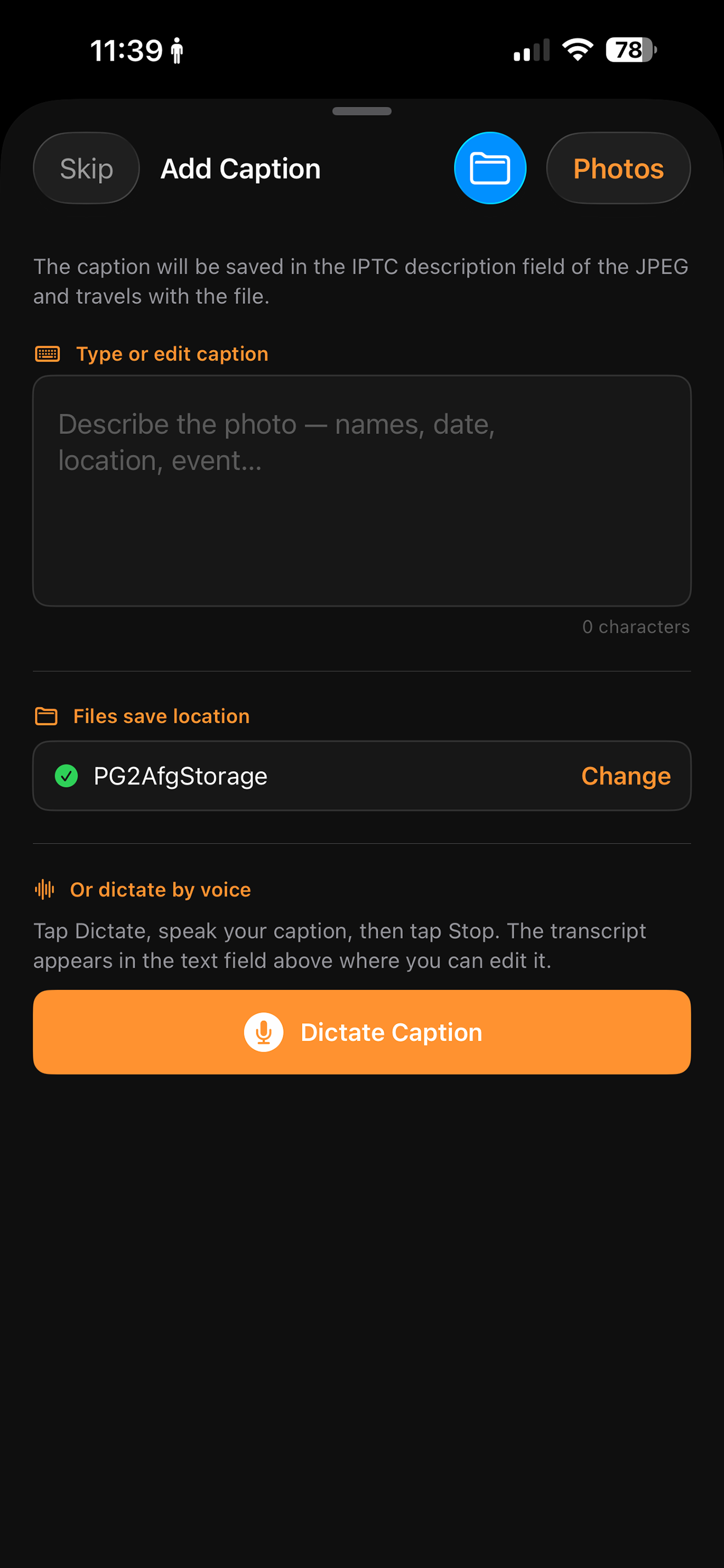
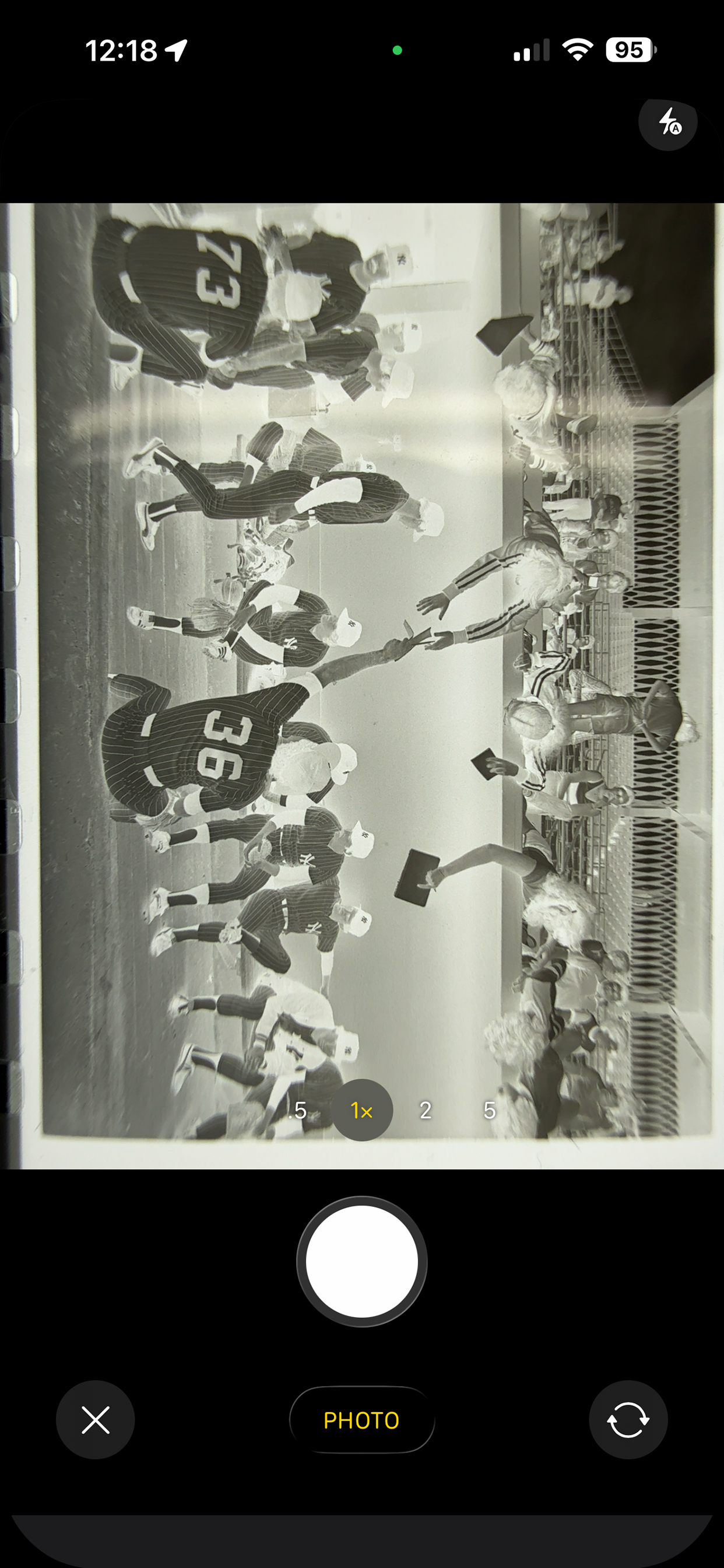
Brightroom turns your iPhone into a precision film scanner. Photograph color negatives, black-and-white negatives, or color slides — on a lightbox, iPad screen, or bright window — and Brightroom instantly converts them into sharp, accurate digital photos you can crop, adjust, caption, and save. FILM CONVERSION • Color Negative (C-41) — removes the orange film base cast with per-channel auto-levels and white balance correction, plus an S-curve for shadow richness and highlight pop • Black & White Negative — desaturates before inversion with a classic film contrast curve • Slide / Positive (E-6) — gentle levels correction preserving the film's inherent color balance ADJUSTMENTS • 10 live controls in a scrollable toolbar: Crop, Exposure, Contrast, Highlights, Shadows, Black Point, Saturation, Vibrance, Warmth, Sharpen, Vignette • Every slider updates the image instantly as you drag — no tap to apply • Changed controls highlighted in orange; one-tap reset per control IMAGE QUALITY • Supports DNG and Apple ProRAW imports alongside JPEG and HEIC • Single-pass Core Image pipeline — no intermediate resampling steps, maximum sharpness at full sensor resolution • Captures full pixel density from both 1x and 2x lenses CROP & SAVE • Manual crop with corner handles and rule-of-thirds grid • Save to Photos Library or directly to any Files location — iCloud Drive, network shares, NAS, cloud services • Save location remembered: pick a folder once, Brightroom saves there automatically • Save with optional 90° rotation — corrects sideways negatives at save time CAPTION • Type or dictate an IPTC caption before saving — embedded permanently in the JPEG, readable in Lightroom, Photos, and any IPTC-aware app • Voice dictation uses on-device speech recognition — nothing leaves your iPhone WORKFLOW • Scan → camera direct; Convert → camera or library (supports DNG/RAW) • After saving, immediately prompts for the next negative — no extra navigation between frames • Before/after toggle: tap Converted badge to compare with the original capture • Full-resolution JPEG output with EXIF orientation and IPTC metadata embedded
새로운 기능
버전 1.4.1 · 2026. 8. 7.Bug fixes
정보
- 판매자
- Greg Anderson
- 카테고리
- Photo & Video
- 버전
- 1.4.1
- 필요 사양
- iOS 16.0+
- 크기
- 3.2 MB
- 연령 등급
- 4+