 AppRank
スクリーンショット





説明
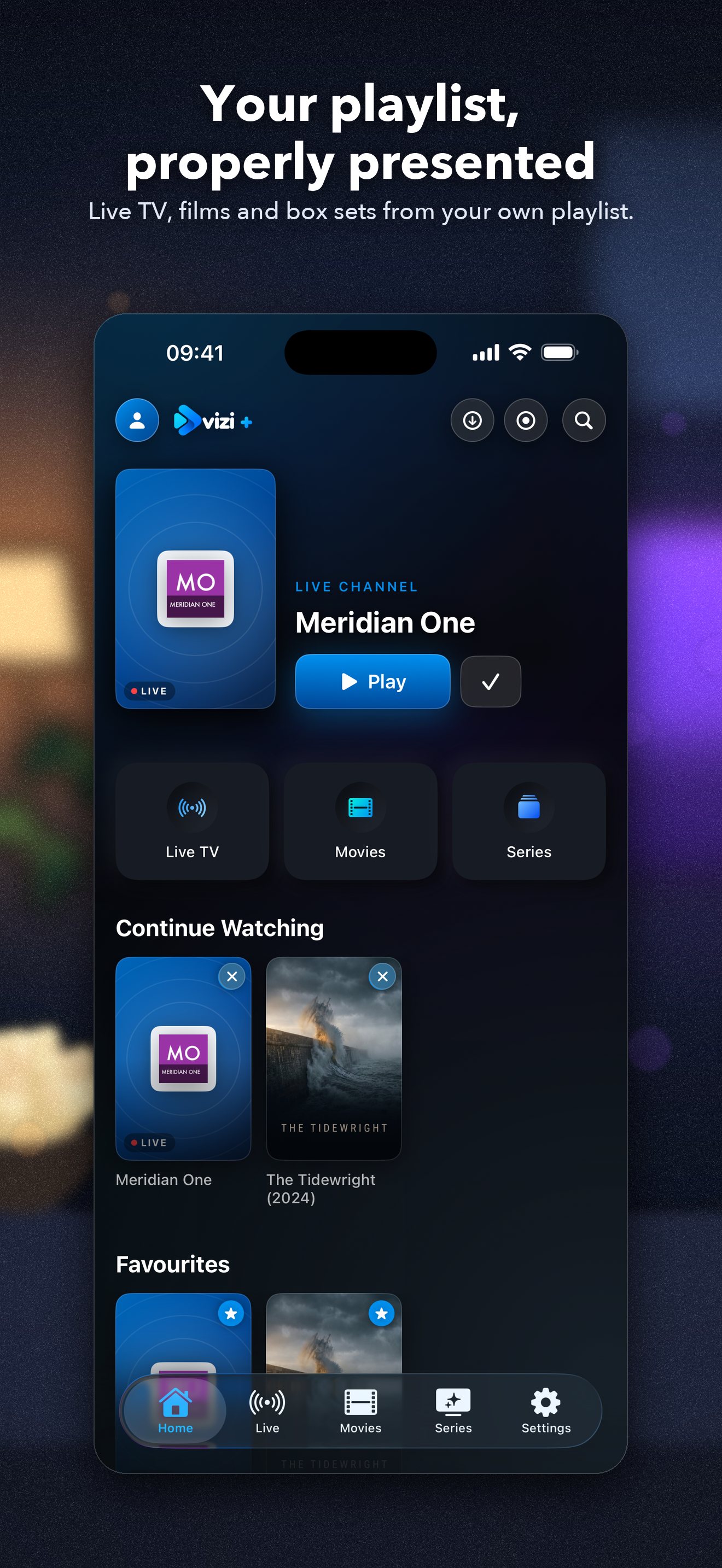
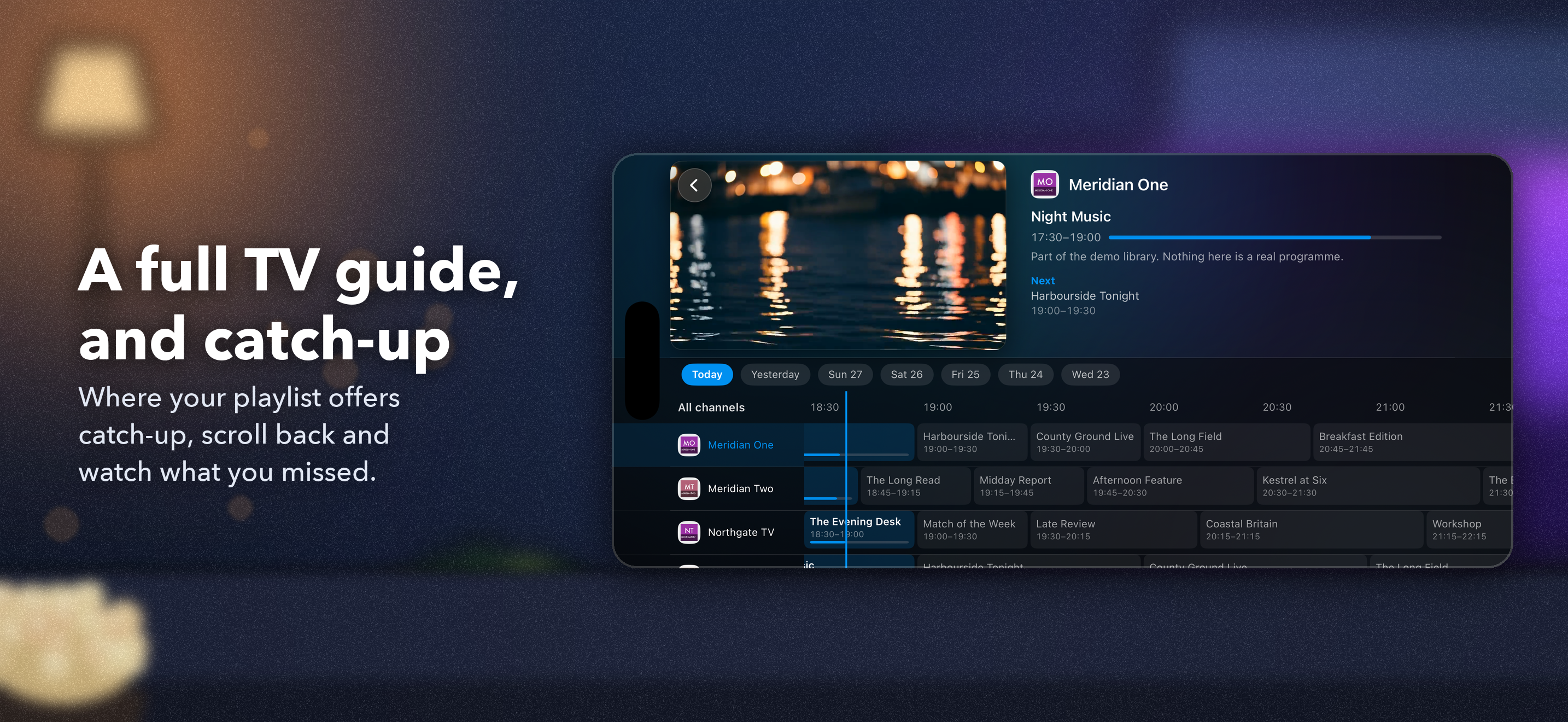
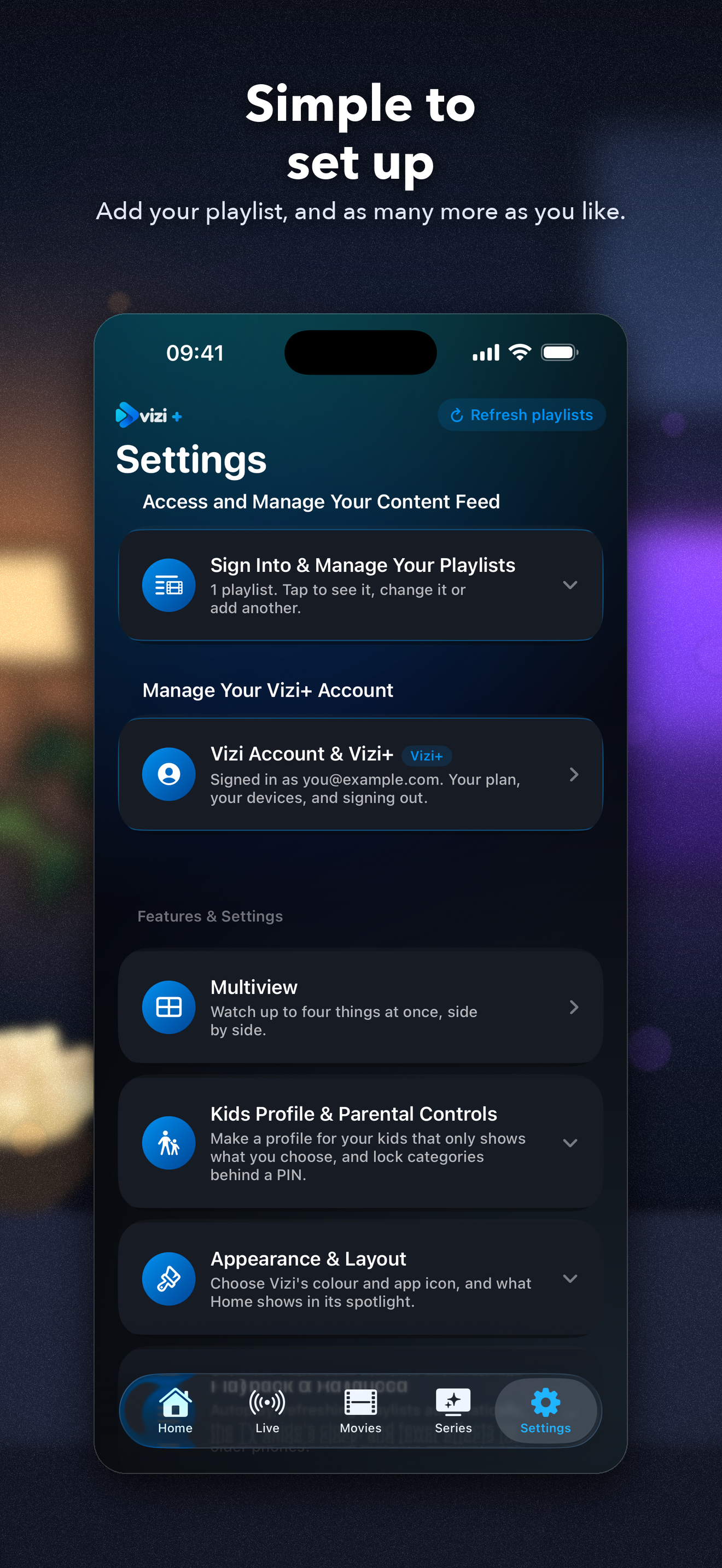
Vizi Player is a player for the playlist you already have. It comes with nothing — no channels, no catalogue, nothing to browse until you connect something. A small demo library is built in so you can look around first; everything in it is invented. What it does is play the playlist you point it at properly, with the kind of interface the content deserves. BRING YOUR OWN PLAYLIST Add an Xtream Codes login or an M3U URL and Vizi does the rest: live channels grouped the way your playlist groups them, films and box sets with posters, ratings, runtimes and plots, and a search that looks across everything at once. Add as many playlists as you like, free, and browse them together. LIVE TV, WITH A GUIDE Where your playlist supplies a guide, a full programme guide with now and next for every channel it covers, laid out as a grid you can scroll through days at a time. Xtream logins bring theirs automatically; an M3U playlist uses the guide it names, or a guide link you add. Where an Xtream playlist offers catch-up, you can scroll back through the week and watch what you missed. FILMS AND BOX SETS Posters at a glance or a tighter list view, sorted newest first or however you prefer. Series remember which episode you were on, and films pick up where you stopped. A PLAYER THAT DOES THE JOB Two engines under the bonnet, so formats that defeat other players still open. Aspect controls, a screen lock for pockets, and a mini player you can drag away without losing your place. Picture in picture works with everything, live TV included. AirPlay sends films and episodes in standard formats to a television; live TV and catch-up decode differently and cannot be sent that way. YOURS, OFFLINE Download films and episodes to watch without a connection. Record live television while Vizi is open — Keep Screen Dark lets it carry on with the phone in your pocket. FOR THE HOUSEHOLD Kids profiles that show only what you allow, with a PIN you control. Parental controls on the rest. VIZI+ The free version is supported by adverts. Vizi+ removes them and unlocks: • Downloads and live TV recording • The full TV guide and catch-up • Favourites, continue watching and your own collections • Kids profiles and parental controls • Picture in picture, live TV included • Multiview: up to four things at once, side by side • AirPlay to a television, for films and episodes • Theme colours and a matching app icon Or pay once for Vizi+ Lifetime: every current Vizi+ feature, plus five Lifetime themes (Silver, Gold, Obsidian, Damascus and Cosmic, each with its own logo and app icon) and any colour you like from a colour wheel, for as long as Vizi runs. Or watch one advert for an hour of most Plus features — downloads, recording and theme colours excepted, and the app tells you that before the advert starts. HONEST ABOUT WHAT IT IS Vizi has no real content of its own and no way to find any — only the invented demo library, so you can see how it works before connecting anything. You are responsible for having the right to watch whatever you connect it to, and that is a condition of use rather than a disclaimer in a footer. Accounts are optional, and nothing about what you watch ever reaches us. The free tier's adverts come from Google. Subscriptions renew automatically unless cancelled at least 24 hours before the period ends. Manage or cancel in Settings › your name › Subscriptions. Vizi+ Lifetime is a single payment. Terms: https://viziplayer.com/terms Privacy: https://viziplayer.com/privacy
新機能
バージョン 1.0.1 · 2026/10/2Vizi+ Lifetime: pay once and keep Vizi+. It adds five Lifetime themes, each with its own logo and app icon, and any accent colour you like from a colour wheel. Multiview: watch up to four things at once, side by side. Part of Vizi+. A new look: a fresh logo, app icon and opening, with theme colours to match. Simpler settings: the More tab is now Settings, with your playlists first, then your Vizi account and Vizi+ together, and everything else explained in plain words. Add as many playlists as you like, free. Picture in Picture now works with live TV too. An AirPlay button on every player, to choose where the sound goes. TV guides for M3U playlists, from the guide they name or a link you add. Catch-up: the TV guide now shows the whole of each day, so everything in the past week's catch-up can be reached. Star live channels, and pick them up again from Continue Watching. An account button on the Home screen. Signing in takes your Vizi+ with you to your other devices. Forgotten your PIN? You can now reset it. Fewer adverts: none until you've added your own playlist, none for at least a day after that, and no full-screen advert in the first minute after opening Vizi. Fixes: banner adverts are no longer cut off, downloads and recordings open in the middle of the screen, favourites and your place survive a playlist refresh, a playlist whose update was interrupted can be refreshed again, and kids profiles see only what they've been given.
情報
- 販売元
- OMWSD Ltd
- カテゴリ
- Entertainment
- バージョン
- 1.0.1
- 対応OS
- iOS 16.0+
- サイズ
- 76.1 MB
- 年齢制限
- 17+