 AppRank
スクリーンショット






説明
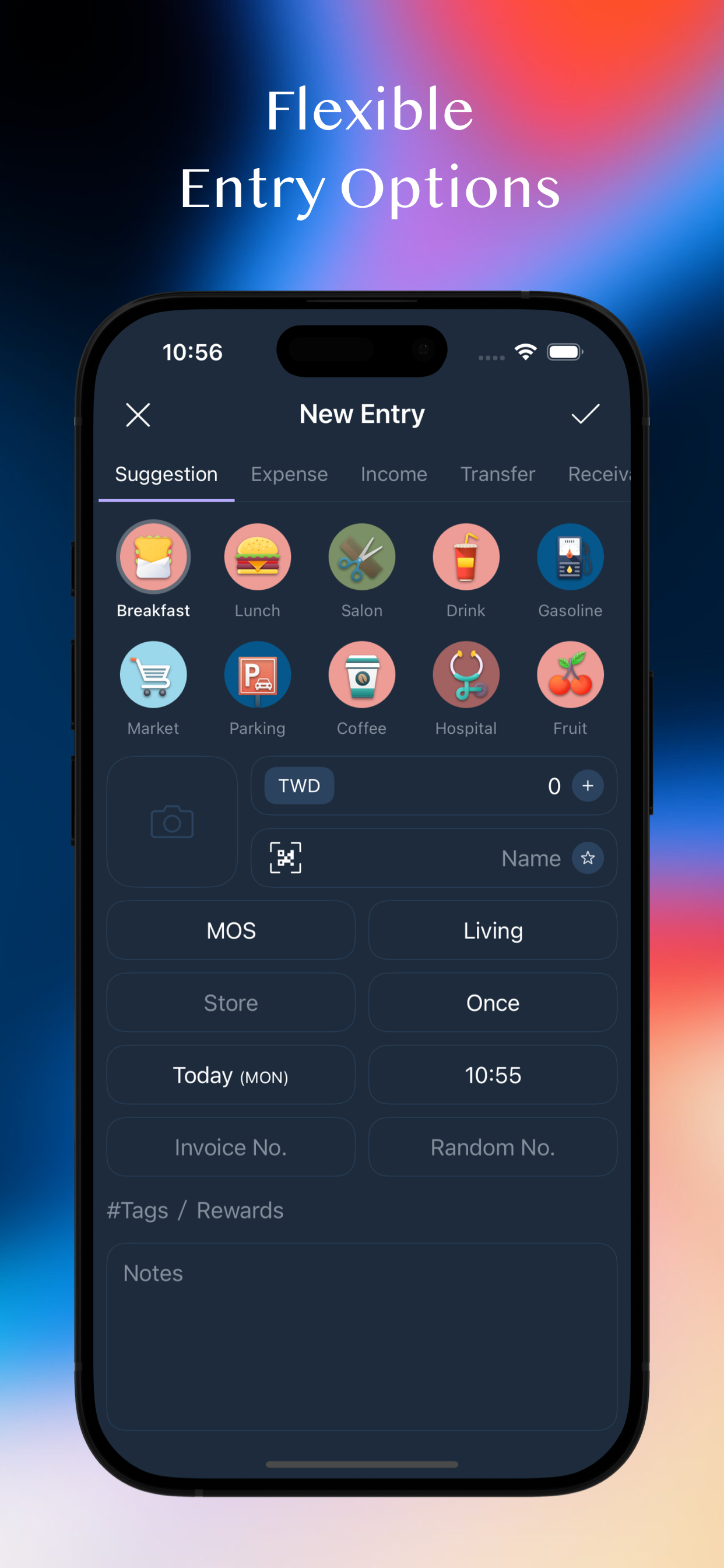
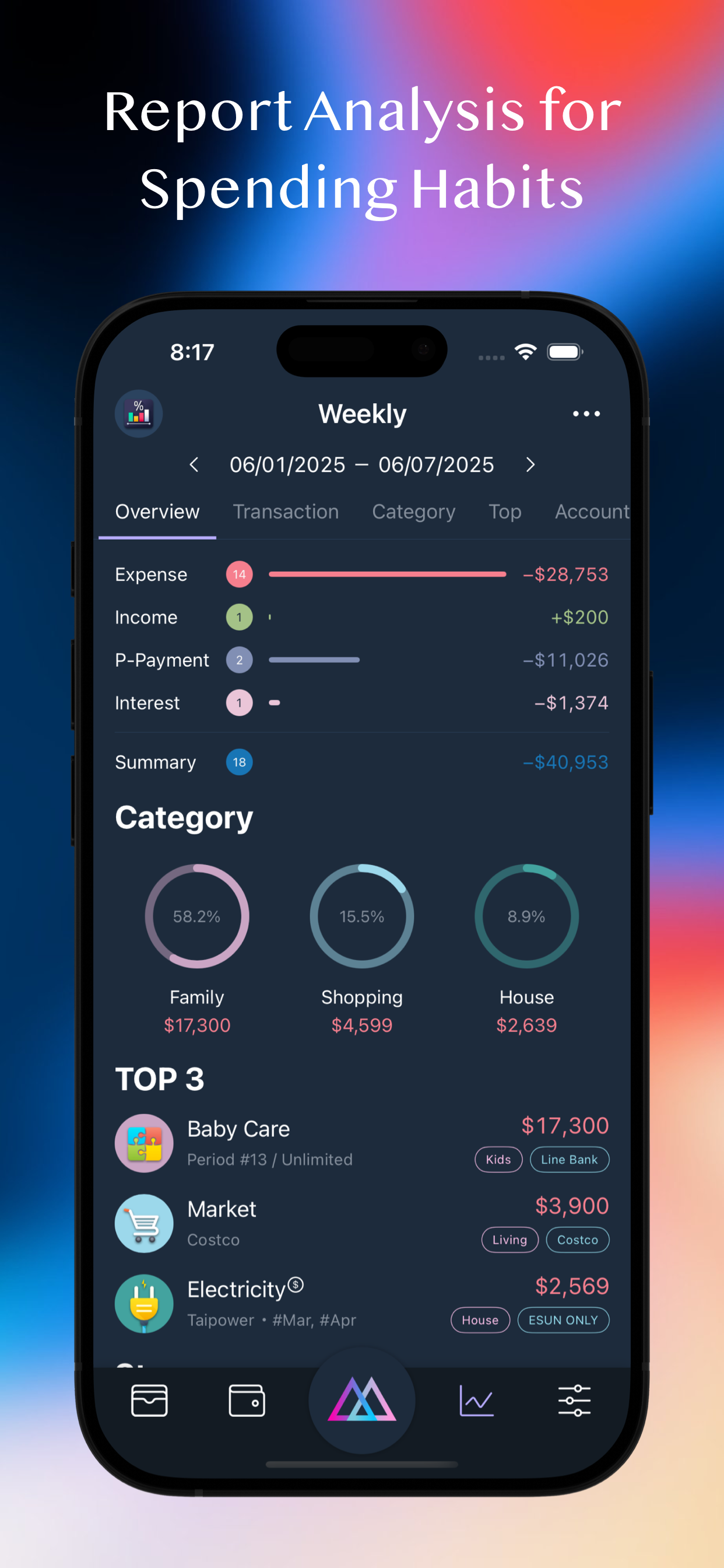
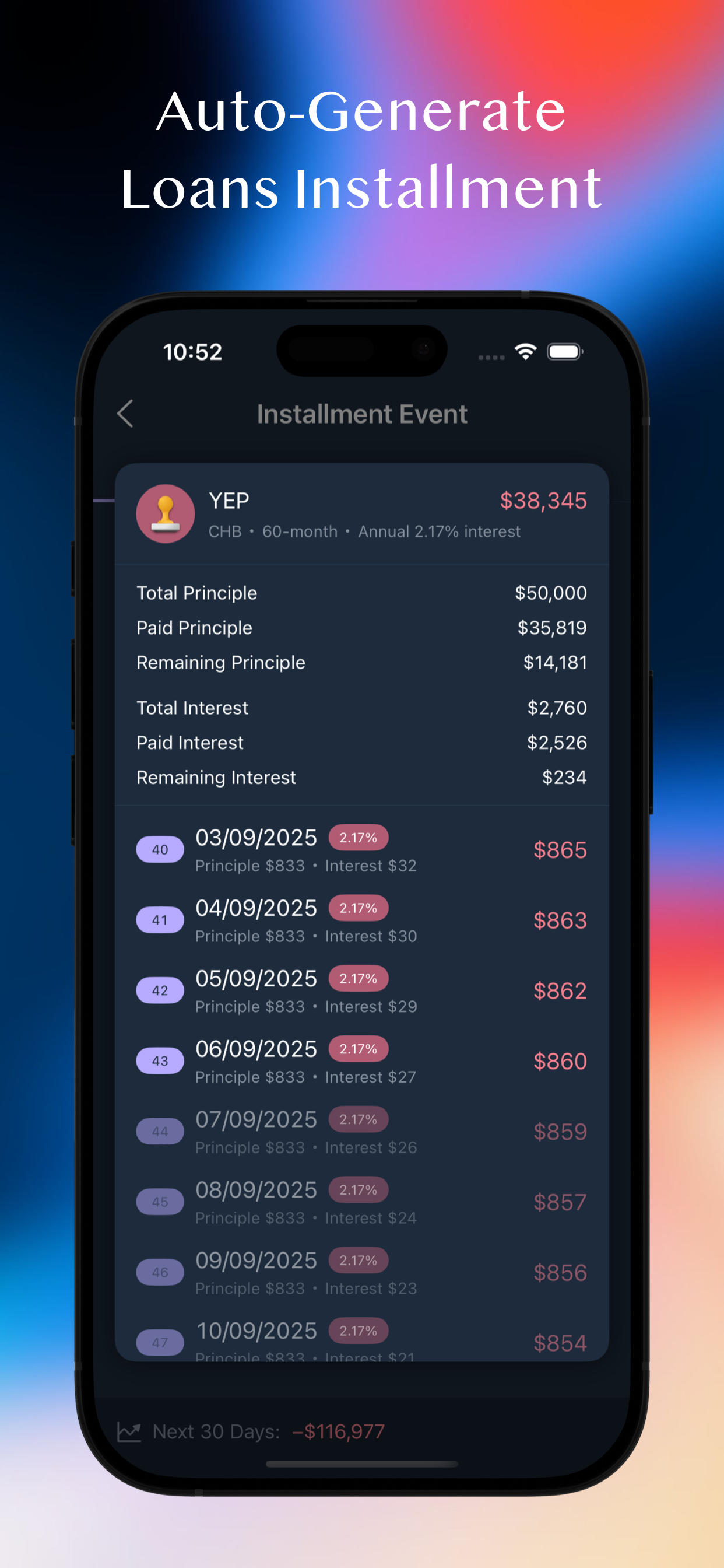
MOZE 4.0 – 10 Years of Excellence, Trusted by Millions Beautiful Interface × Powerful Features × Ultimate Experience Turn bookkeeping into pure enjoyment! Tired of your money disappearing without a trace? Want to take control of your finances but don’t know where to start? MOZE helps you effortlessly build bookkeeping habits and regain control over your money! --- 【 What’s New in 4.0 】 iPad Version – Designed for large screens with cross-device synchronization Shortcut Quick Entry – Log a transaction in seconds without opening the app Enhanced Statistics Reports – Multi-dimensional analysis by account, project, target, and more Comparison Reports – Cross-period comparisons to track financial trends Multiple Invoices Linking – Attach several invoices to a single transaction entry Entry Modes Switch – Context-based quick selection of account and category presets Full-Screen Calendar View – Monitor daily income and expenses at a glance Sign in with Apple & Sync – Automatically back up data to MOZE Cloud Crypto Tracking – Follow the top 100 cryptocurrencies by market cap 30+ Updates and Optimizations – Better UX, smoother performance, more power --- 【 Core Features Overview 】 Powerful Financial Management • Multi-account support, cross-currency bookkeeping • Project grouping, budget planning • Payables & receivables tracking, interest calculations Daily Use Scenarios • Comprehensive support for recurring expenses, installments, refunds, fees, discounts, and more Credit Card Center • Advanced features including shared credits, statement mode, billing installments, rewards tracking, auto deposit, balance adjustments Rich Report Analysis • Various types of statistical reports • Comparison tables across different time periods Taiwan E-Invoice Integration • Mobile barcode carrier, QR code scanning, automatic lottery checking, invoice linking Privacy & Security • ISO-27001 certified • Cloud encryption and password protection to safeguard your data Personalization • Over 100 built-in common categories, fully customizable to personal preferences • Multiple theme options, downloadable account and color icons to create your unique style Other Features • Search, batch processing, CSV import/export, cloud backup / restore Widget • Instantly check accounts, budgets, notifications, rewards, and more Apple Watch • Quick entry, recent records, credit card payment reminders, transaction reminders, mobile barcode --- Why Choose MOZE? • 10 years of continuous development, full-featured and refined • Trusted by millions of users • Taiwan-localized design that truly understands your needs --- Contact & Support • Facebook Page: https://moze.to/moze_fb • Facebook Group: https://moze.to/moze_group • Email: [email protected] • Website: https://moze.app • Pricing: https://moze.app/pricing • FAQ: https://faq.moze.app/ • Features: https://doc.moze.app/ Legal • Privacy Policy: https://moze.to/website_privacy • Terms of Use: https://moze.to/website_terms --- Ready to make money management effortless? Download MOZE 4.0 and start your 14-day free trial today!
新機能
バージョン 4.3.1 · 2026/10/4NEW - Advanced Options for entries adds "Deposit & Final Payment". Record the final payment amount and its expected date when you pay a deposit, then log the final payment with a single tap when it's due. FIX - Transaction list on the home page didn't update immediately after adding a record - Time zone change prompt appeared repeatedly - Opening the currency panel on the entry page reverted a custom exchange rate back to the market rate - Available credit calculation for Shared Credit Limit - Default decimal places for default cryptocurrencies - "Starts From" became 0 for installments and recurring events - Refund deduction in reports - Other minor issues and improve user experience IMPROVE - iPad windows can now shrink to half the screen, and the home page collapses its charts automatically in shorter windows - Item notes from image entry now keep the original name printed on the receipt, and store names are more consistent - The default icon for split-category entries now adapts to its sub-items - Custom icons for split-category entries support circular cropping - After adjusting the current closing date, rewards can be recalculated at the same time - The Budget widget now shows project statistics when a project has no budget set - Signing out of an Invoice Carrier is now supported - Offline mode on iPhone now shows an indicator on the Menu button - When a transaction's note is too long, the category icon and name fade out - Split-category entries combining an expense with receivables/payables in the same category now also use the expense category as the default icon - Typing in the amount field on Mac no longer plays a sound repeatedly
情報
- 販売元
- MOZE Co., Ltd.
- カテゴリ
- Finance
- バージョン
- 4.3.1
- 対応OS
- iOS 17.0+
- サイズ
- 213.7 MB
- 年齢制限
- 17+