 AppRank
Pixara: AI Design & Docs
Tana IntelSoft SRL
Graphics & Design
Screenshot



Descrizione
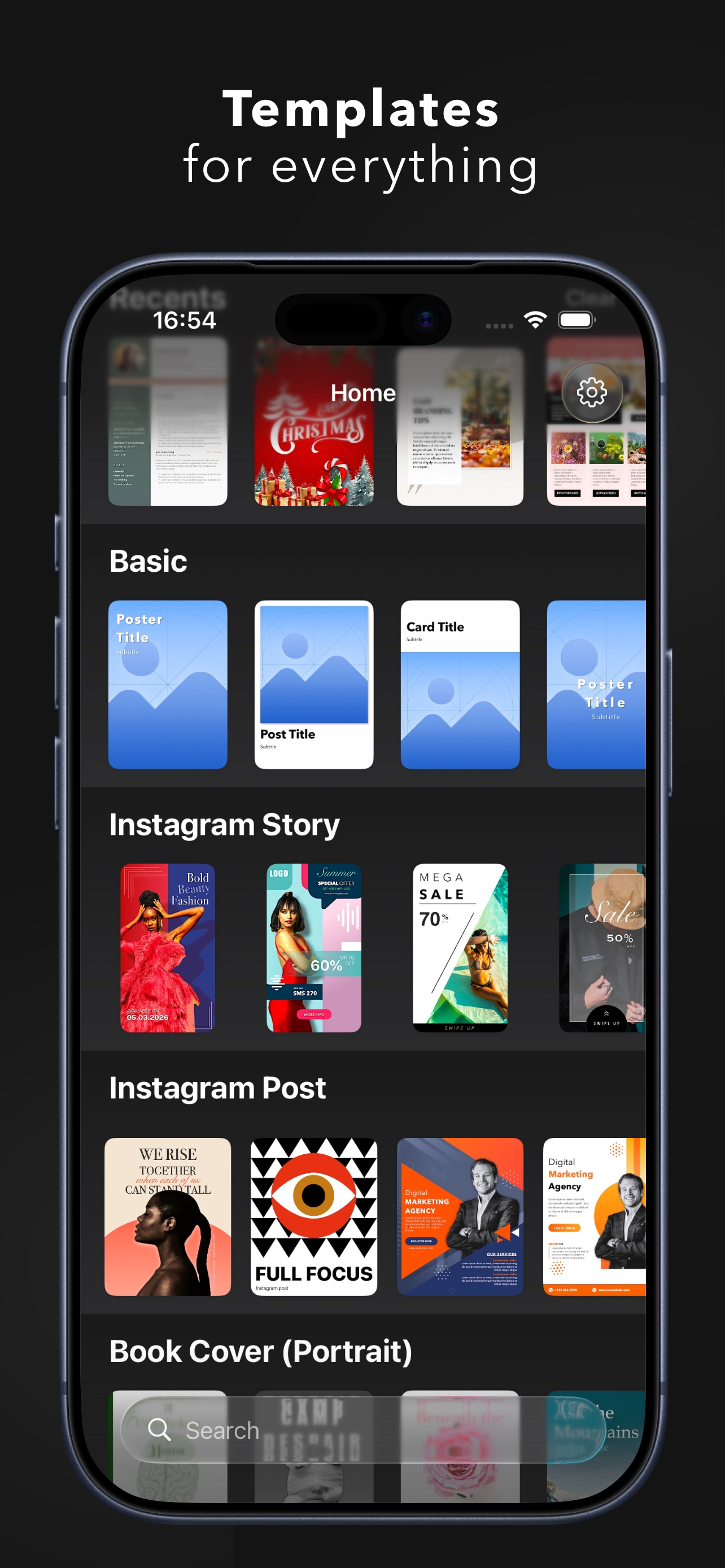
Create stunning designs across all your Apple devices with Pixara Studio — the complete native design app for iPhone, iPad, and Mac. A powerful all-in-one design tool, built natively for Apple. From social media posts to presentations, logos to illustrations — everything in one intuitive app. ▶ MEET ARA — YOUR AI DESIGN COPILOT Describe what you want, and ARA builds it for you. Add elements, adjust layouts, change colors, edit text — all through natural conversation. ARA understands your design and helps you create faster, smarter, and with zero learning curve. ▶ HUNDREDS OF TEMPLATES Ready-to-customize designs for Instagram stories, posters, flyers, book covers, business cards, logos, collages, presentations, newsletters, and more. ▶ ADVANCED VECTOR TOOLS Create illustrations and edit paths with precision. Add points, adjust curves, customize strokes and fills. Convert text and shapes into editable paths. Merge, combine, and transform — vector editing made easy. ▶ MULTI-LAYER DRAWING Create multiple drawing layers, each independently movable and resizable. Adjust depth, combine with other elements, and build complex illustrations with full control. ▶ SMART TRANSITIONS Bring your designs to life. Elements smoothly animate, scale, and glide between pages — perfect for presentations and motion graphics. Shared objects move automatically; new ones fade in, removed ones fade out. No keyframes, no timeline — just place, duplicate, and play. ▶ AI-POWERED WRITING Select any text and instantly correct grammar, rephrase, elaborate, or summarize — without leaving your design. ▶ SCAN & DIGITIZE Capture documents with your camera, extract text using OCR, edit directly in your designs, and export as PDF. ▶ SEAMLESS SYNC Start on iPhone, refine on iPad, finish on Mac. iCloud keeps everything in sync. ▶ PRO EXPORTS Export in SVG, PDF, PNG, JPEG, HEIC, or WebP — high resolution, no watermarks with PRO. Terms & Conditions: https://pixara.studio/terms/
Novità
Versione 27.0 · 16/09/2026Richer fills and a faster canvas. • Mesh Gradients — blend colours exactly where you want them • A rebuilt gradient editor: linear, radial, angular and mesh in one place • Background Blur — frosted glass that exports the way it looks • Copy & Paste Style between any two elements • Pin & Constraints so layouts resize the way you expect • Magic AI Container — describe or sketch it, get real editable elements • Export the whole document, selected pages, or just your selection Plus a big performance pass on text, panning, zooming and the layers panel.
Informazioni
- Venditore
- Tana IntelSoft SRL
- Categoria
- Graphics & Design
- Versione
- 27.0
- Richiede
- iOS 26.0+
- Dimensione
- 145.0 MB
- Classificazione per età
- 4+