 AppRank
Captures d'écran



Description
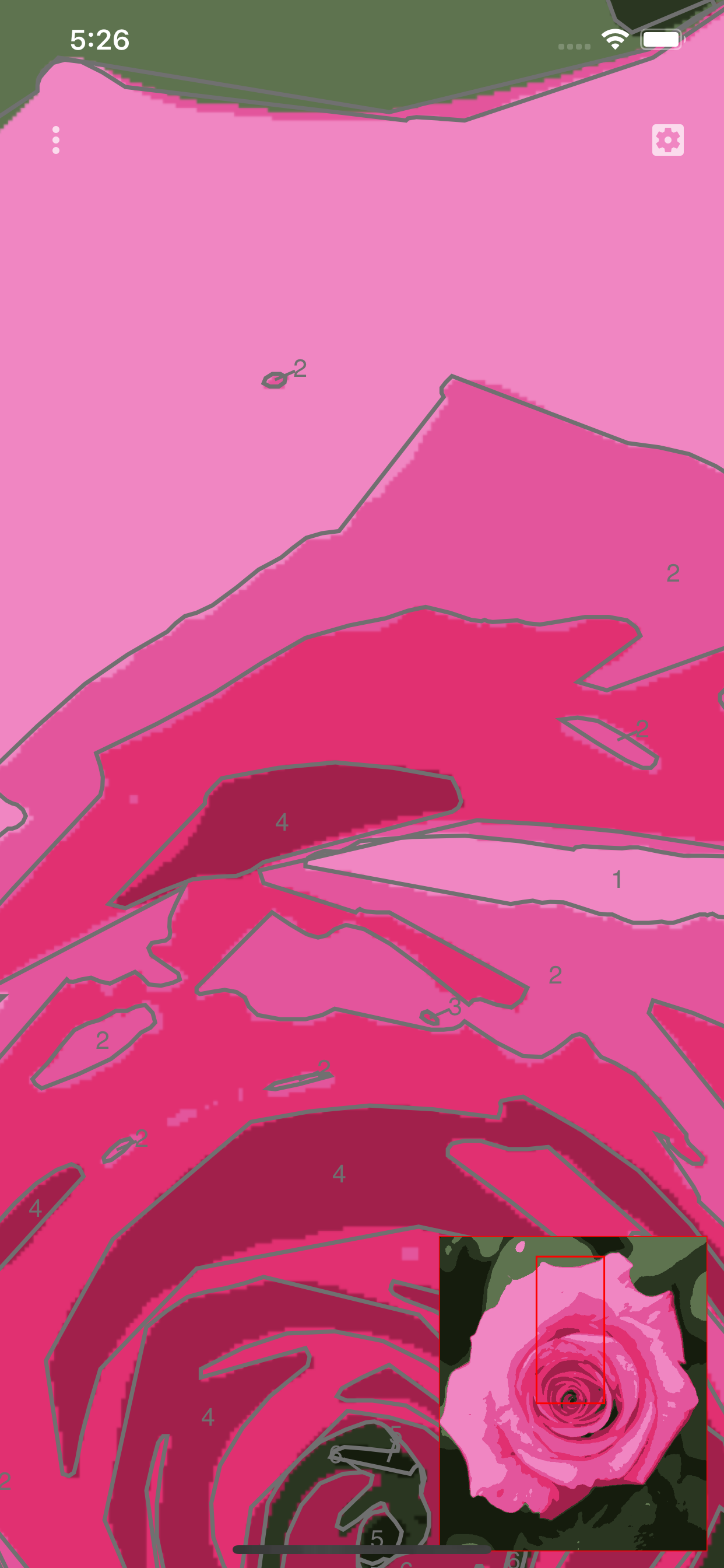
This application allows you to turn any photograph to a ready to paint printable canvas. This canvas is exportable in a PDF, SVG, PNG or JPG file. Once printed on a real canvas, you just have to paint the numbered areas with the matching colors in your palette. The projects can be saved for later editing. QUICK START 1. Touch the top left button and select "Open New image". 2. The image is analyzed and should appear with the numbered areas. 3. To check the result, you can zoom with two fingers or pan with one. 4. The top right button opens the parameters panel which allows changing the number of color, the size of the numbers, etc... 5. To print the result, touch the top left button and select "Export to PDF". NOTES It is recommended to choose images with less detail as possible. Increasing the blur power helps to reduce the details in the application.
Nouveautés
Version 2.2 · 05/08/2026- Update dependencies.
Informations
- Vendeur
- Regis Cosnier
- Catégorie
- Education
- Version
- 2.2
- Nécessite
- iOS 15.6+
- Taille
- 2.4 MB
- Classification par âge
- 4+