 AppRank
Capturas de pantalla


Descripción
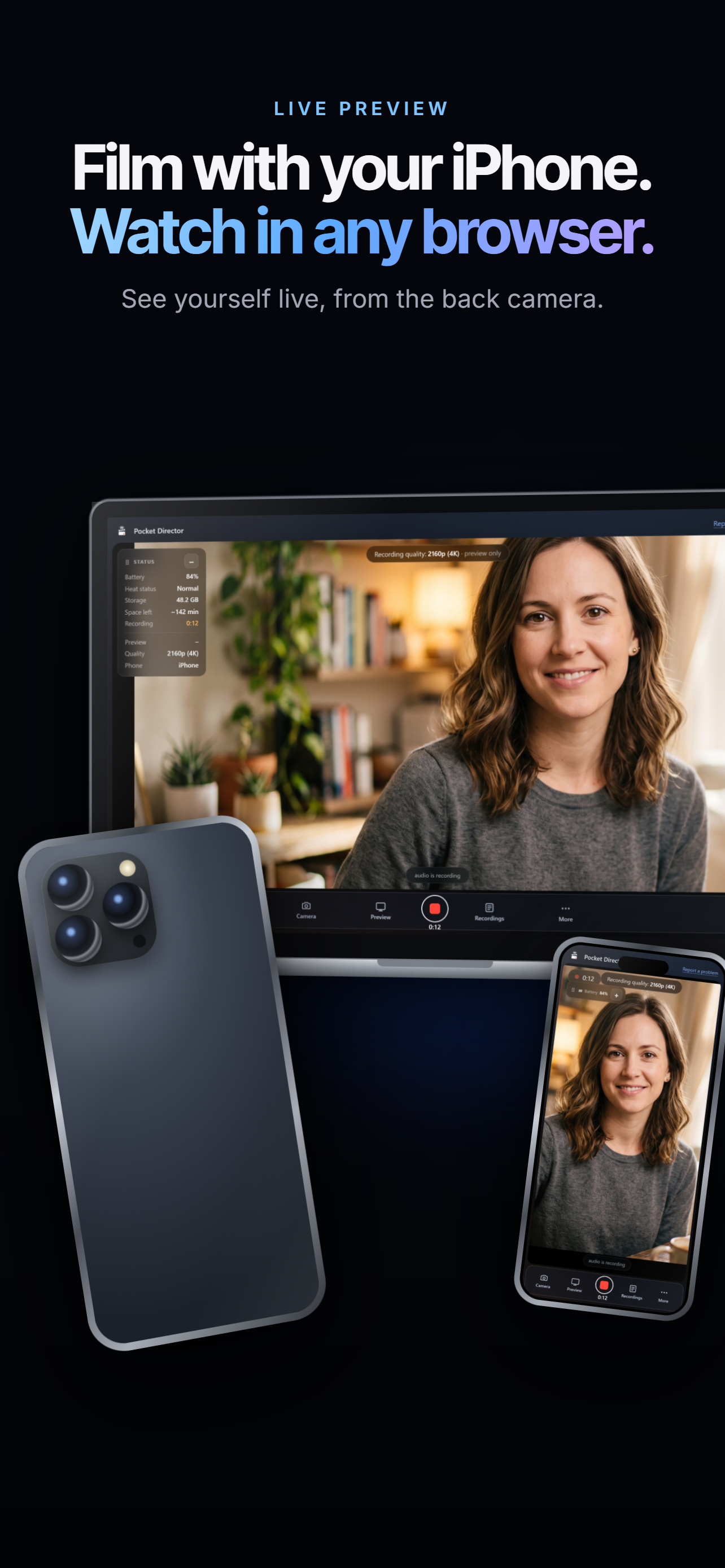
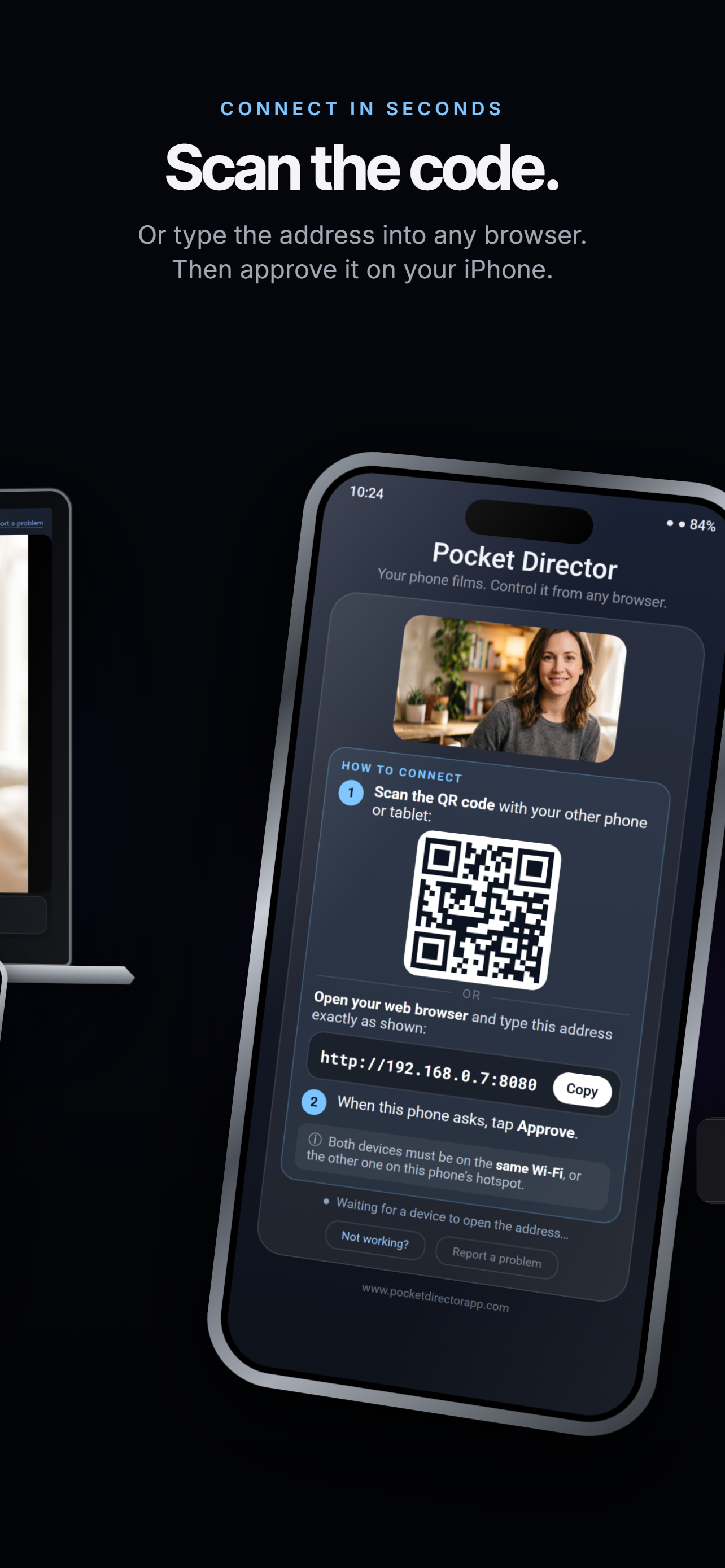
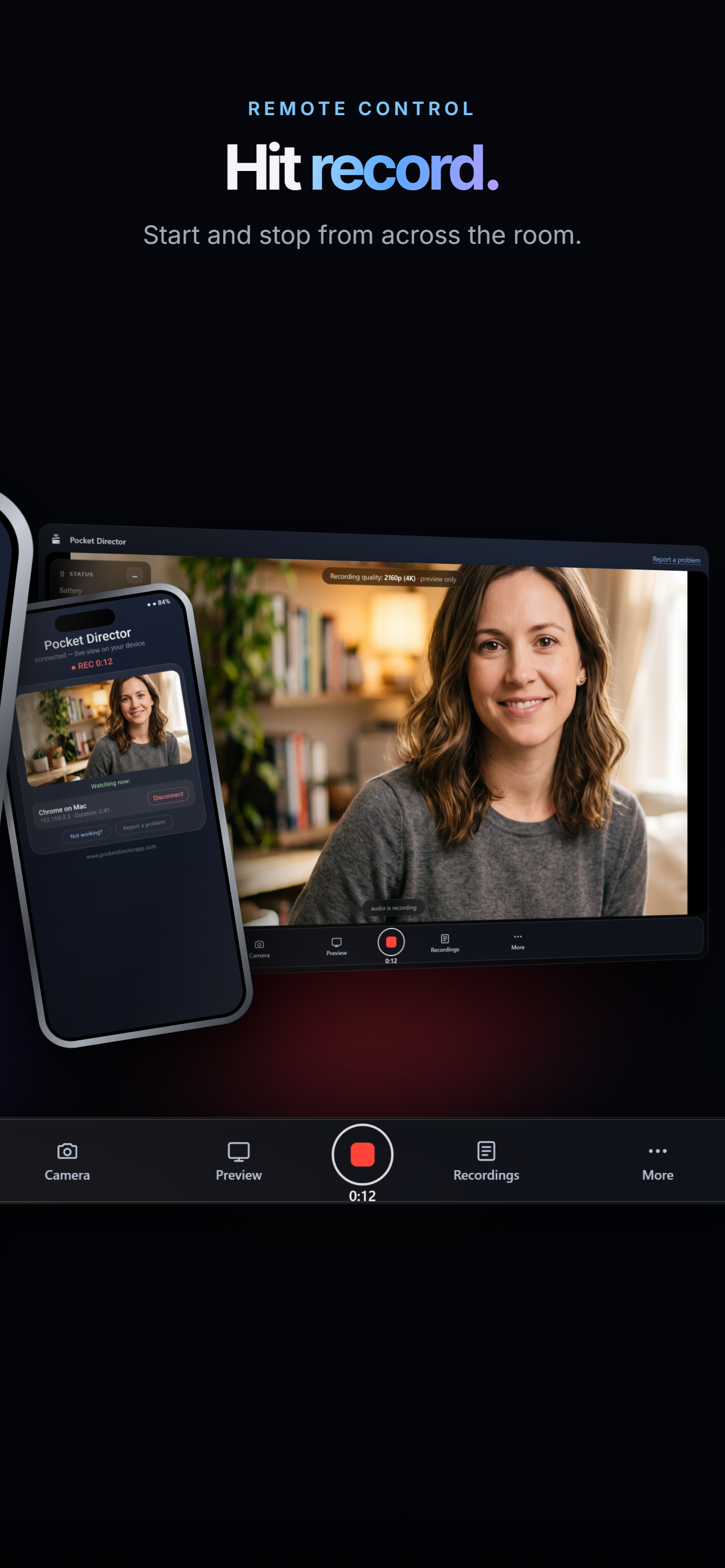
Your iPhone's best camera is the one on the back — the one pointing away from you. Pocket Director puts that picture on any other screen you own, and puts the controls there too. Open a browser on a laptop, tablet or spare phone, scan the code on the iPhone's screen, and you are watching yourself while you film. There is nothing to install on that second device. If it has a browser, it works. FILM AND WATCH AT THE SAME TIME • A live view of what the camera sees, on any device on your Wi-Fi • Start and stop recording from across the room, with an optional 3, 5 or 10 second countdown • Elapsed time on screen, so you always know how long the take is • Tap anywhere on the picture to set focus there CHECK THE TAKE WITHOUT WALKING BACK • Open Recordings and every take is listed, with its size and when it was shot • Play any take back in the same browser window you are already watching in • Download one take, or all of them, to the device you are sitting at • Auto-download drops each take onto that device the moment you press stop • Delete a take you don't want, with a confirmation first A PROMPTER ON THE MONITOR SCREEN • Paste lyrics, a script or notes and they scroll while you film • Play, pause and a speed slider, so it moves at your pace • Drag it anywhere on the screen and resize it to suit your eyeline • It lives on the second screen only, and never appears in the recording • Your text and its position are remembered for next time LIGHT AND COLOUR YOU CAN SET BY HAND • Light: auto, plus presets such as daylight, cloudy, incandescent, fluorescent and shade • EV: brighten or darken the exposure yourself when auto gets it wrong • Lock exposure and lock colour, so the picture stops drifting mid-take • Flash on or off • Reset puts light, colour and EV back to automatic in one press THE REST OF THE CAMERA • Record in 720p, 1080p or 4K where your iPhone supports it — pick the quality before the take • Front or back camera • Zoom that is recorded into the file • Quality and camera side lock while a take is running, so nothing changes by accident MONITORING • Choose the preview size: larger for a laptop, smaller when the signal is weak • Turn the preview off entirely — recording carries on without it • Rotate the preview on your screen; the recording keeps its true orientation • Battery, heat status, free storage and recording time remaining, always on view • Move the control dock and the status panel wherever suits your screen PRIVACY THAT NEEDS NO EXPLAINING • No account, no sign-in, no advertising, no analytics • No internet required. Your own Wi-Fi is enough, and the iPhone's Personal Hotspot works with no data connection at all • The picture and the controls stay on your own network • Every device has to be approved by hand on the iPhone before it sees anything • Approvals last only while the app is open. Close it and every device is revoked • Recordings are saved on your iPhone in Files › Pocket Director and stay there WHAT YOU NEED • Both devices on the same Wi-Fi, or the second device joined to the iPhone's Personal Hotspot • A browser on that second device — Chrome, Safari, Firefox or Edge. • Pocket Director open on the iPhone while you film. iOS stops the camera when an app goes to the background, so if that happens the take is stopped and saved Made for anyone who has to be in front of the camera and behind it at the same time: musicians, teachers, makers, presenters, and anyone filming themselves with nobody else in the room. Found a problem? There is a Report a problem button inside the app.
Novedades
Versión 1.0.1 · 3/10/2026New, cleaner controls. Camera, Preview, Recordings and More now live in one dock, and the menus stay closed until you need them, so the picture stays clear. On a wider screen you can move the dock to the bottom or either side. The status panel can be dragged anywhere or collapsed to just the battery. Plus an updated guide that walks you through the new controls.
Información
- Vendedor
- Ahlam Raffii
- Categoría
- Photo & Video
- Versión
- 1.0.1
- Requiere
- iOS 16.0+
- Tamaño
- 1.5 MB
- Clasificación por edad
- +4