 AppRank
2Do: To Do List & Task Manager
Beehive Innovations Services
Productivity
Capturas de pantalla


Descripción
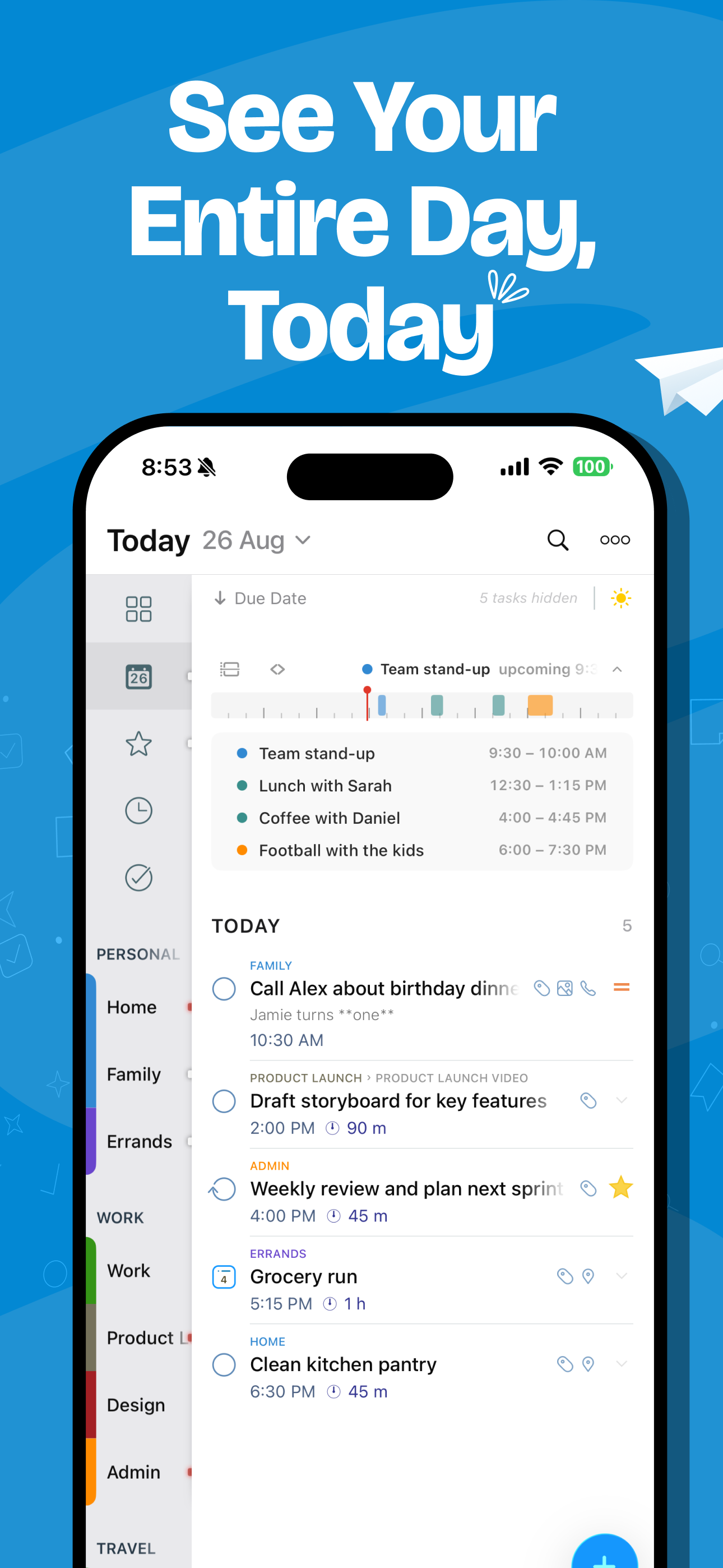
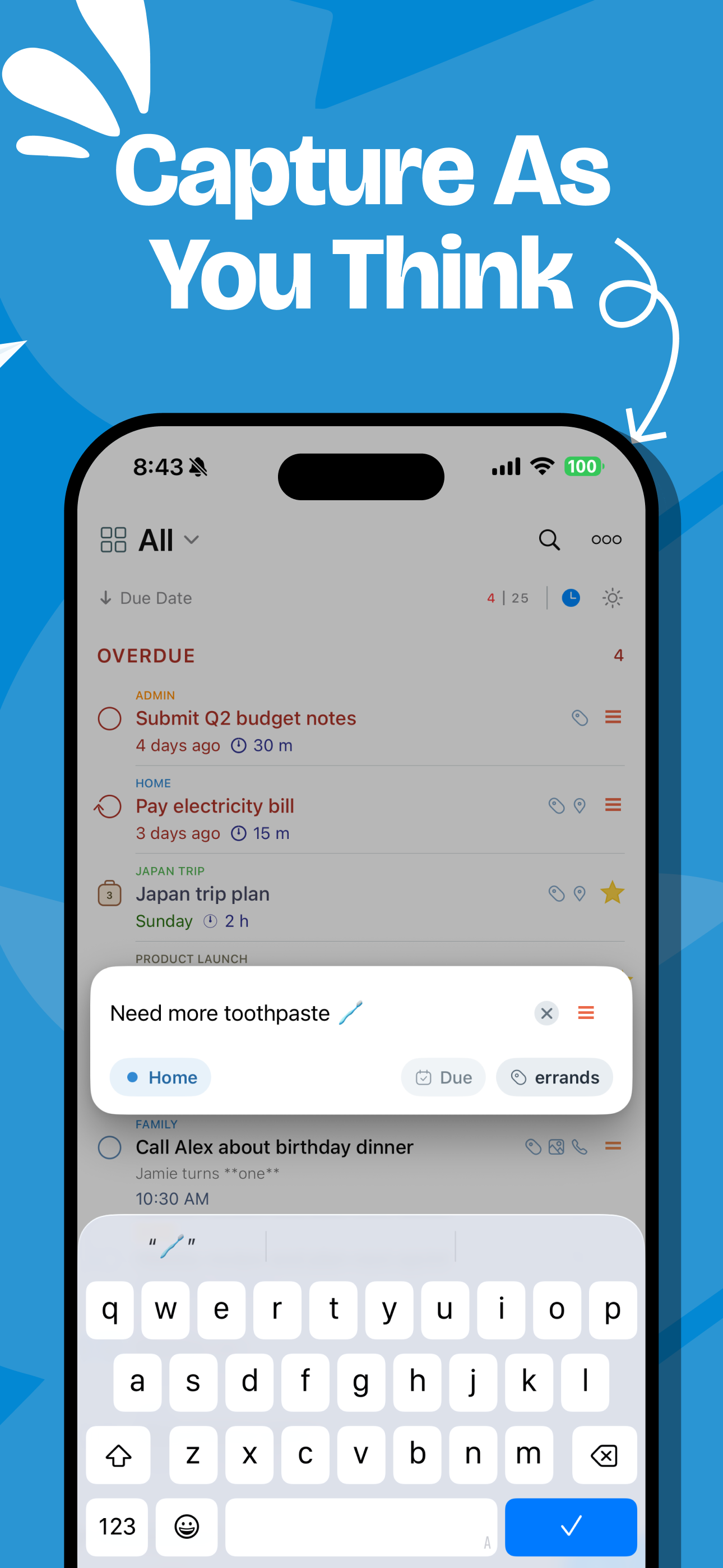
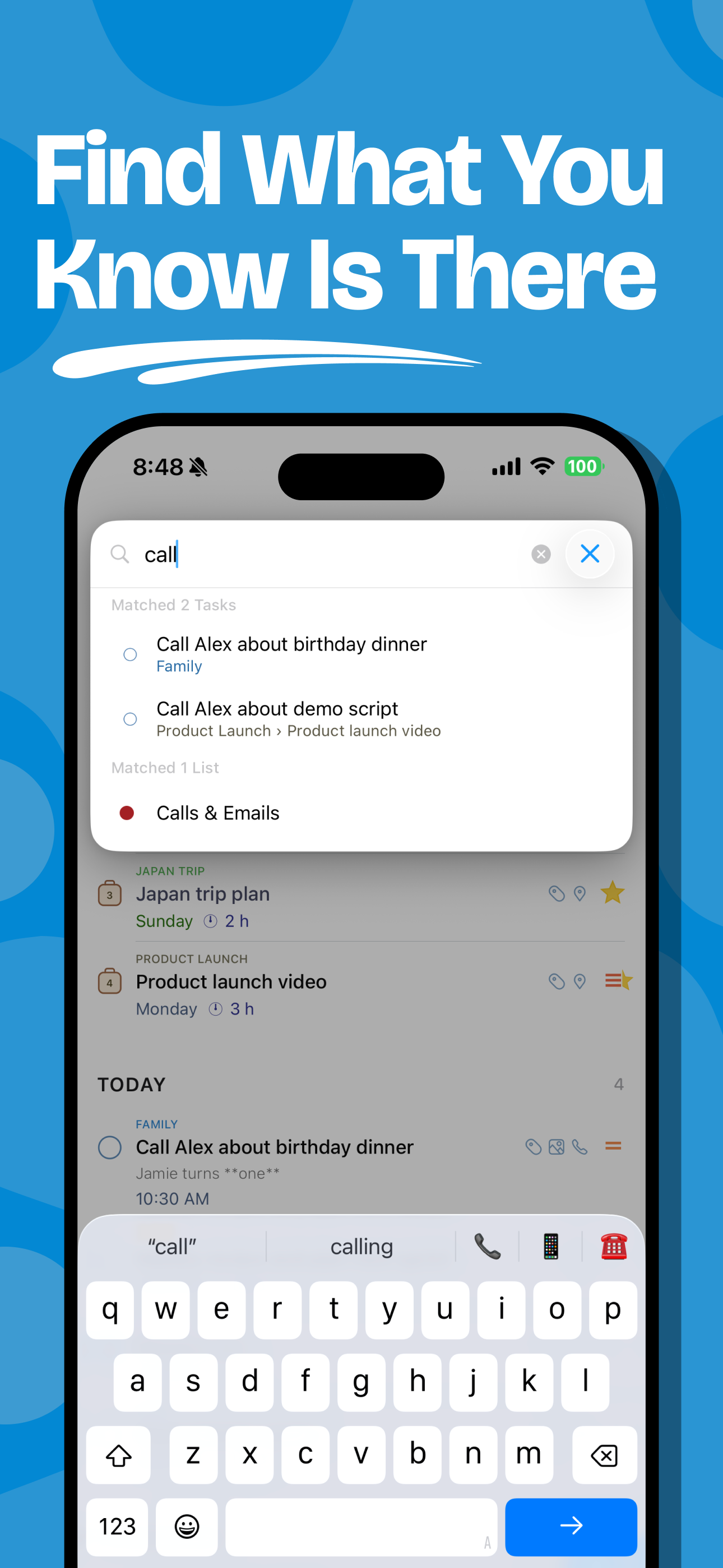
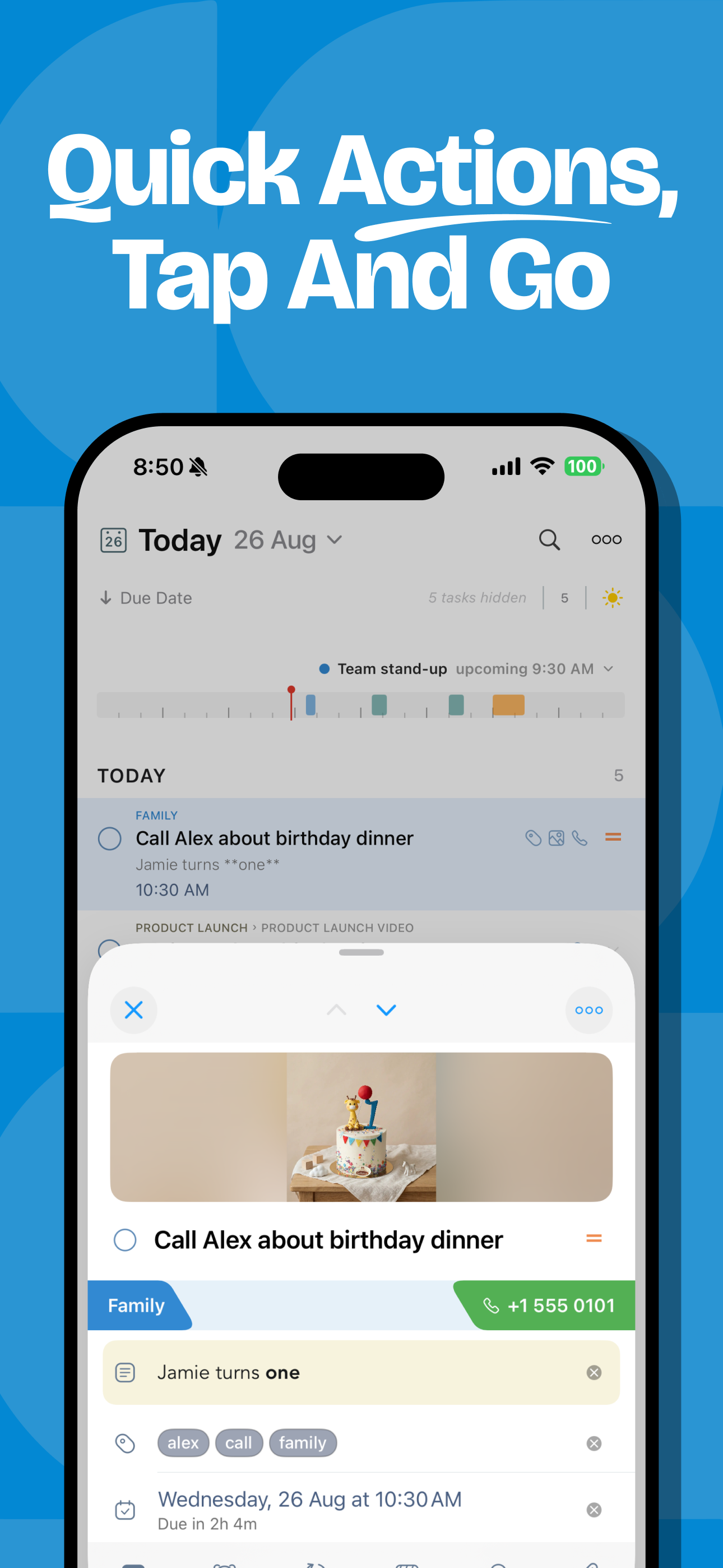
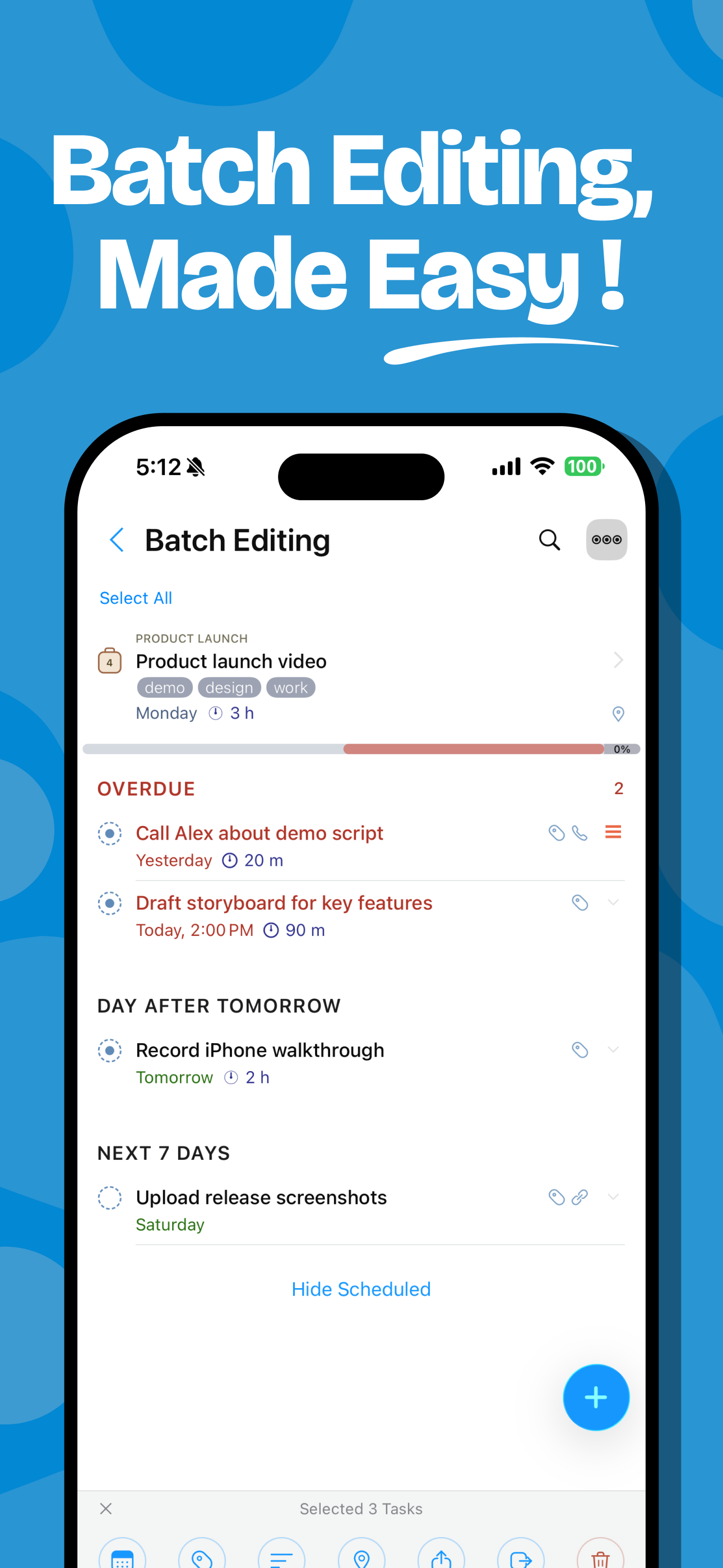
"2Do adapts to my needs, not the other way around. 2Do gets me." — MacStories 2Do is a to do list, task manager and daily planner in one, with a simple, fluid interface wrapped around a deep and flexible set of features. Keep a quick checklist, run a full GTD® system, or anything in between: there is no wrong way to use 2Do, and it never forces a methodology on you. One-time purchase. No subscription, no account to create, no strings attached. TYPE IT THE WAY YOU'D SAY IT • New: natural language input. Type "Call the dentist tomorrow at 3pm #health" and 2Do fills in the due date, time and tag as you type • It reads dates, times, repeats, alerts, durations, priorities, tags, lists and saved locations, in English, German, Spanish, French, Italian, Dutch, Japanese, Korean, Chinese and Russian CAPTURE ANYTHING, FAST • Quick Add: touch and hold [+] and file task after task, with dates, tags and lists as you type • Siri & Shortcuts: add tasks by voice, or wire 2Do into routines that do the whole job • Widgets, Lock Screen and Control Center, so capture never waits for the app • Mail to 2Do: your device gets a private email address, and anything you send it lands as a task, checklist and all • A GTD® Inbox for everything not yet sorted SIMPLE TASKS, OR AS MUCH MORE AS YOU NEED • Start with a task, grow it into a checklist or a project with sub-tasks • Notes in Markdown, styled as you type, with links collected for you • Flexible repeats, start dates that hide tasks until they matter, durations, and actions that make the next call or message one tap away • Attach images and voice notes SMART LISTS: SAVED SEARCHES WITH SUPERPOWERS • Search across titles, notes, tags and dates; sounds-like matching finds it even when you can't spell it • Save any search as a one-tap view: your weekly review, stalled projects, errands nearby • Focus filter: set a rule per list and one tap hides everything that can wait TAGS THAT SORT EVERYTHING • One tap on a tag filters your day to that context; Tag Groups keep big collections tidy • Pause a tag and every task carrying it steps out of view, hidden, not deleted, until you're ready NEVER MISS A THING • Stack multiple alerts on a task and let 2Do nag until it's done • On iOS 26.1 and later, an alert can ring like a Clock alarm: full screen, through Silent mode, until you answer • Nearby: location reminders that fire when you're close enough to actually do the task • See your calendar events right above your tasks, so plans never collide SYNC YOUR WAY Most apps decide where your data lives. 2Do thinks that's your call: • iCloud: uses the account already on your device; syncs tasks, Smart Lists, tags, groups and attachments • Apple Reminders: your tasks live in Reminders too, so Siri and everything that reads Reminders can see them • Todoist: connect your account and run your Todoist projects right inside 2Do • Dropbox, Toodledo, Fastmail, or any CalDAV server you trust, including one you run yourself • When two devices meet, 2Do can merge them instead of making you pick a winner • 2Do for Mac is available separately, so your lists follow you to the desktop MADE FOR ONE HAND • Slide between your lists, tasks and a utility panel with Tags, Nearby and Calendar Events; one thumb runs all three • Pinch to zoom between three levels of detail • Quick Open: type a few letters, land on any task or list • Batch edit and drag & drop: defer, tag or move a whole stack of tasks in one go YOURS, PRIVATELY • Lock individual lists or the whole app • Automatic backups, with single-list restore for the day something goes wrong • Share lists over Wi-Fi with other 2Do users nearby, no cloud in between • Independent light and dark themes • Apple Watch app with complications 2Do has been refined over years of careful work, with feedback from students, parents, professionals and lifelong list-keepers along the way. Use it as a simple list, or push it into full GTD® territory. Either way, it's ready.
Novedades
Versión 4.1.4 · 4/10/2026· [NEW] New calendar time blocking by dragging a task onto the Calendar Day Bar or choosing Add to Calendar · [NEW] New audio-note transcription with copyable text on supported devices running iOS or iPadOS 26 or later · [NEW] New section headings show the total duration of their tasks, so you can see how much time each day or group needs · [NEW] New two-minute duration preset · [NEW] Added Polish localization · Improved notes editing with a scrollable formatting toolbar, underline and horizontal dividers · Improved Toodledo sync speed with fewer unnecessary downloads · Improved Apple Watch background syncing and delivery of task edits · Improved date, reminder and overdue handling around daylight saving changes and with different system calendars · Improved sheet backgrounds in Dark Mode · Fixed Apple Watch access being blocked when access while 2Do is locked is allowed · Fixed projects and checklists missing from widgets · Fixed Inbox projects and checklists missing from task destination pickers · Fixed new tasks ignoring the selected Manual sort direction in Today and other Focus Lists · Fixed Today’s default due date not applying when adding several tasks in succession · Fixed a selected due time being replaced when assigning the first due date · Fixed In Progress status for tasks with a duration and a due date without a time · Fixed repeating tasks with no end date not showing their next occurrence in the Task Editor · Fixed checklist items ignoring the Multiline Titles setting · Fixed the task editor staying open after completing an existing task · Fixed iPad keyboard shortcuts losing focus or acting on the wrong selection · Fixed task dates and reminder indicators not refreshing promptly while the editor is open or after returning to the app · Fixed compact note previews losing text around horizontal dividers · Fixed Mail to 2Do ignoring the default due-date preference · Fixed duplicate tasks appearing during sync after deleting a Smart List · Fixed Smart Lists incorrectly merging with regular lists that have the same name · Fixed Dropbox sign-in and restore operations getting stuck while checking account details · Fixed SOGo sync failures after tasks are deleted · Fixed Wi-Fi shared lists not updating after changes arrive through cloud sync · Ongoing stability and performance enhancements
Información
- Vendedor
- Beehive Innovations Services
- Categoría
- Productivity
- Versión
- 4.1.4
- Requiere
- iOS 18.6+
- Tamaño
- 156.9 MB
- Clasificación por edad
- 4+