 AppRank
Screenshots
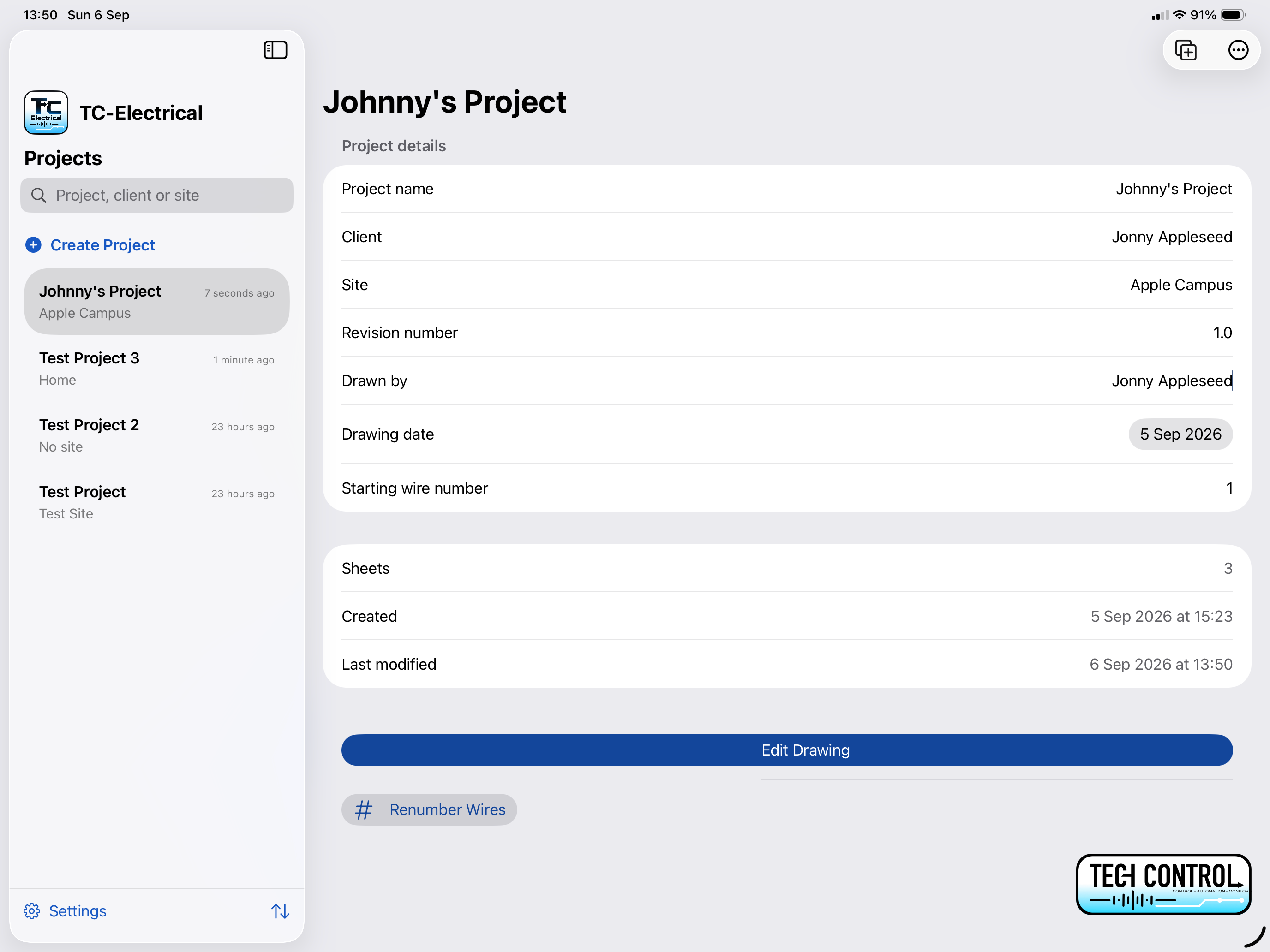
Description
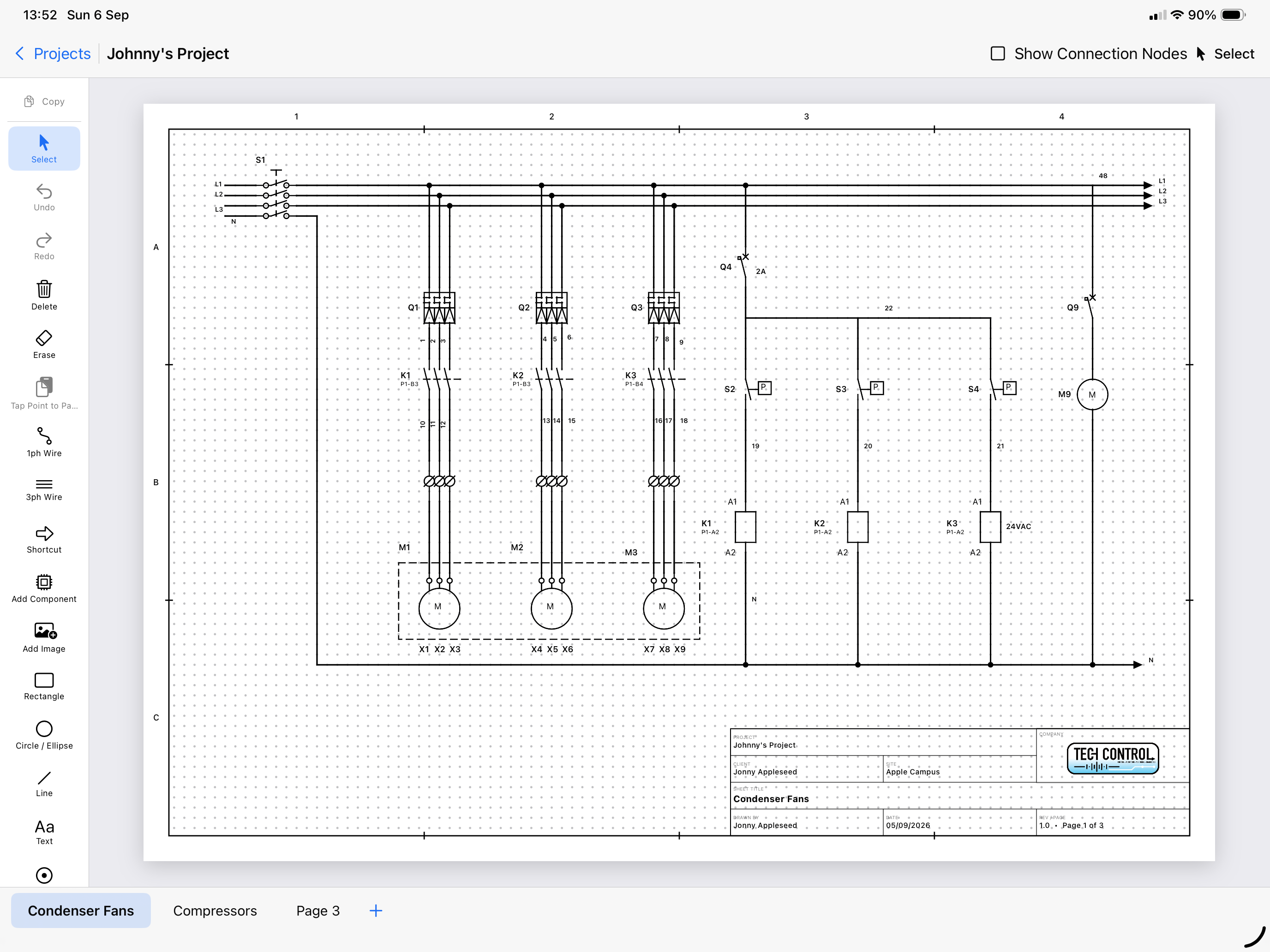
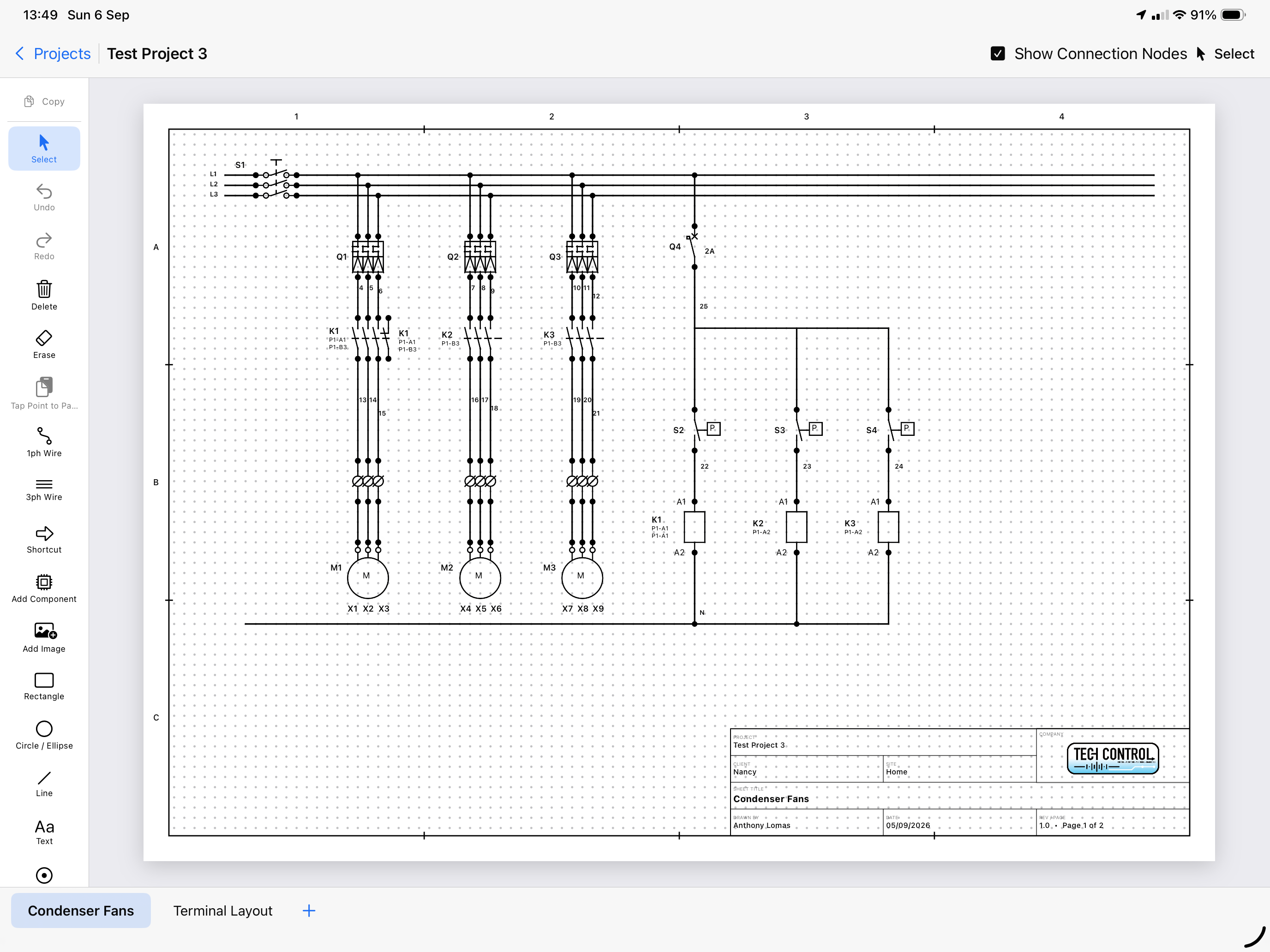
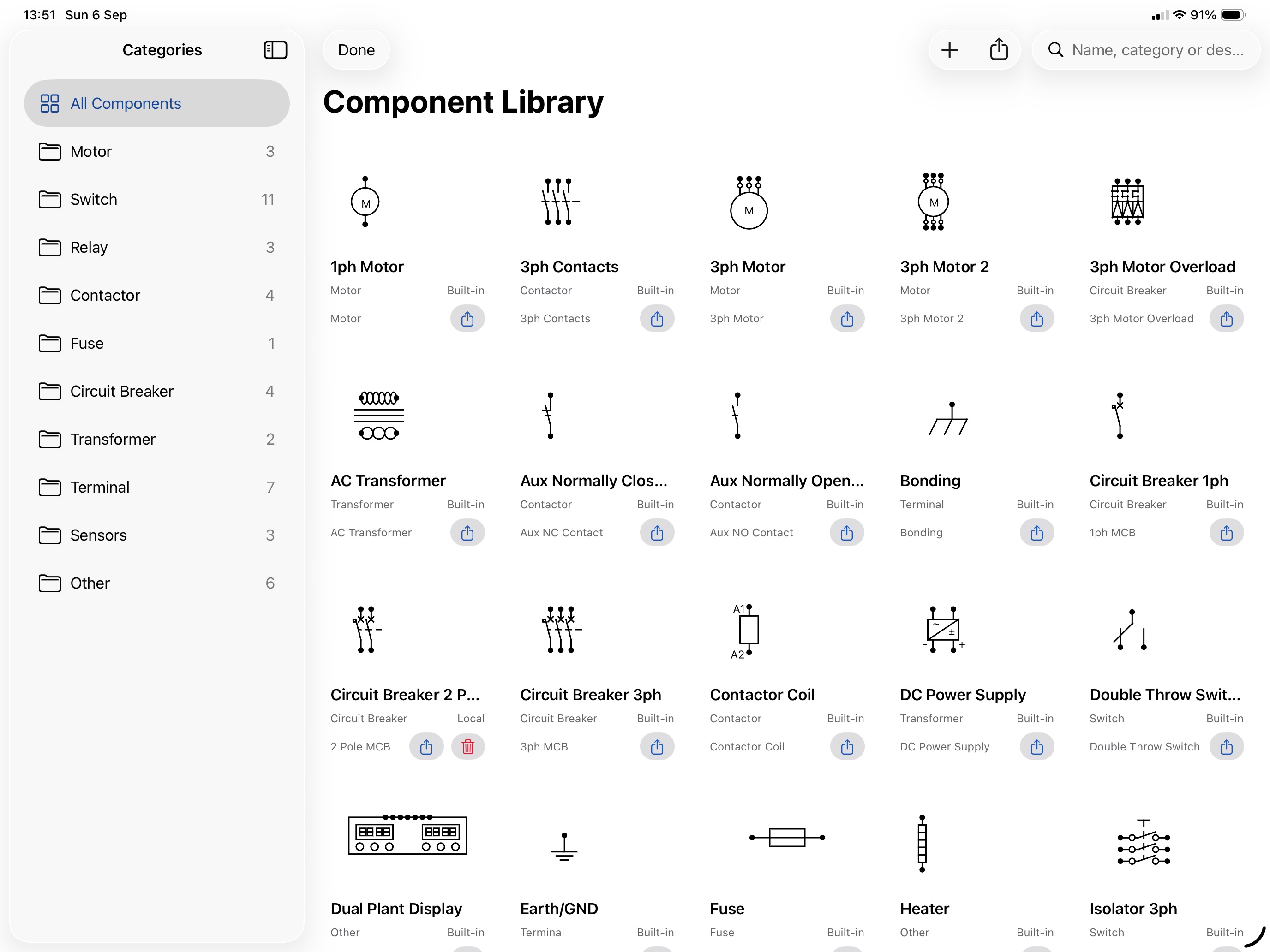
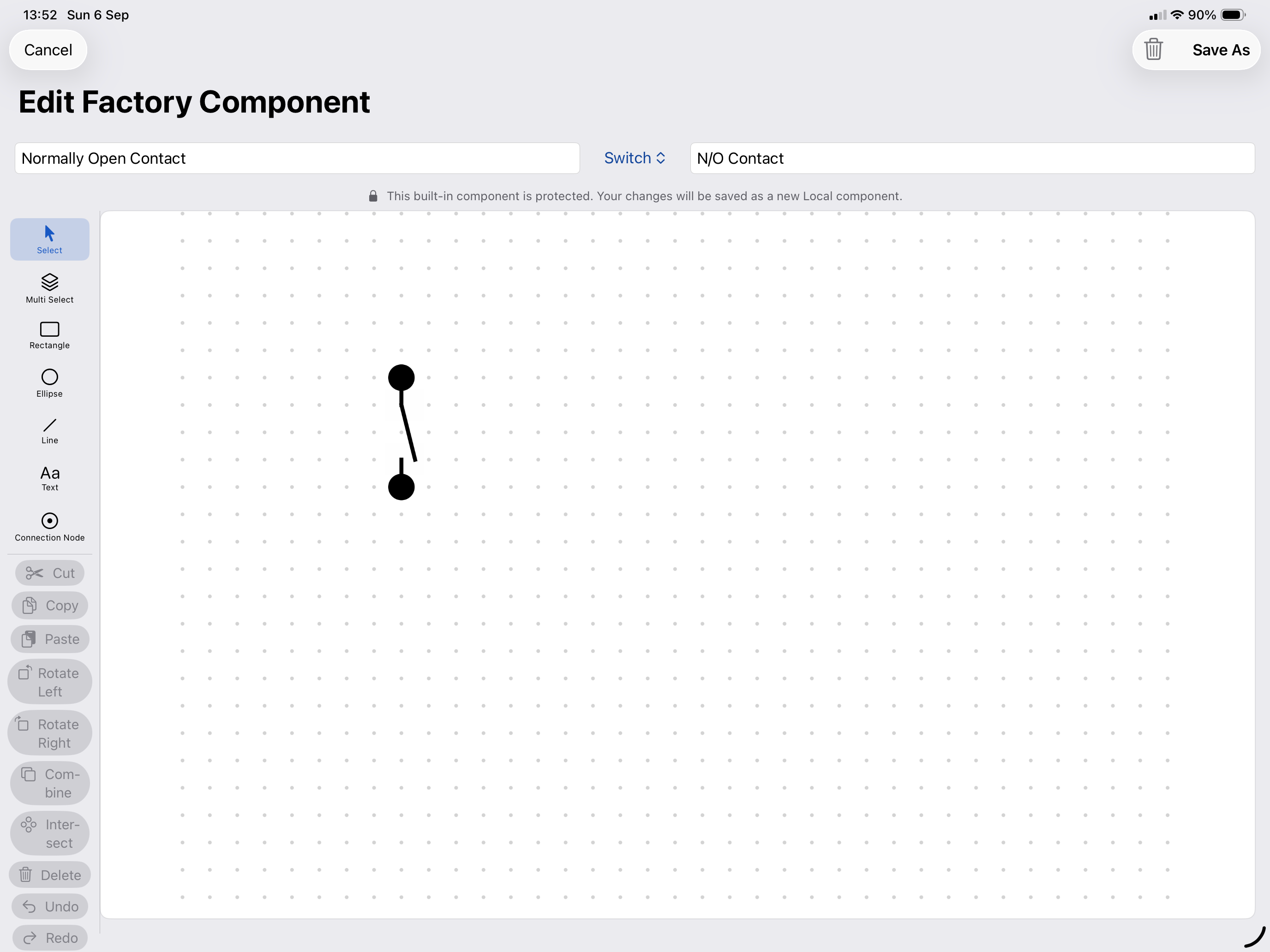
TC-Electrical is an electrical schematic drawing application designed for iPad. Create, edit and organise clear electrical drawings using an intuitive grid-based canvas and a catalogue of reusable electrical components. Build schematics using single-phase and three-phase wiring, automatic wire numbering, connection nodes, shortcuts, text, drawing primitives and imported images. Intelligent routing helps keep wires organised when components are placed or repositioned. Key features: • Grid-based electrical schematic editor • Single-phase and three-phase wiring • Automatic wire numbering and project-wide renumbering • Send and receive shortcuts with page and zone references • Reusable factory and custom component libraries • Built-in component editor • Component ratings, references and linked component parts • Drawing primitives, text, images and company logos • Selection, resizing, rotation, grouping, copy and paste • Undo and redo support • Multiple drawing pages with reorderable page tabs • Automatic title blocks and drawing zones • Print, PDF export and system sharing • Import and export TC-Electrical projects • Import and export individual components or complete libraries • iCloud Drive storage for access across compatible devices • Keyboard shortcuts for faster editing Create custom components directly within the component editor or turn selected canvas artwork into a reusable component. Local components can be edited, duplicated and shared, allowing libraries to grow alongside your projects. Project information, including site details, revision information, company branding and page references, is presented in a consistent drawing title block. Completed drawings can be printed, exported as PDF or shared using the standard iOS share sheet. TC-Electrical is built for engineers, electricians, panel builders and controls professionals who need a practical way to produce and maintain electrical schematics while working at a desk or on site. A note from the developer: I created this app to help me draw electrical schematics as I could not find suitable apps for iPad or macOS. Whilst there are other excellent products out there, web based apps were expensive monthly subscriptions or big-ticket desktop products which run only on PC. Whilst the app can be used with touch input, Apple Pencil and/or a mouse/keypad is the best experience for creating professional looking schematics quickly.
What’s New
Version 1.0.1 · 9/17/2026Improved custom component positioning and grid alignment in the component editor. Improved junction creation when extending wires onto perpendicular conductors. Improved wire number positioning. Includes stability and usability improvements.
Information
- Seller
- ANTHONY LOMAS
- Category
- Business
- Version
- 1.0.1
- Requires
- iOS 18.0+
- Size
- 5.3 MB
- Age Rating
- 4+