 AppRank
AnyPane - SSH/VNC workspace
Aime Tech Media Limited
Developer Tools
Screenshots


Description
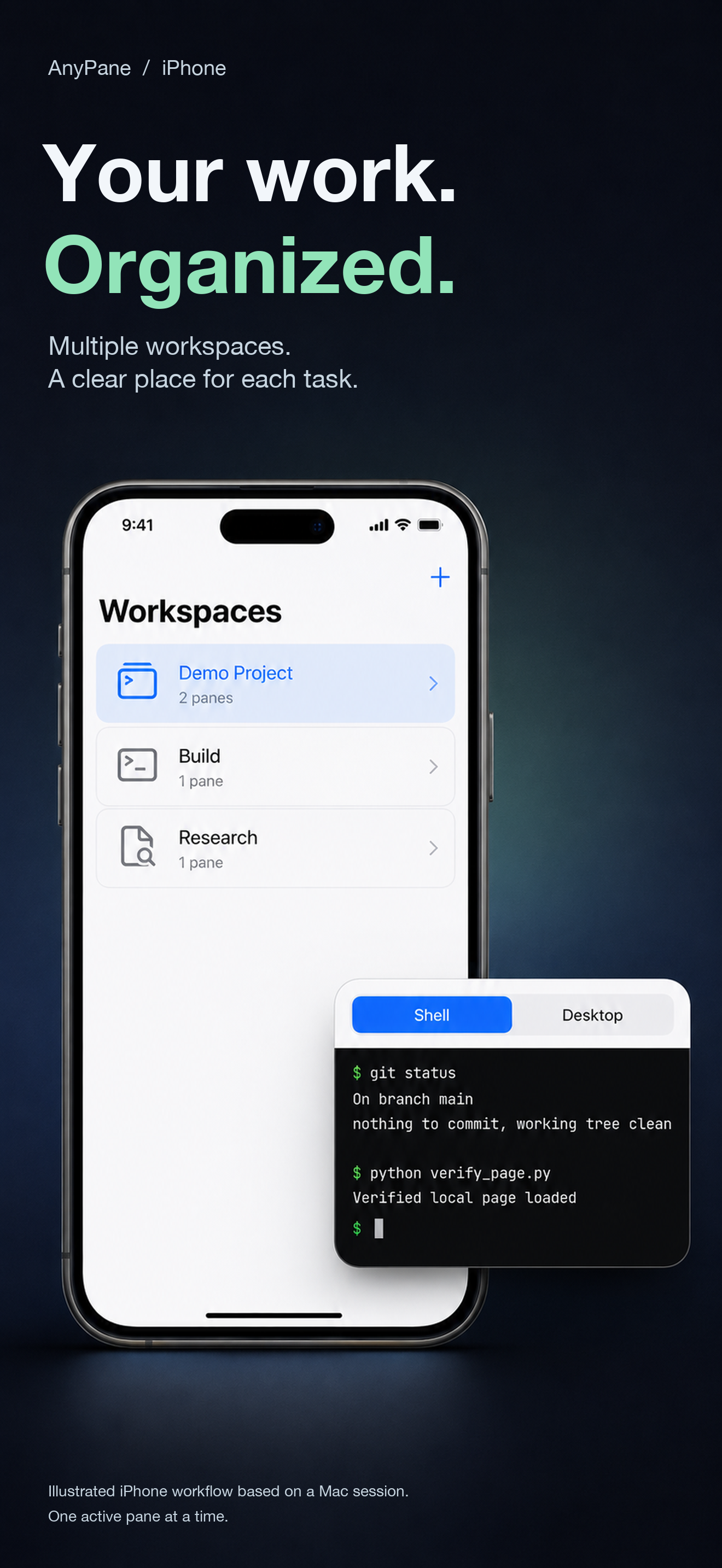
Keep each remote task organized without switching apps. AnyPane brings SSH terminals and VNC desktops into multiple workspaces on iPhone, iPad and Mac. ORGANIZE YOUR WORK Create multiple workspaces, each with up to four SSH/VNC panes. Combine terminals and desktops, adjust splits and rearrange panes on iPad and Mac. On iPhone, switch between panes with tabs. SSH terminals belong to each workspace; VNC sessions are shared across workspaces. CONNECT WITH SSH Use password authentication or an OpenSSH Ed25519 private key. Verify the server fingerprint on first connection. Reach a target through one SSH jump host and create local port forwards that listen only on your device's loopback address. KEEP A DESKTOP NEARBY Connect to a VNC desktop directly or through SSH. Direct VNC is not encrypted and TLS is not supported; prefer VNC over SSH. LOCAL CONFIGURATION Save connection settings on your device, with passwords, private keys and passphrases stored separately in the system Keychain. REQUIREMENTS AND LIMITS Requires iOS/iPadOS 17 or macOS 15 and authorized access to a compatible SSH or VNC server, with your own server credentials. AnyPane does not provide servers or service accounts. RSA keys, keyboard-interactive/OTP, SSH Agent, multi-hop jump chains, SFTP, RDP, SOCKS and remote forwarding are not supported. Reconnection is manual. Background connections on iPhone and iPad are not guaranteed. Closing a pane does not disconnect a session.
Information
- Seller
- Aime Tech Media Limited
- Category
- Developer Tools
- Version
- 1.0.0
- Requires
- iOS 17.0+
- Size
- 26.6 MB
- Age Rating
- 4+