 AppRank
Screenshots




Description
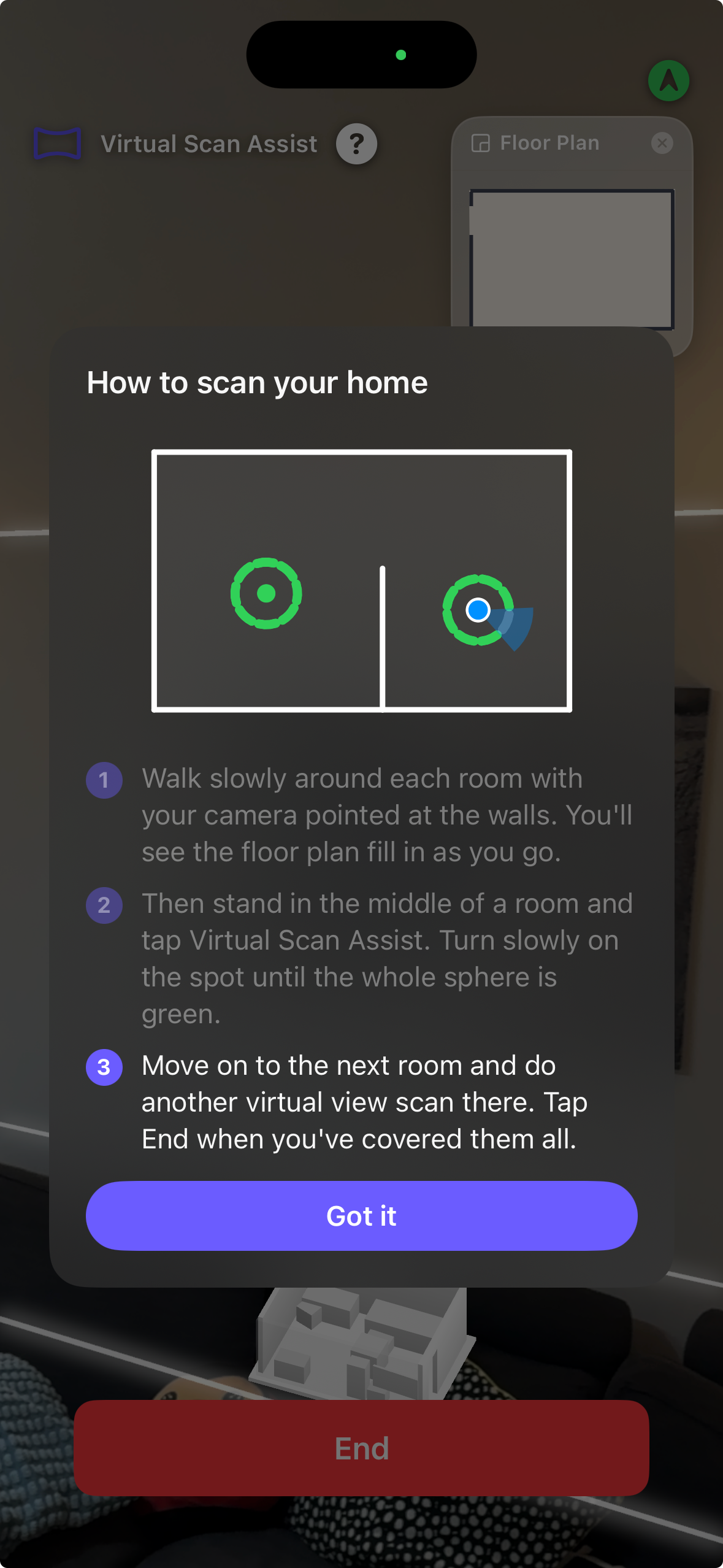
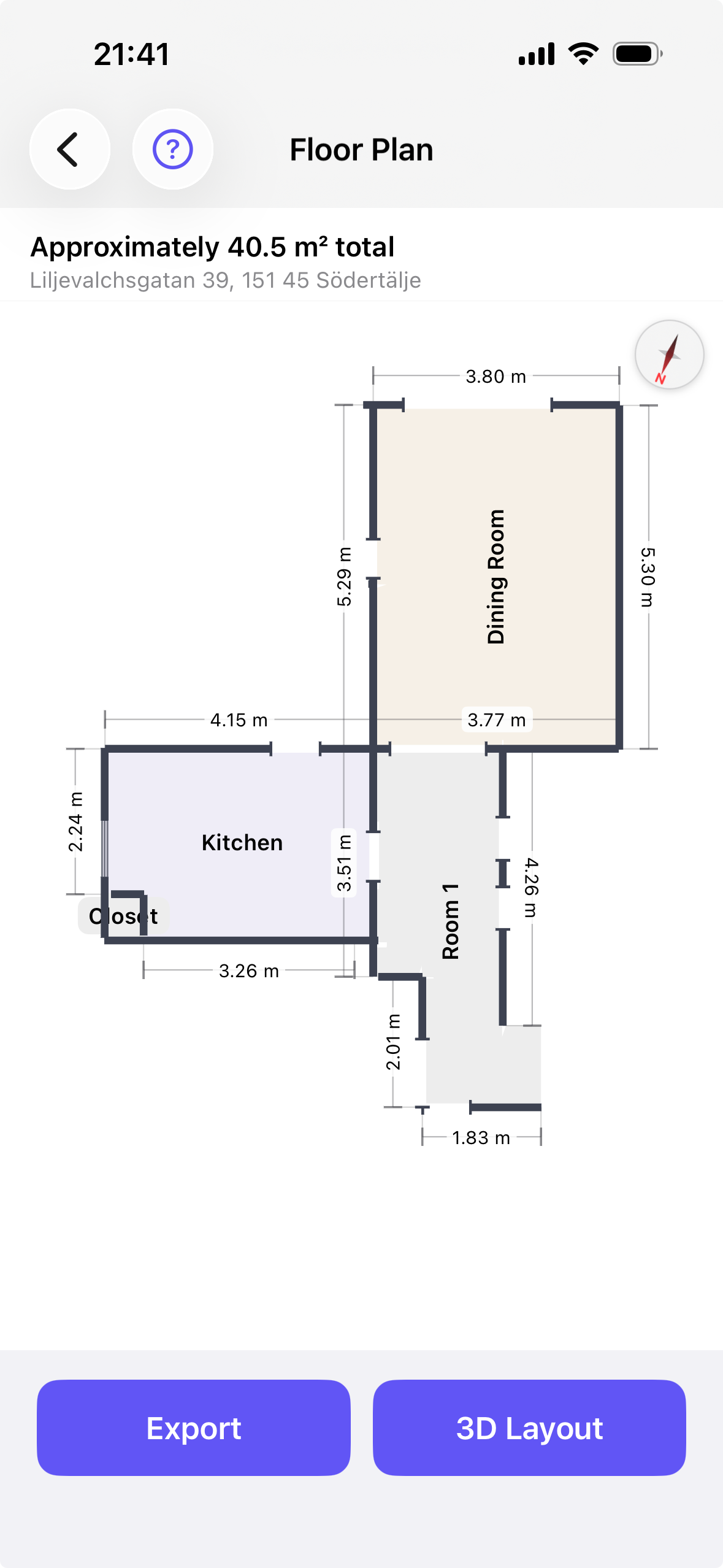
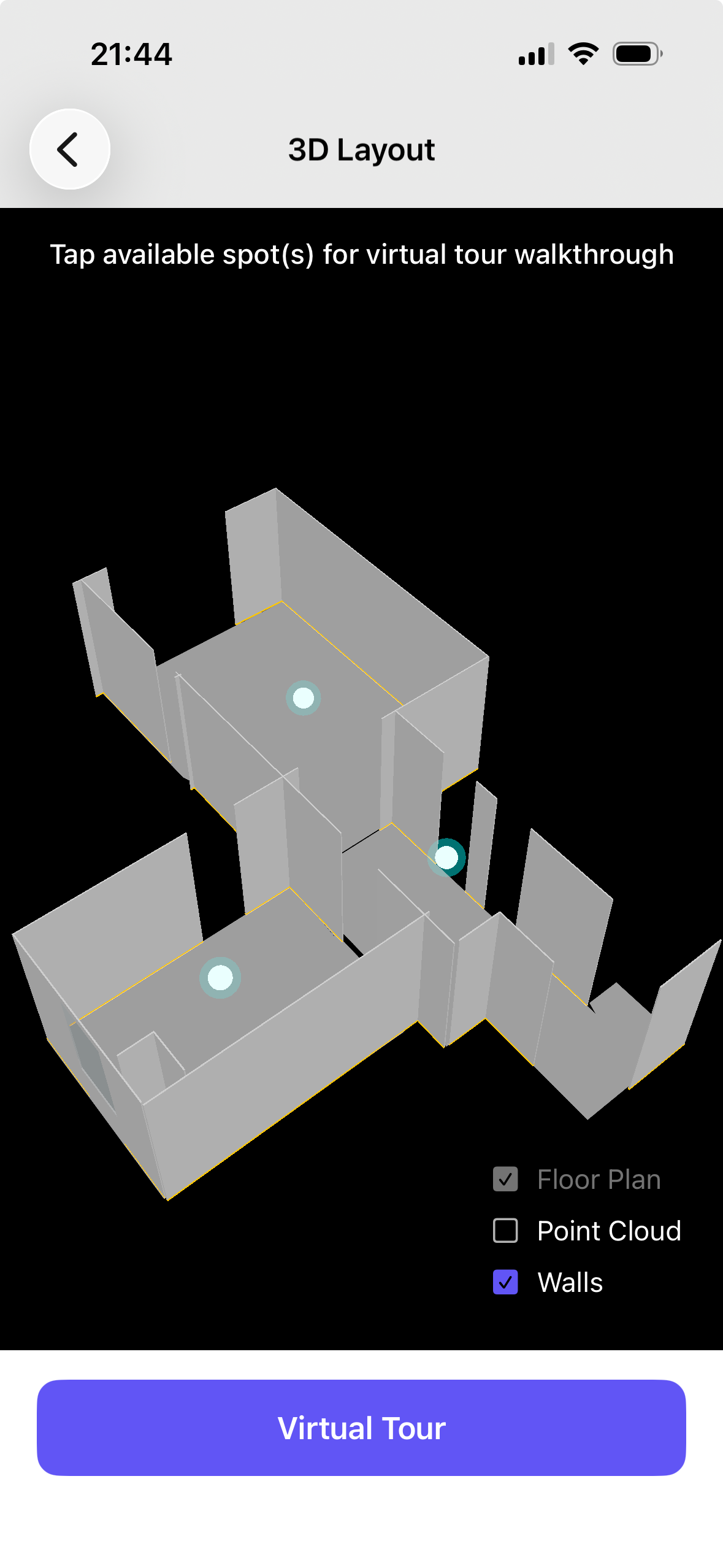
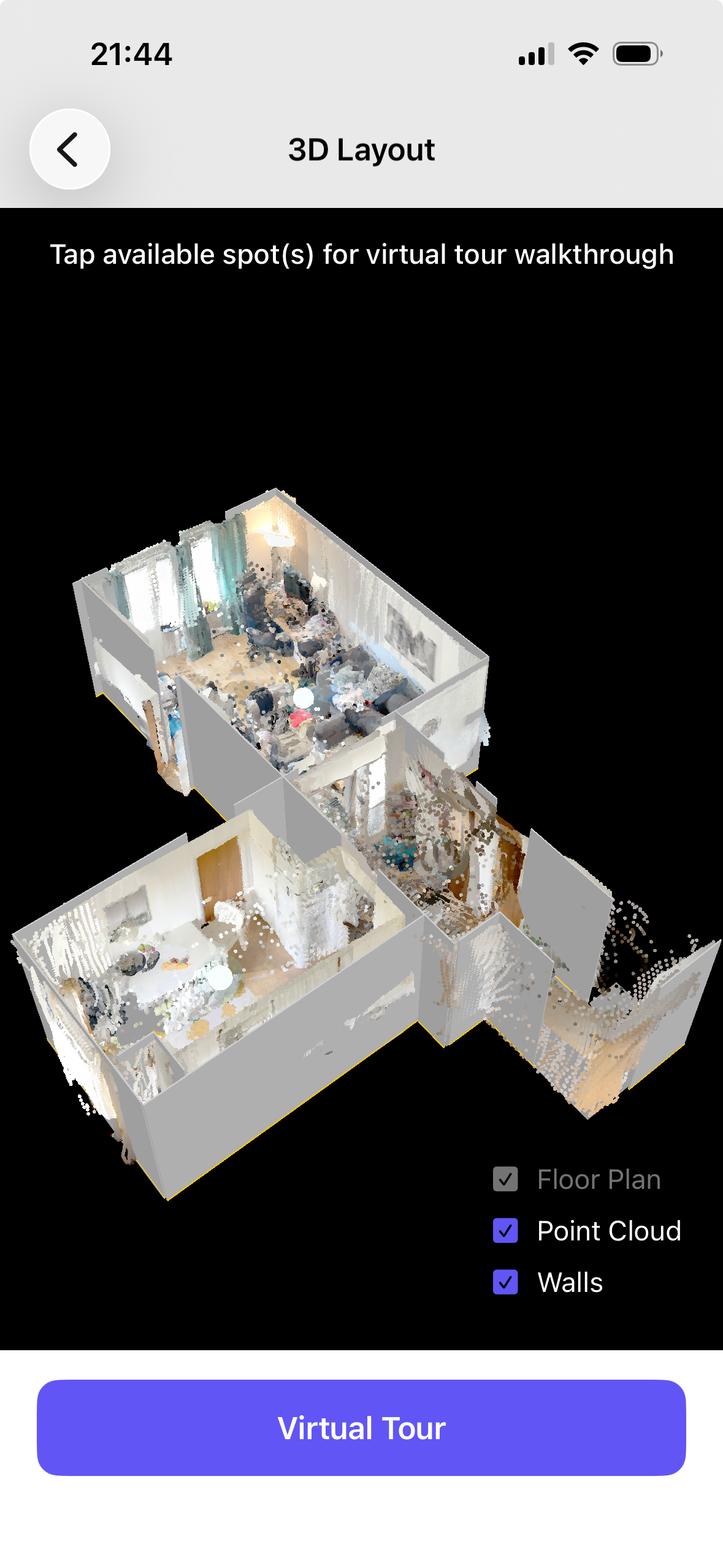
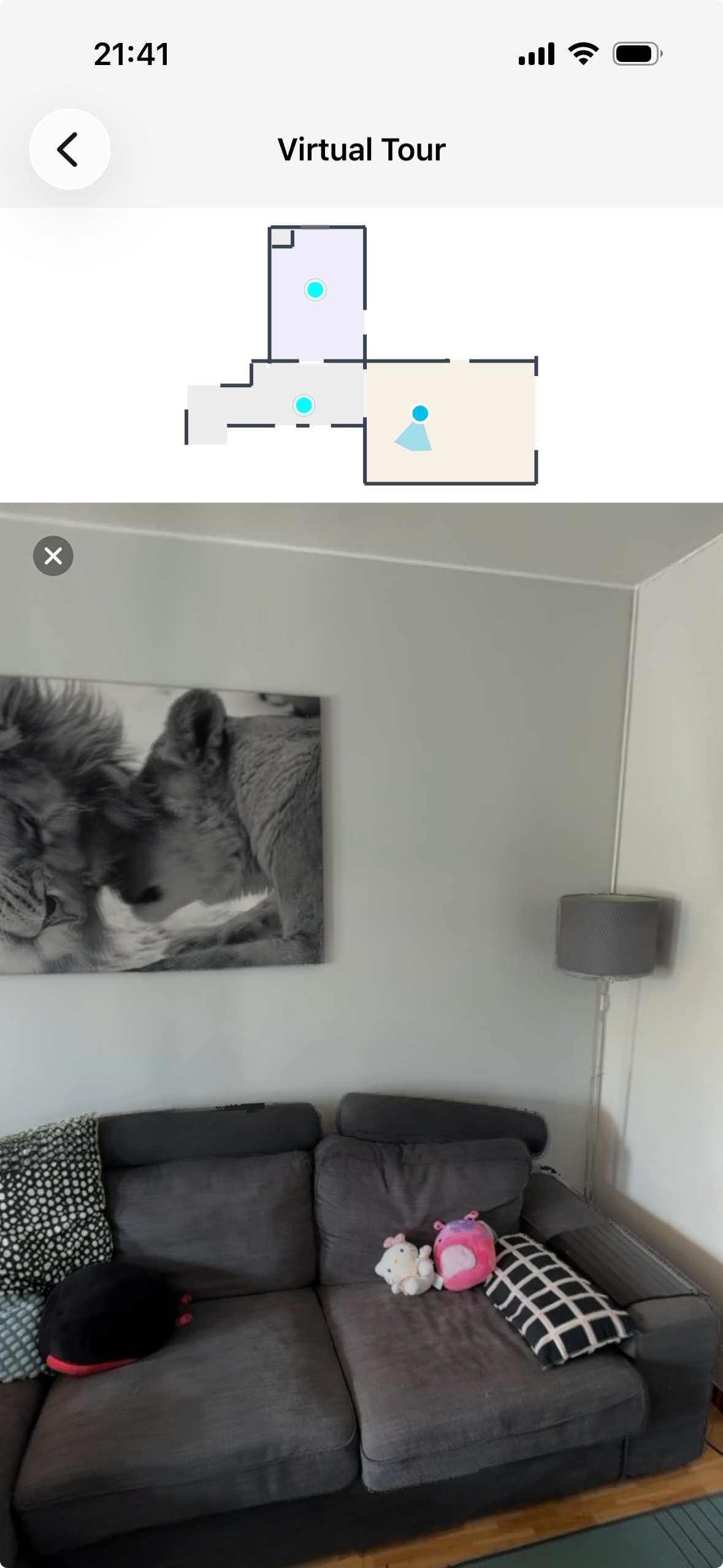
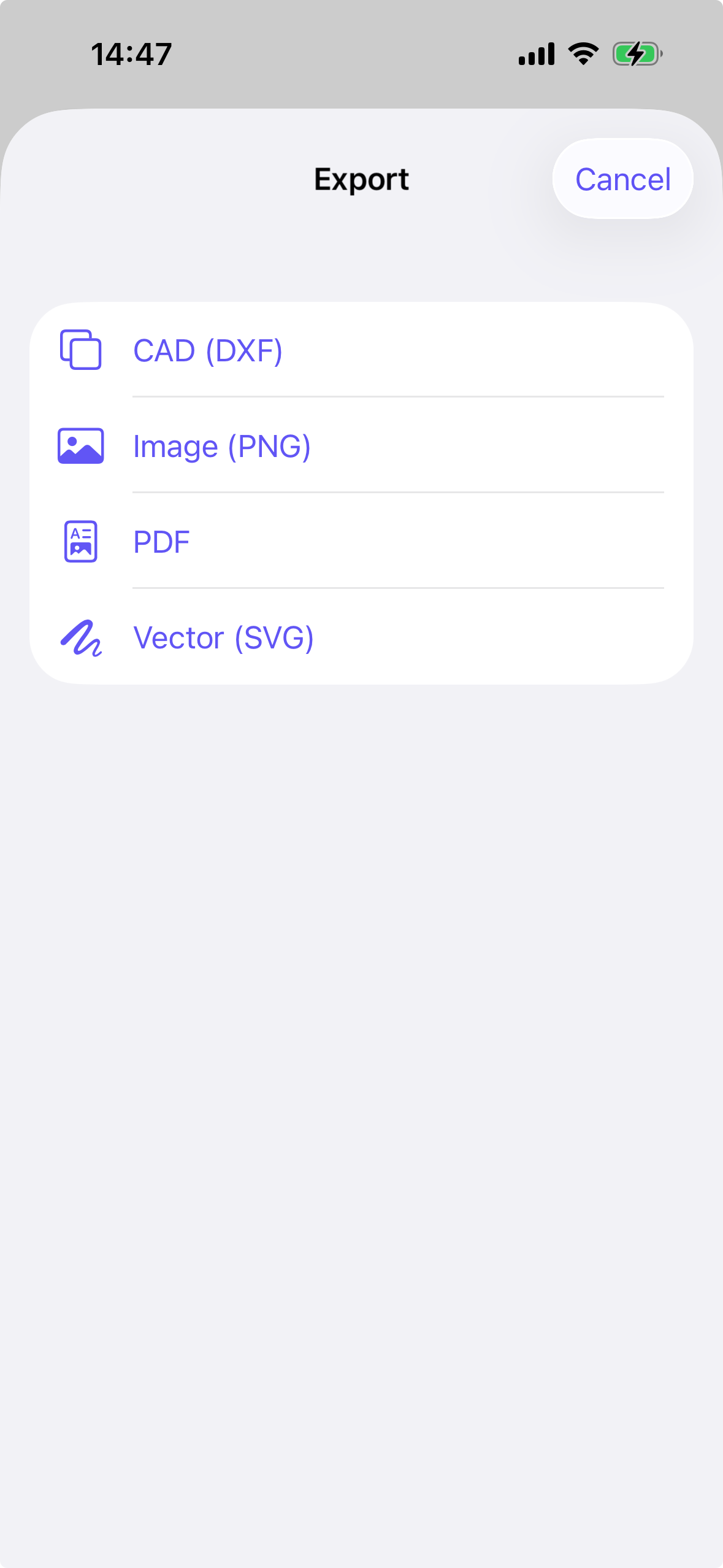
Scan a room with your iPhone and get a real floor plan in minutes. Skanza uses the LiDAR sensor to measure walls, doors and windows as you walk, then draws a clean, dimensioned floor plan you can export or share. Capture virtual views along the way and you can walk back through the space afterwards, room by room. SCAN A ROOM BY WALKING THROUGH IT Point your iPhone and walk. Skanza finds the walls, squares up the corners and labels the rooms. A live coverage overlay shows what you have already captured and what still needs another pass, so you are not guessing when to stop. A FLOOR PLAN YOU CAN ACTUALLY USE Wall lengths, room sizes and ceiling heights are measured, not estimated. Doors show which way they swing. Windows show where they sit in the wall. Tap to rename a room, or hide a line you do not want drawn. WALK BACK THROUGH THE SPACE Capture virtual views as you scan and Skanza turns them into a walkthrough. Step from one view to the next, or tap anywhere on the 3D room to jump to the closest one. EXPORT WHEREVER IT NEEDS TO GO PDF and PNG for sharing. SVG for editing. DXF for CAD, so an architect, a builder or a kitchen supplier can open it in the tools they already use. YOUR SCANS FOLLOW YOU Sign in with Apple and your scans are backed up automatically. Get a new phone or reinstall the app and your floor plans, virtual views and room geometry come back with you. If you scan while you are offline, the data automatically uploads once you are online and have scan limits remaining based on your usage. GOOD FOR Planning a renovation. Working out whether the sofa fits. Listing a property. Getting room sizes without a tape measure. Sending a builder something better than a sketch on the back of an envelope. REQUIRES LIDAR Scanning needs an iPhone or iPad with a LiDAR sensor. That means iPhone 12 Pro or a later Pro model, or an iPad Pro with LiDAR. SKANZA PRO Your first three scans are free. Skanza Pro is 9.99 per month and includes 50 scans a month. Payment is charged to your Apple Account at confirmation of purchase. The subscription renews automatically unless cancelled at least 24 hours before the end of the current period, and your account is charged for renewal within 24 hours of the end of that period. You can manage or cancel your subscription in your Apple Account settings after purchase. Terms of Use: https://www.apple.com/legal/internet-services/itunes/dev/stdeula/ Privacy Policy: https://skanza.app/privacy
What’s New
Version 2.0.1 · 10/6/2026• Live Scan Assist shows real-time coverage as you scan, so you know exactly where to point next. • Your scans now sync to the cloud and restore across reinstalls and new devices. • Offline mode data capture allowing and uploading as soon as user comes back online. • Cloud sync keeps your scans safe across devices and reinstalls. • Scan upload limited to 30 mins per video. • Controlled pano view for virtual walkthrough. • Fixes: first-scan crash on fresh installs, room renaming, and various stability improvements.
Information
- Seller
- Sandipan Das
- Category
- Utilities
- Version
- 2.0.1
- Requires
- iOS 26.0+
- Size
- 6.8 MB
- Age Rating
- 4+