 AppRank
Screenshots





Description
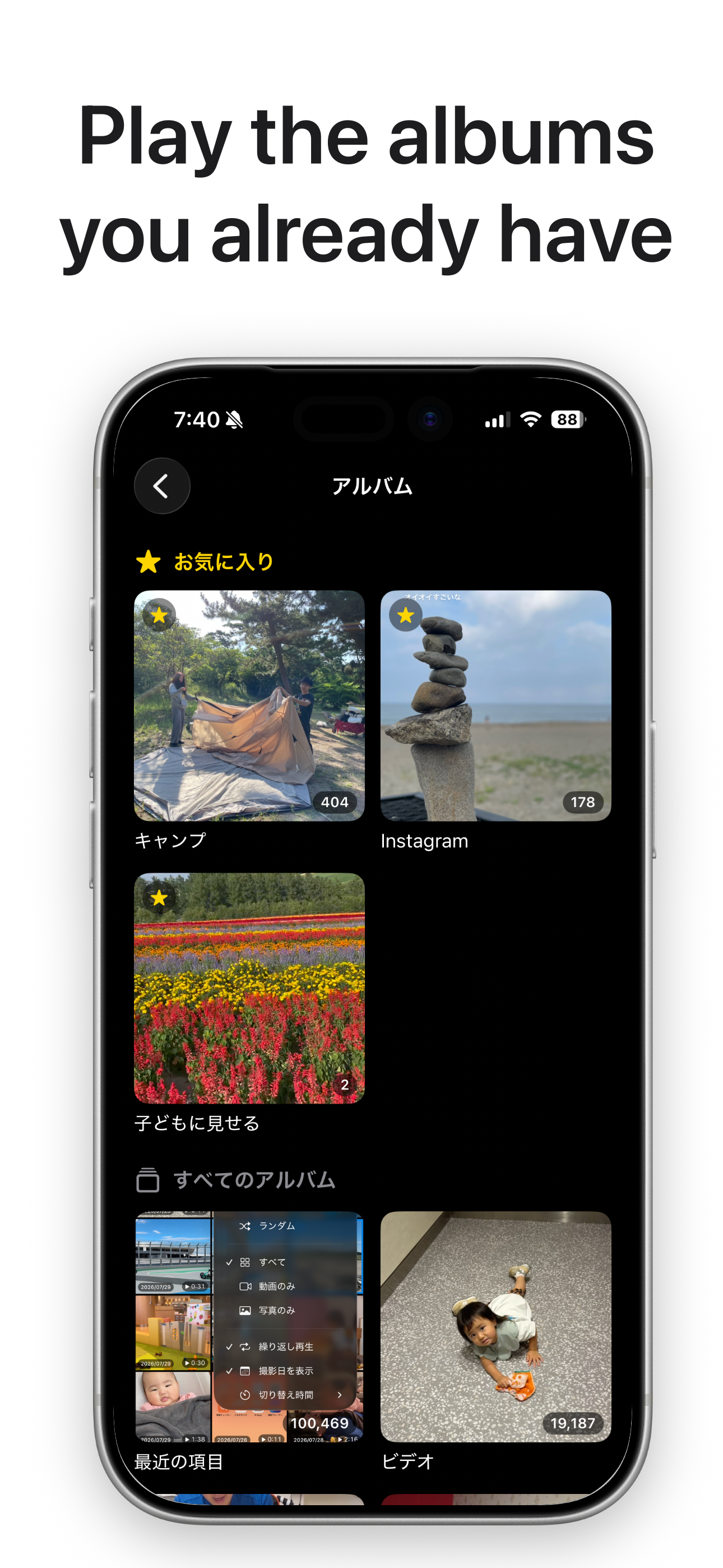
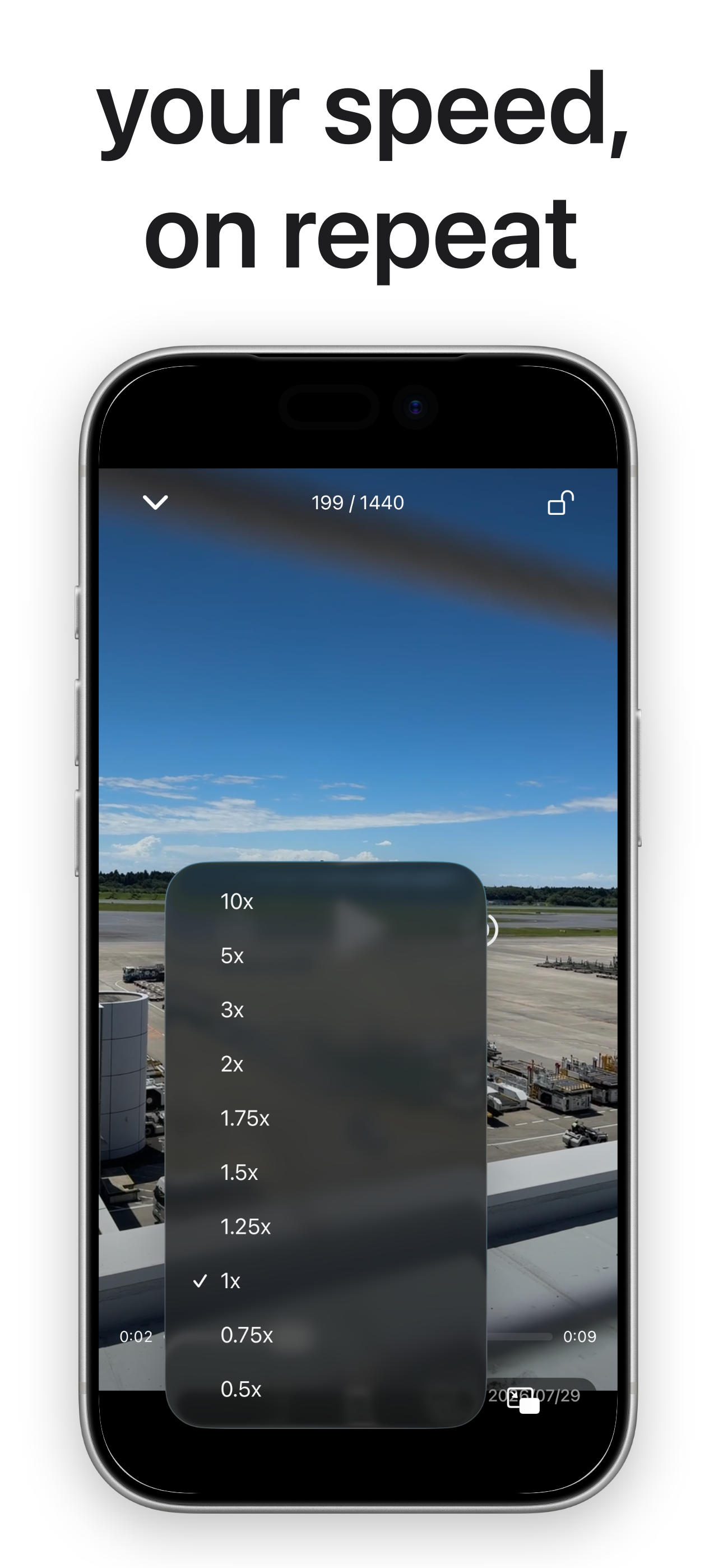
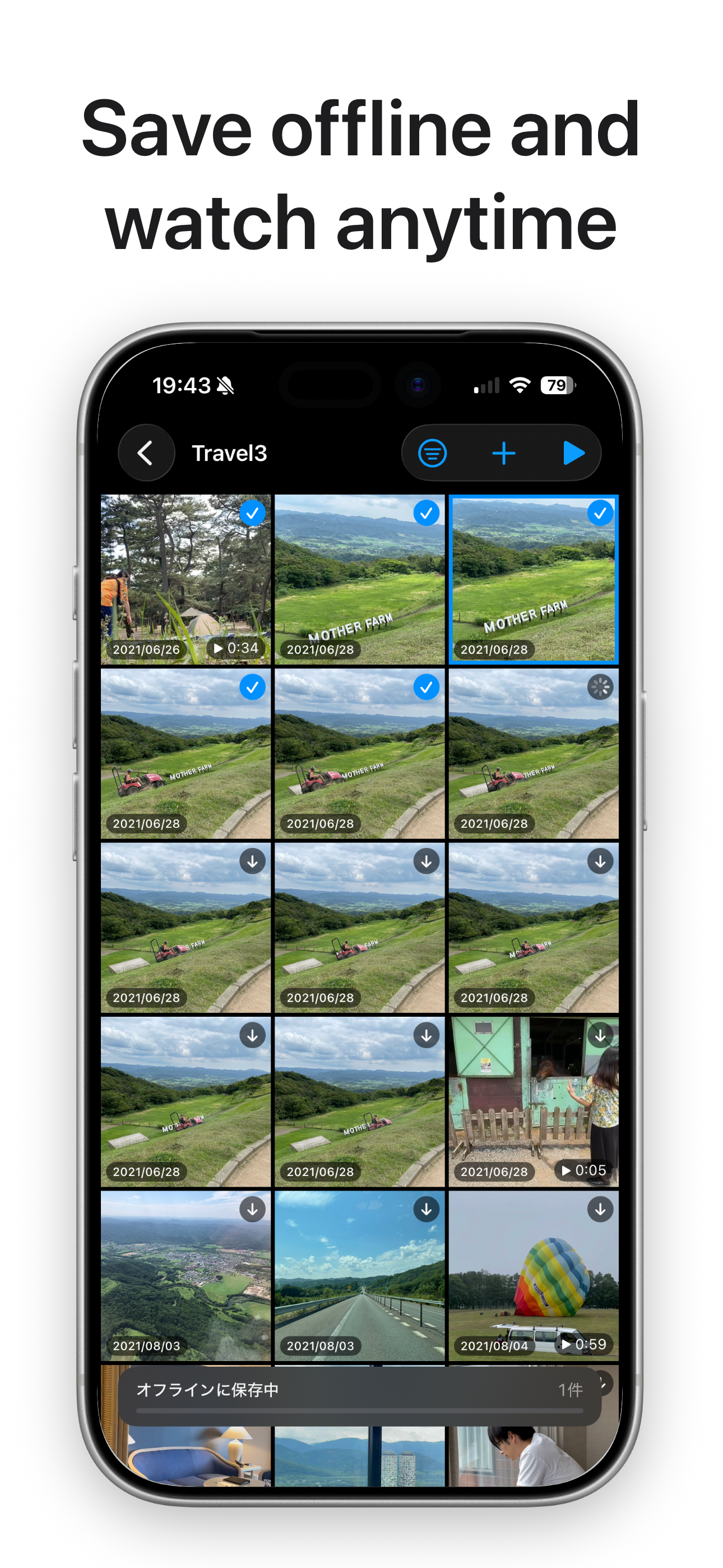
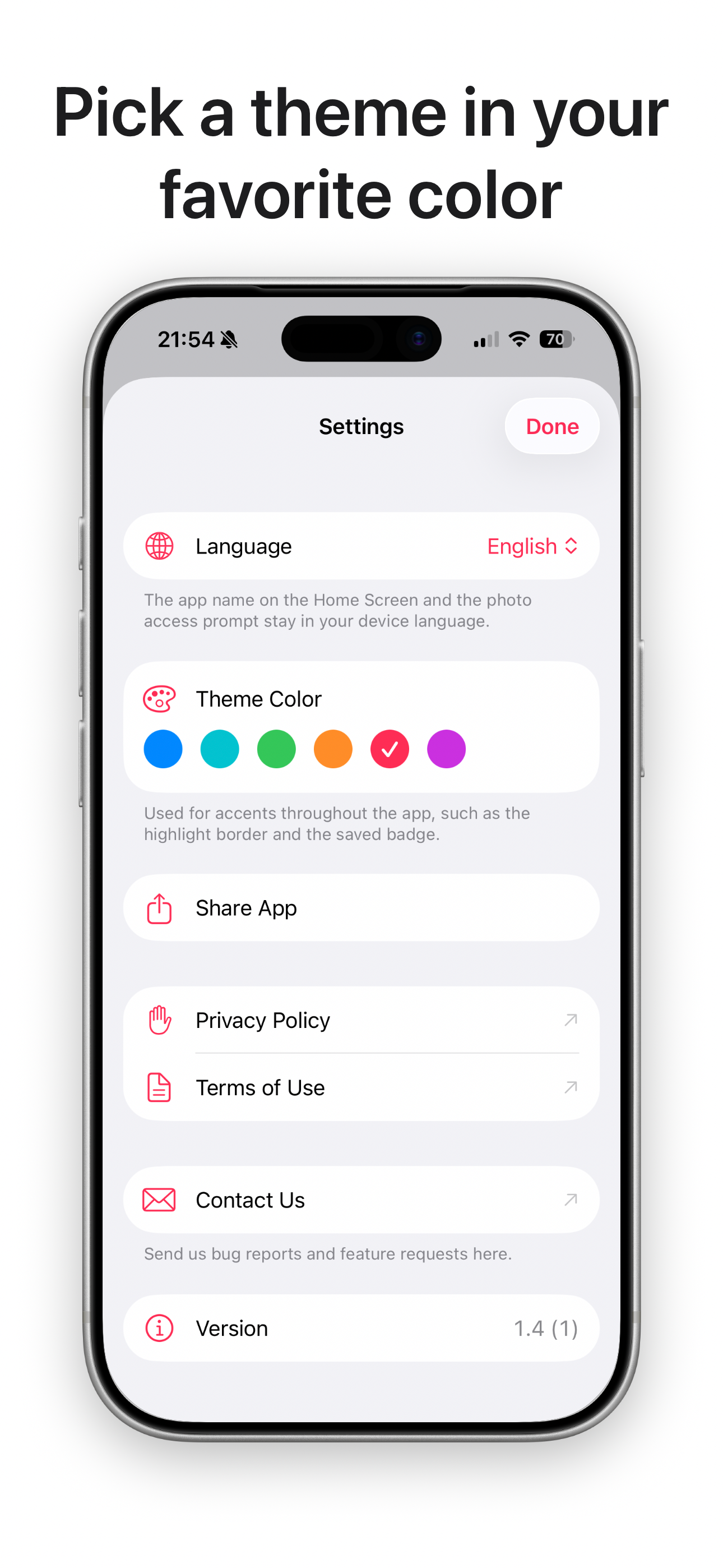
Pick an album in your Photos library. Everything inside plays, one after another, without stopping. No tapping every clip to start it again, no black screen the moment a video ends. Made for showing your kids only the videos in one folder, looking back at a trip with its photos and videos together, or leaving your footage running while you work. PICK AN ALBUM, THAT'S IT - Play an album from Photos as it is. No importing, no converting - Videos and photos mixed together play as one queue (photos stay on screen for as long as you set) - Or build a playlist of just the items you want, in the order you want TUNE THE PLAYBACK - Sort: date taken (oldest or newest first), duration (longest or shortest first), random - Filter: everything, videos only, or photos only - Filter by date taken: today, the last 3, 7 or 30 days, or an exact range you pick - Timing: how long a photo stays on screen (1-30 sec), and when to move on from a video (play in full, or 3-60 sec) - Repeat: off, the whole album or playlist, or just the video you're on - Speed: 0.5x to 2.0x in 0.25 steps, plus 3x, 5x and 10x PLAY IT OFFLINE - Copy videos and photos onto the device and they play where there's no signal - Filter to "downloaded only" to play just what you saved, back to back - Keep it running on the move or on a plane, without watching your data A LOCK FOR HANDING IT TO A CHILD - Lock the playback screen so taps and swipes no longer interrupt anything - Unlocking takes a long press, so it won't come undone by accident - To keep them from leaving the app entirely, pair it with Guided Access in iOS Settings FIND YOUR WAY BACK - Pin favourite albums to the top of the list - The last video or photo you played is marked, so you know where you left off - Show the date taken on thumbnails and during playback (optional) WHILE IT PLAYS - Press and hold either edge of the screen to fast-forward at twice your chosen speed, only while held - Double-tap the right or left side to skip 10 seconds forward or back - Background playback: sound keeps going with the screen off, with controls on the Lock Screen and in Control Centre - Picture in Picture: keep it running in a small window while you use other apps LIVE CAPTIONS - The audio is recognised as it plays and shown as captions over the video - Switch the language it listens for without stopping playback - it doesn't have to match the app's language - Recognition happens entirely on your device. No audio is sent anywhere - When it can't make anything out, it tells you why NO ADS, NO IN-APP PURCHASES, NO TRACKING Buy it once and it's yours. No ads. No in-app purchases. Nothing about you is collected or sent anywhere. Your videos and photos are read and played on your device. LANGUAGES Japanese, English, Simplified Chinese, Traditional Chinese, Korean, Spanish, German, French, Italian, Portuguese (Brazil), Dutch, Polish. You can set the app's language separately from your device language. BEFORE YOU START - Access to your photo library is required. Limited access (selected photos only) works fine - Live captions need permission for speech recognition - Items kept in iCloud but not on your device are downloaded as they play, which uses data
What’s New
Version 1.7 · 10/4/2026Fixed • When playing only photos, the screen could turn off after a while because of Auto-Lock. The screen now stays on during playback. • While connected to AirPlay, the screen sometimes didn't rotate automatically and the rotate button didn't work. This has been fixed.
Information
- Seller
- Suguru Yamada
- Category
- Photo & Video
- Version
- 1.7
- Requires
- iOS 18.6+
- Size
- 1.9 MB
- Age Rating
- 4+