 AppRank
Screenshots
Description
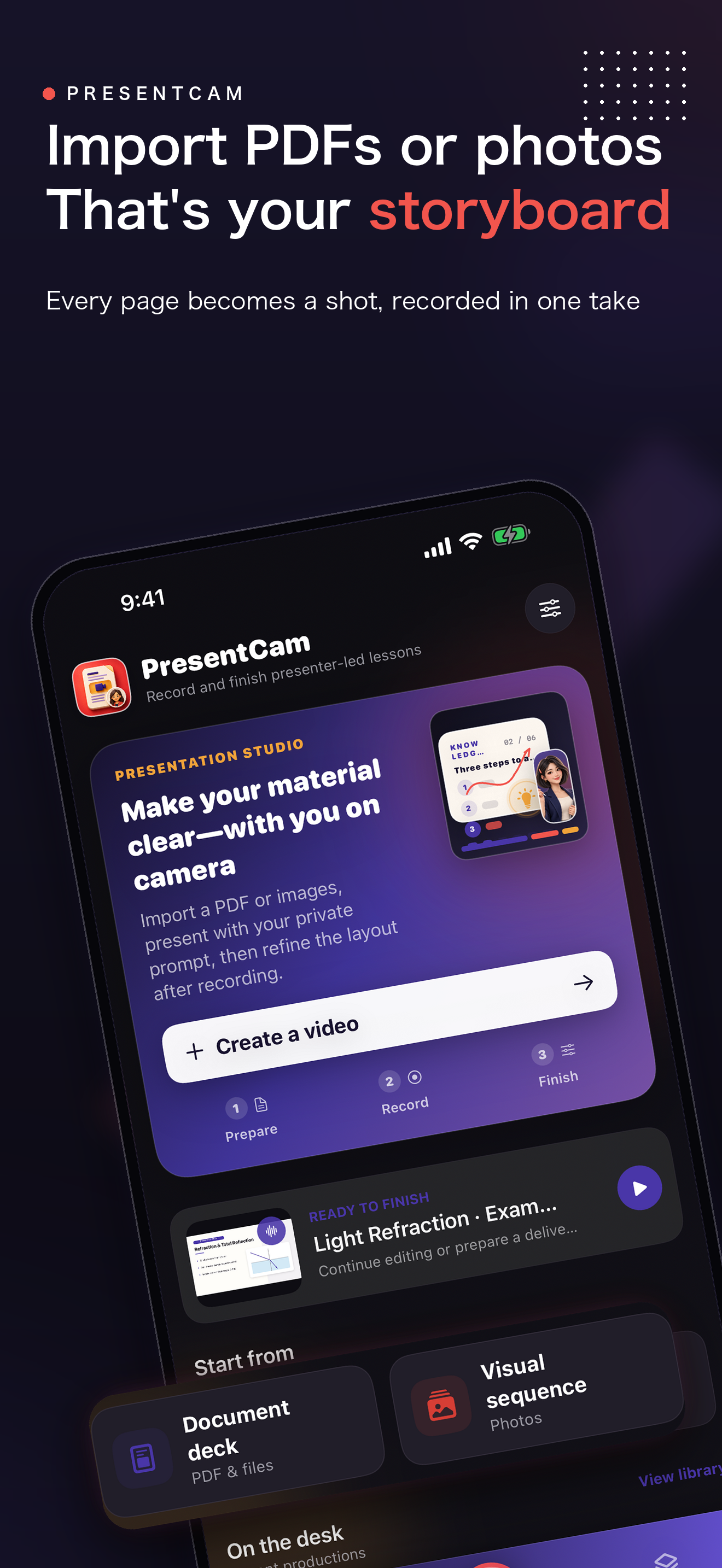
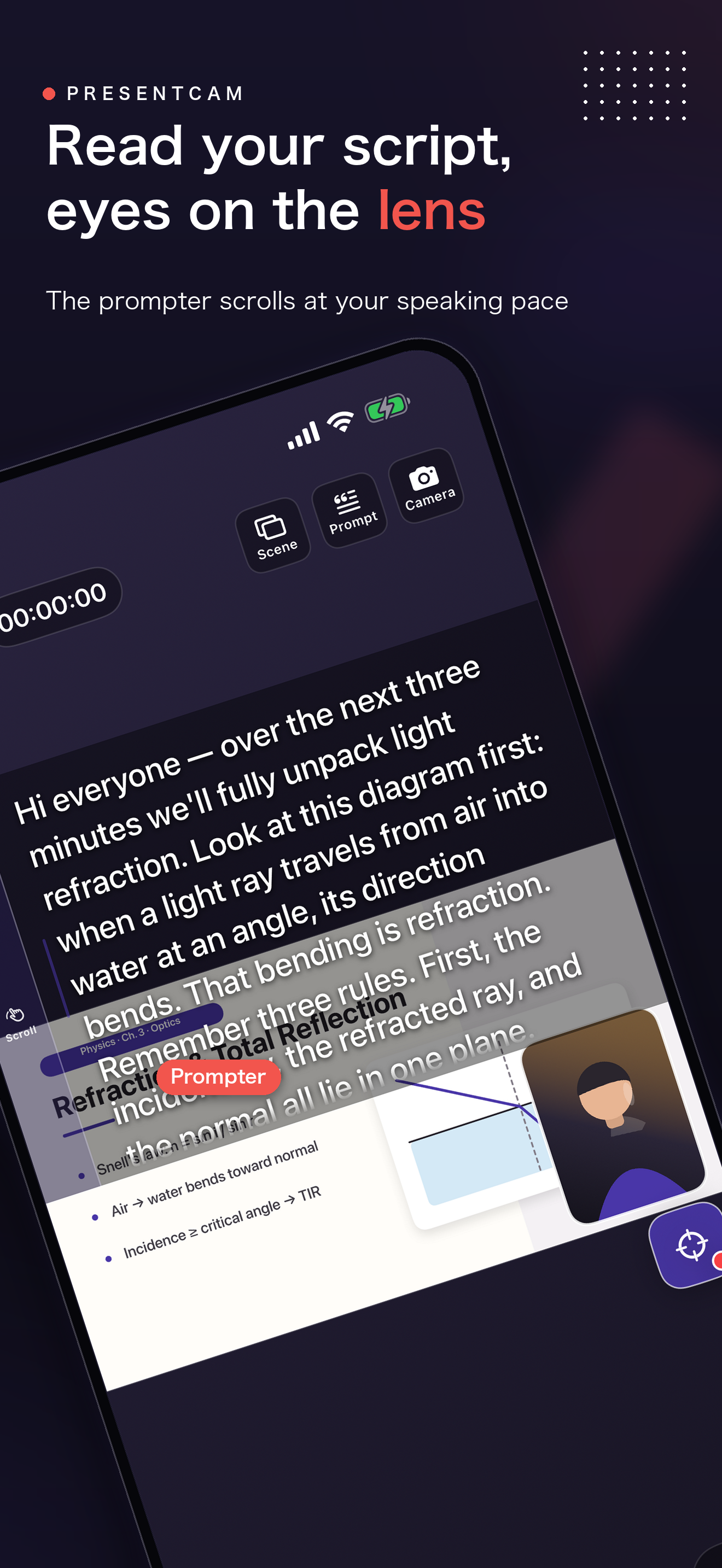
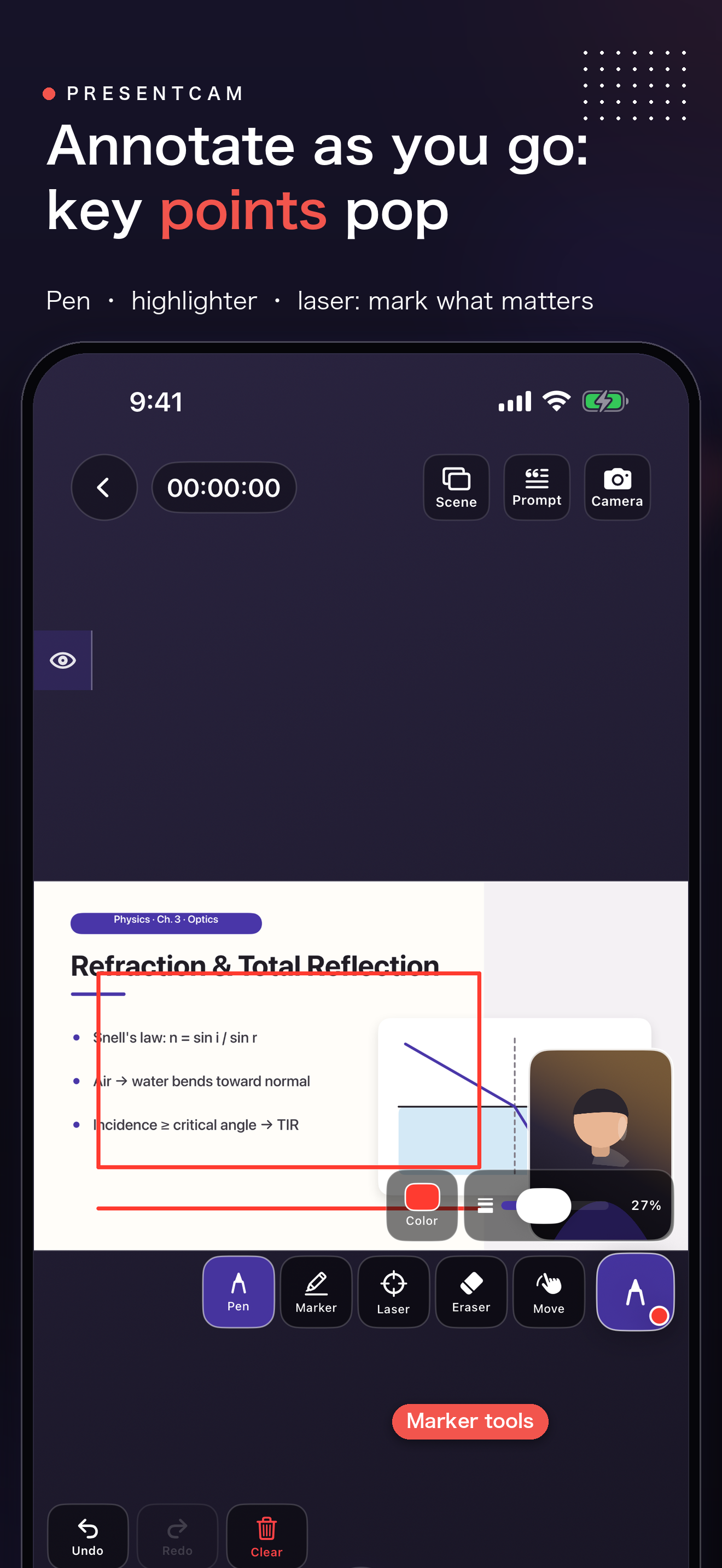
Turn PDFs and images into annotated, presenter-led explainer videos—mark up each page live, explain the material on camera, and export the complete presentation as one MP4. PresentCam is a document-first video maker for lessons, tutorials, proposals, product walkthroughs, and visual explanations. Instead of juggling a camera, screen recorder, drawing app, teleprompter, and editor, you work from one page-aware project: PDF / IMAGE IMPORT → LIVE ANNOTATION → ON-CAMERA EXPLANATION → ONE FINISHED VIDEO TURN PDFS AND IMAGES INTO VIDEO SCENES • Import a PDF or an ordered set of images. • Use each PDF page or ordered image as part of the visual sequence. • Move through slides, notes, diagrams, worksheets, product images, or instructions as you explain. ANNOTATE LIVE AS YOU EXPLAIN • Draw with a pen or highlighter directly over the current page. • Use the laser pointer to direct attention without leaving permanent ink. • Keep every mark attached to the page being discussed. PUT YOURSELF BESIDE THE MATERIAL • Record with the front or rear camera while the PDF or image remains visible. • Drag and resize the presenter window, snap it to a corner, or use a split/full-screen layout. • Switch between circle, rounded, and square presenter frames—even after recording. • Apply optional portrait polish for a cleaner talking-head presentation. SPEAK NATURALLY WITH A BUILT-IN TELEPROMPTER • Keep your script inside the same project. • Use timed auto-scroll or manual scrolling. • Adjust type size, color, reading height, and background for a comfortable setup. EDIT THE COMPOSITION, THEN EXPORT ONE VIDEO Preview the document, presenter, annotations, and audio together. Trim or split clips, reposition the presenter, change layouts, and add titles, images, or supporting video before exporting one finished MP4. CREATE • Course lessons and microlearning videos • PDF, worksheet, and diagram walkthroughs • Product demos and proposal presentations • Tutorials, training, and visual instructions Export without a watermark. Free includes up to 1080p at 30 fps; Pro adds 2K/4K, 50/60 fps, HDR, and higher-bitrate options. Recording length is unlimited on every tier. PRIVATE BY DESIGN No account is required. PresentCam collects no personal data and does not upload your PDFs, images, recordings, or finished videos. Your work stays on your device and in the destinations you choose. CONTACT & POLICIES Contact: [email protected] Terms of Service: https://www.apple.com/legal/internet-services/itunes/dev/stdeula/ Privacy Policy: https://zelonai.com/app/presentcam/privacy-policy
Information
- Seller
- 雷 陈
- Category
- Photo & Video
- Version
- 1.0
- Requires
- iOS 17.0+
- Size
- 25.4 MB
- Age Rating
- 4+