 AppRank
Screenshots



Description
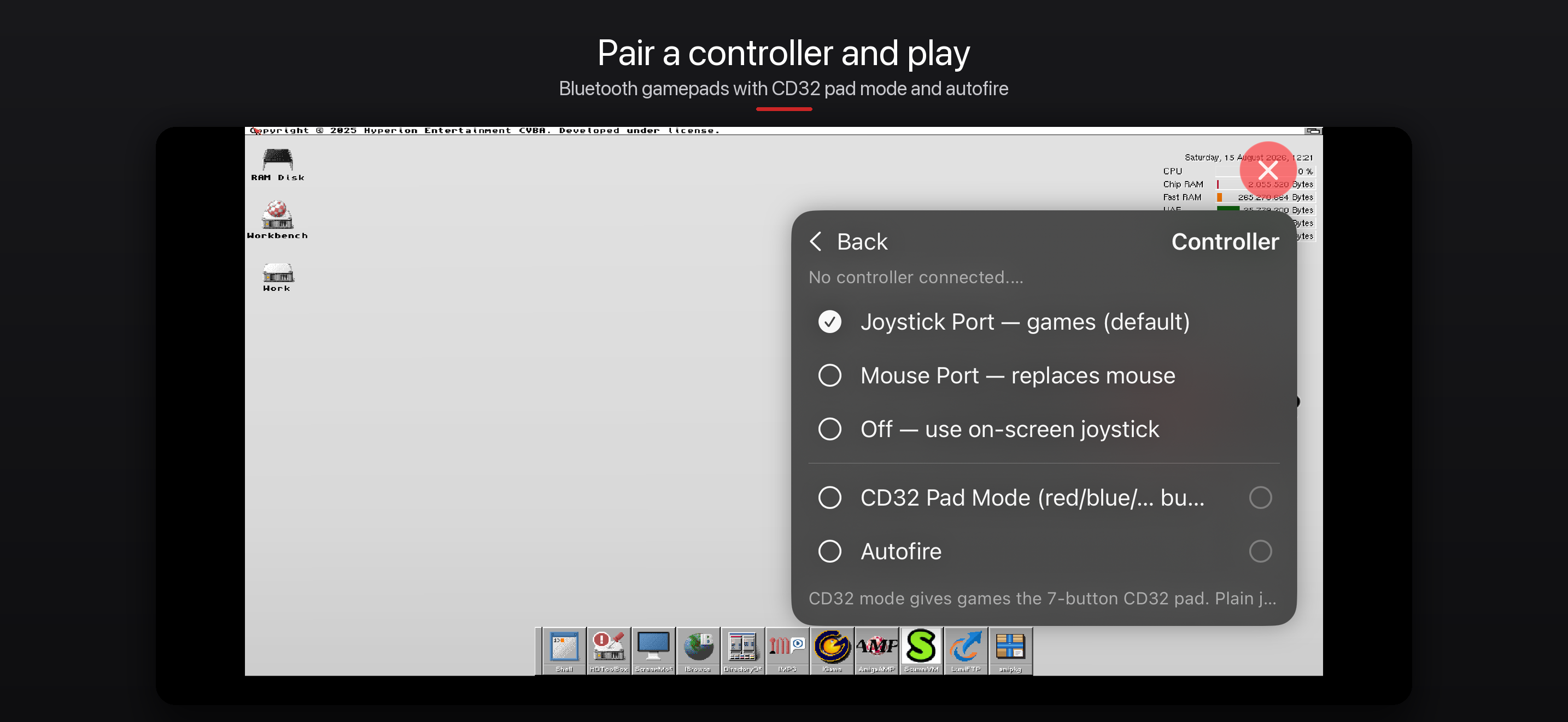
Amigo brings the classic Commodore Amiga to your iPhone and iPad. It is a native port of WinUAE, the most accurate Amiga emulator, running the complete range of classic machines from a stock A500 to a 68060 workstation with RTG graphics and networking. FEATURES • Emulates 68000–68060 CPUs, OCS/ECS/AGA chipsets, FPU and MMU • RTG graphics card (Picasso96-compatible) for high-resolution Workbench desktops • Fast interpreter core: a 68060 benchmarks faster than desktop-class emulators without JIT • 1:1 touch pointer — the Amiga mouse follows your finger — or classic trackpad-style relative mode, with two-finger scrolling in both • Apple Pencil support: tap and double-tap on Pencil 2 and Pro; hover pointer and squeeze-to-click with Apple Pencil Pro (hover needs an M2 or newer iPad) • TV output via USB-C or AirPlay — fullscreen Amiga on the big screen • Save states with automatic saving • Bluetooth game controllers — plug and play, with CD32 pad mode, port routing and autofire • Hardware keyboards, mice and trackpads supported • Virtual Amiga keyboard, numpad, function keys and joystick overlays • Floppy images (ADF/ADZ/DMS) and hard drive images (HDF, RDB and plain), added via the Files app • Internet access for Amiga software through the bsdsocket library • Save and switch between named machine configurations • Starts right away with the bundled open-source AROS Kickstart replacement — ideal for Workbench and AmigaOS software; most original floppy games want a real Kickstart ROM BRING YOUR OWN SYSTEM Amigo includes no Amiga operating system, games or copyrighted ROMs. If you own Kickstart ROMs and AmigaOS (for example from a licensed distribution), copy them into the Amigo folder in the Files app for the authentic experience. The bundled AROS ROM lets you start with no Amiga files at all and runs a good deal of Workbench software, but it is a replacement rather than a copy: most original floppy games drive the hardware through the real Kickstart and will not boot on it. If you are here for games, add a Kickstart ROM. FREE SOFTWARE Amigo is free, with no ads, purchases or accounts. It is licensed under the GNU GPL v2; the complete source code for every released build is available at github.com/thomas-luebker/Amigo. Based on WinUAE by Toni Wilen; original UAE by Bernd Schmidt. Amiga is a trademark of Amiga Corporation. This app is not affiliated with or endorsed by the trademark holder.
What’s New
Version 0.7.7 · 9/9/2026• "Why won't it boot?" — a new setup check in Controls & Help and in the disk panel. It reads your Kickstart, machine and disk and names the mismatch: AROS still selected, a ROM that is not a Kickstart, an Amiga Forever ROM without its key, a fast A1200 given an A500-era game, a data disk that cannot boot. It changes nothing; Copy puts the report on the clipboard • The help panel now opens with Getting Started: import a ROM, select it, pick the machine preset, insert the disk • The Kickstart list says when a ROM is imported but the built-in AROS ROM is still active, and which machine preset suits games • Importing a ROM now reminds you to select it • Amiga Forever's rom.key can be imported from inside the app • New Quick Start guide: github.com/thomas-luebker/Amigo › docs › QUICKSTART.md
Information
- Seller
- Thomas Luebker
- Category
- Entertainment
- Version
- 0.7.7
- Requires
- iOS 17.0+
- Size
- 46.2 MB
- Age Rating
- 4+