 AppRank
Screenshots



Description
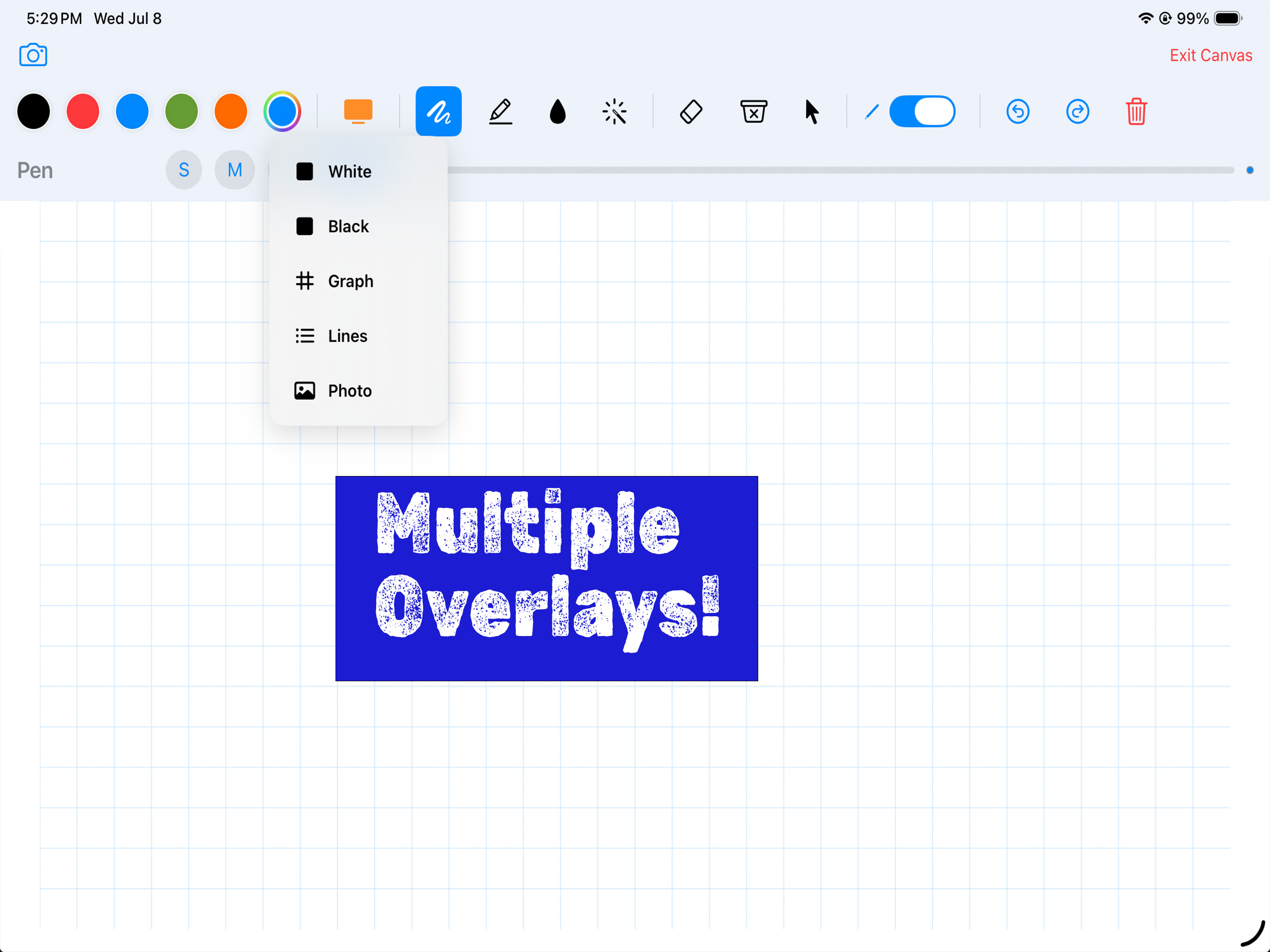
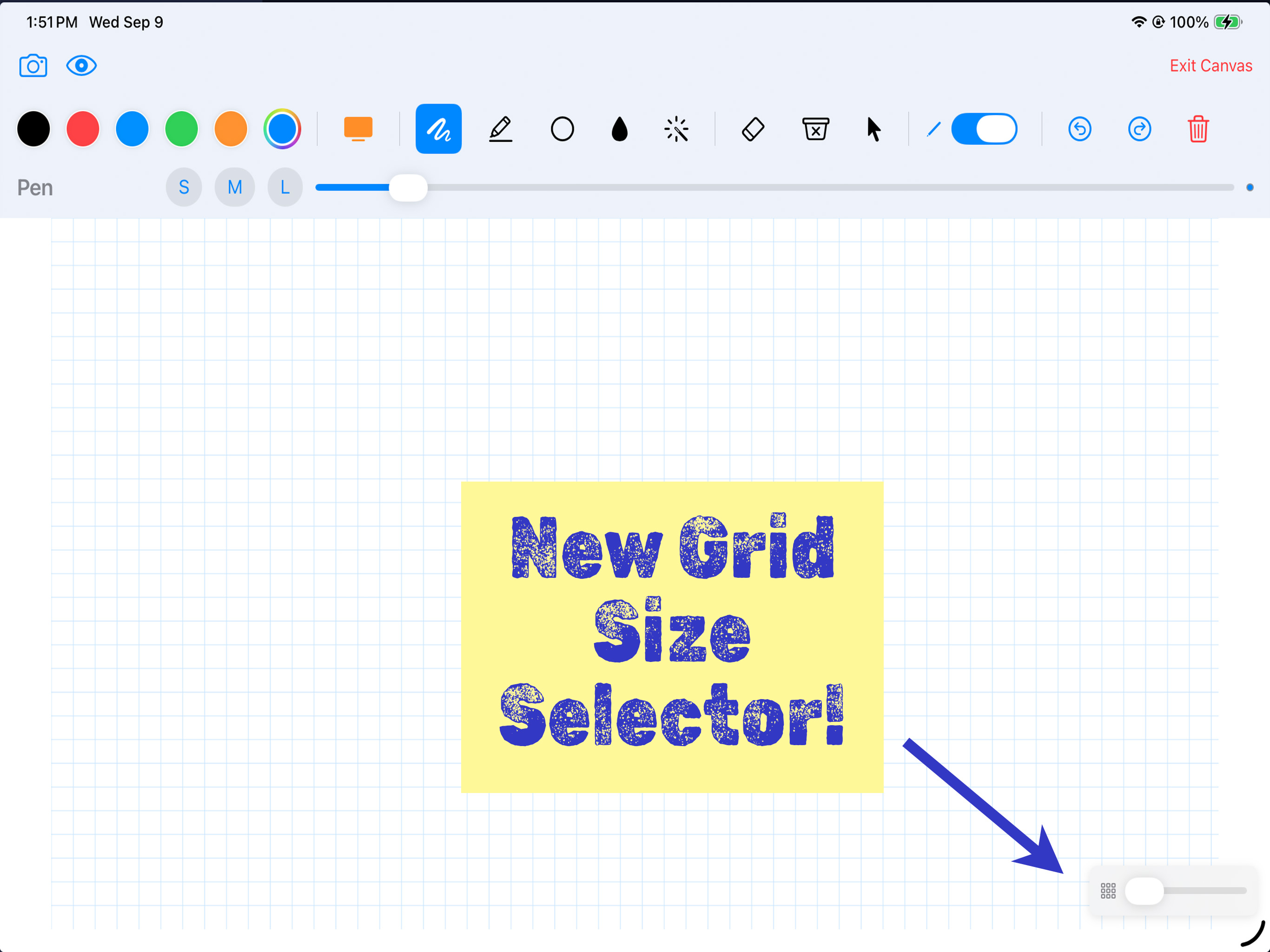
Scrivix turns your iPad and Apple Pencil into a wireless annotation and control surface for your Mac. To control and annotate on your Mac, you must download the Mac companion app at scrivix.us. You can use Scrivix independently or through Airplay without the need of the Mac companion app. Built for educators, presenters, trainers, and creators, Scrivix lets you draw, highlight, point, scroll, click, and control your Mac during live lessons, meetings, screen recordings, and presentations. Whether you’re teaching a math lesson, marking up diagrams, reviewing documents, or emphasizing slides during a keynote, Scrivix delivers smooth, low-latency input over your existing local network. No internet connection, cloud account, or subscription is required. KEY FEATURES Ultra-Low Latency Engine Experience smooth, precise Apple Pencil and touch input powered by local network communication between your iPad and Mac. Live Presentation Overlays Annotate over Apple Keynote, Microsoft PowerPoint, videos, web browsers, documents, and other Mac apps without interrupting your presentation flow. You can even annotate during live presentations using Google Meet, Teams, Zoom, etc. (You must share your entire screen to show annotations. Annotations will not be shown when sharing an individual screen or window.) Smart Shape Recognition Draw rough lines, triangles, rectangles, circles and then briefly hold your Apple Pencil down to snap your ink into clean geometry. Use the fill tool to fill in both rough closed shapes and Smart Shapes! Show and Hide Marks! Scrivix introduces a new feature for new users: the “eye” button in the top left corner allows users to show and hide annotations. This is more convenient than erasing and undoing annotations. The Show/Hide switcher provides quick access to toggle annotation visibility, offering greater flexibility in managing work. New Shape Tools! Use the new single arrow, double arrow, straight line, rectangle and circle tools to annotate on your screen with precision. Dynamic Whiteboards Switch from a transparent desktop overlay to graph paper, lined paper, solid backgrounds, or your own image from Photos. The grid overlay now includes a slider to increase or decrease the size of the grid with four perfect size options. Simple Local Pairing Skip accounts and cloud setup. Pair your devices with a secure, locally generated 4-digit passcode over your local Wi-Fi network. Control Mode Control your Mac from iPad with left-click, double-click, right-click, tap-hold-drag window movement, Apple Pencil hover cursor movement, and two-finger scrolling. Two-finger scrolling also works while using drawing tools, so you can move through documents without constantly switching modes. Advanced Presentation Tools Use a fading Laser Pointer, translucent Highlighter, shape Fill tool, and erasers for quick cleanup. PRIVACY BY DESIGN Scrivix communicates entirely over your private local area network. Your drawings, screen stream, and interactions are not sent to external cloud servers. IMPORTANT Scrivix requires the free Mac companion app, available at scrivix.us. The Mac app must be running on the same local network as your iPad. SYSTEM REQUIREMENTS iPad Requires iPadOS 17.0 or later. Optimized for Apple Pencil Pro, Apple Pencil (2nd generation), and Apple Pencil USB-C. Mac Companion Requires the free Scrivix Mac companion app running on macOS Ventura, Sonoma, or Sequoia. Compatible with Apple silicon Macs. Download at scrivix.us.
What’s New
Version 1.2.9 · 9/21/2026This update adds new presentation and drawing tools while improving dual-display reliability. • New line thickness sliders in the grid and lines overlay views • New Shapes tool with single arrows, double-ended arrows, straight lines, rectangles, and circles • Press and hold the Shapes button to choose a style; Scrivix remembers your last selection • Quickly hide or reveal annotations with the new eye button • Restore your work with Undo after accidentally clearing the canvas • Adjust graph-paper grid size using a compact four-position control • Grid size is remembered between sessions • Improved display switching, reconnection, and Mac discovery • Additional interface and reliability improvements For the best experience, install the latest Scrivix Mac companion app from scrivix.us.
Information
- Seller
- Jonathan Shaffer
- Category
- Education
- Version
- 1.2.9
- Requires
- iOS 17.6+
- Size
- 9.6 MB
- Age Rating
- 4+