 AppRank
Screenshots




Description
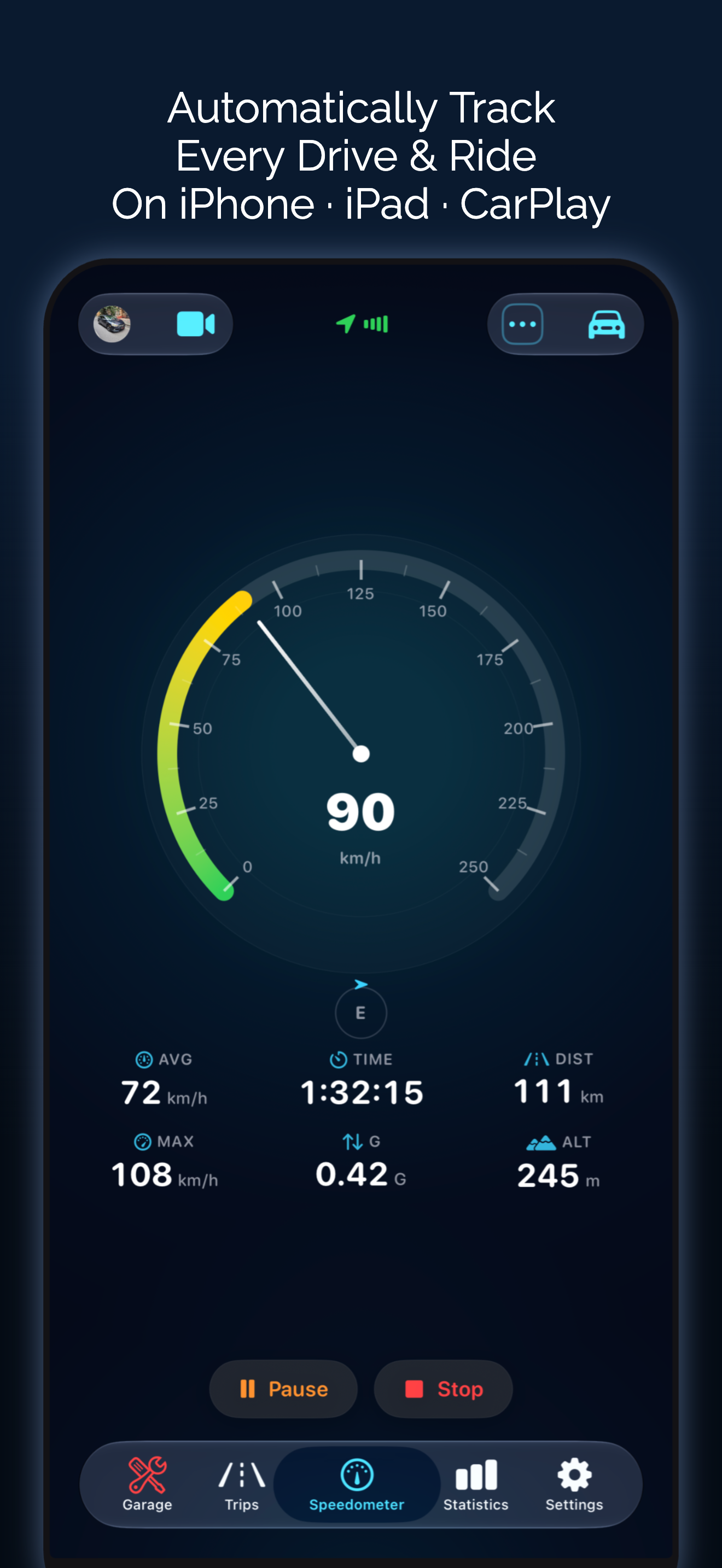
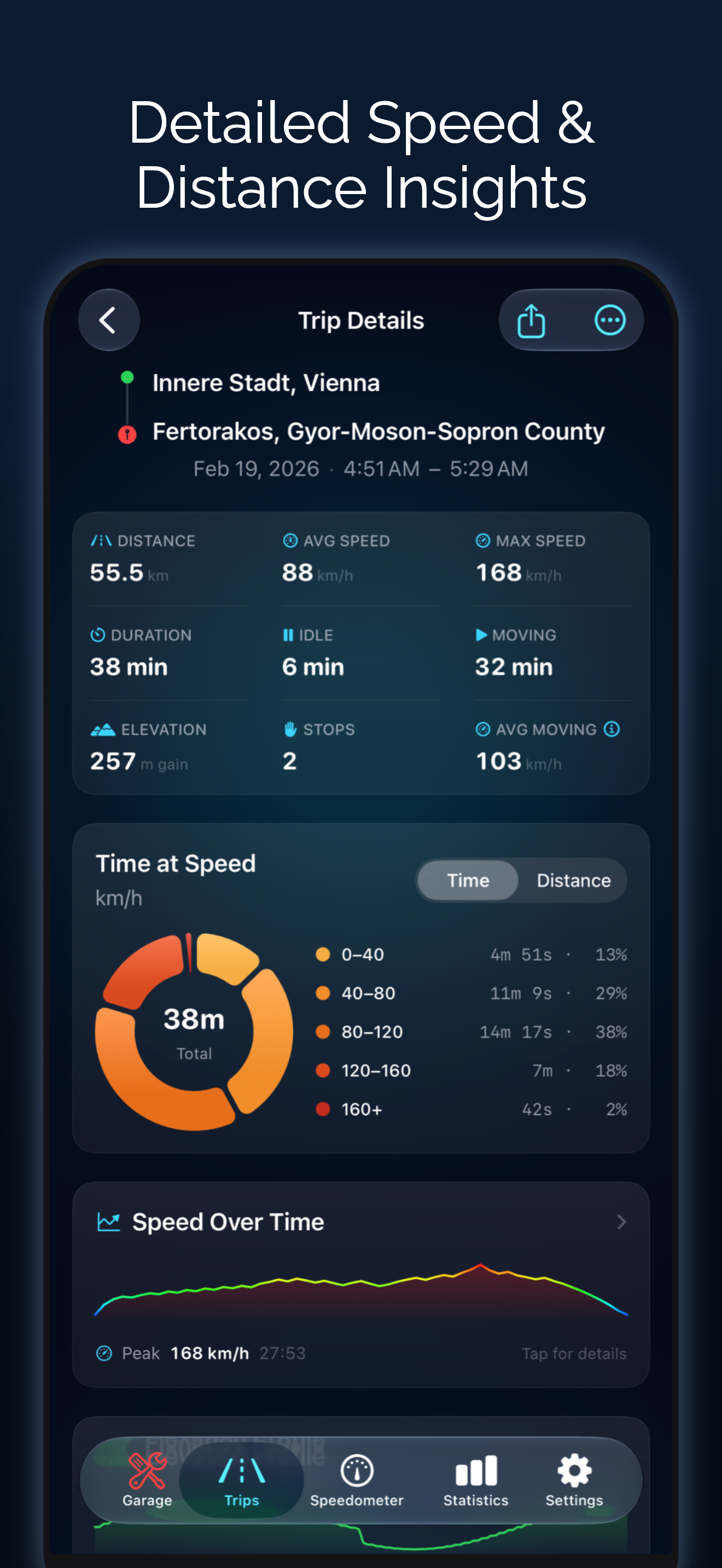
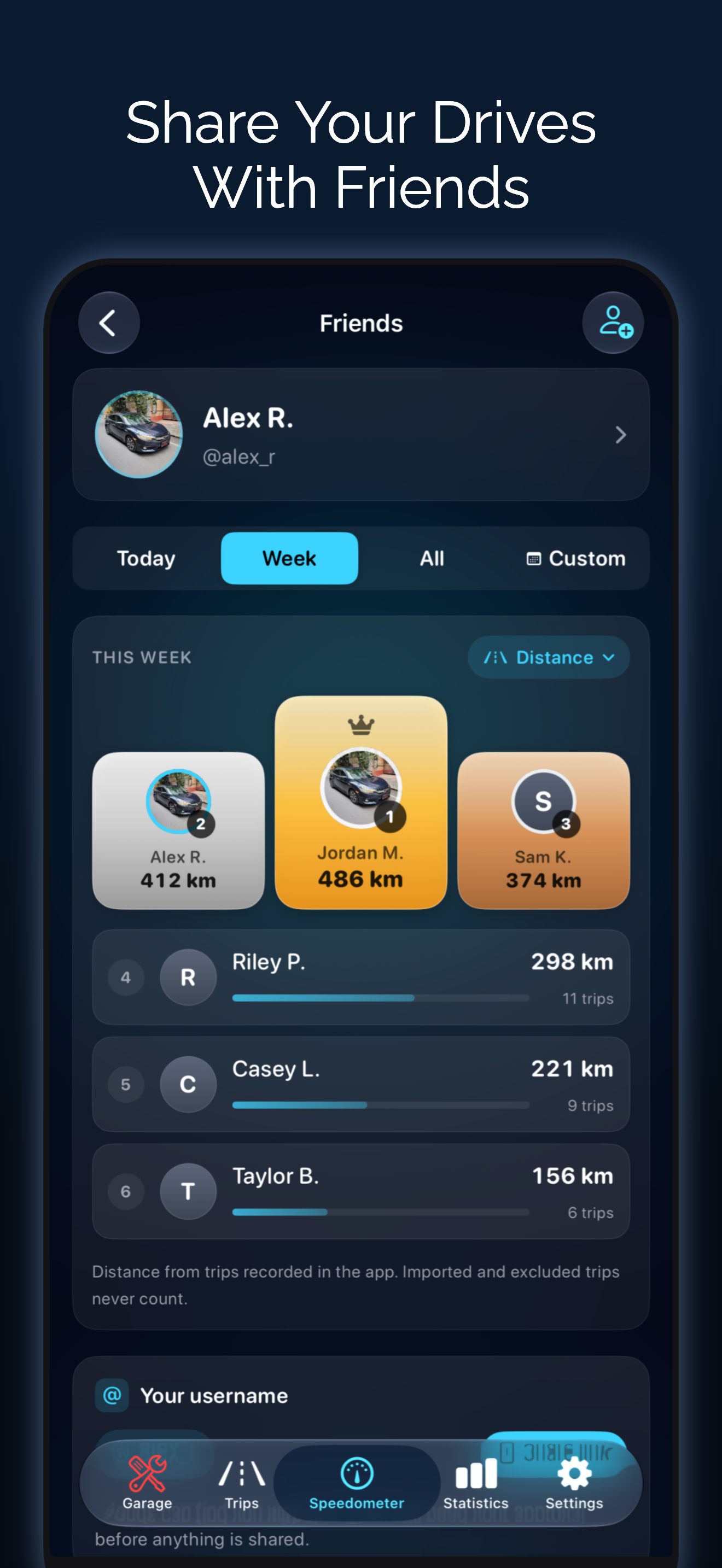
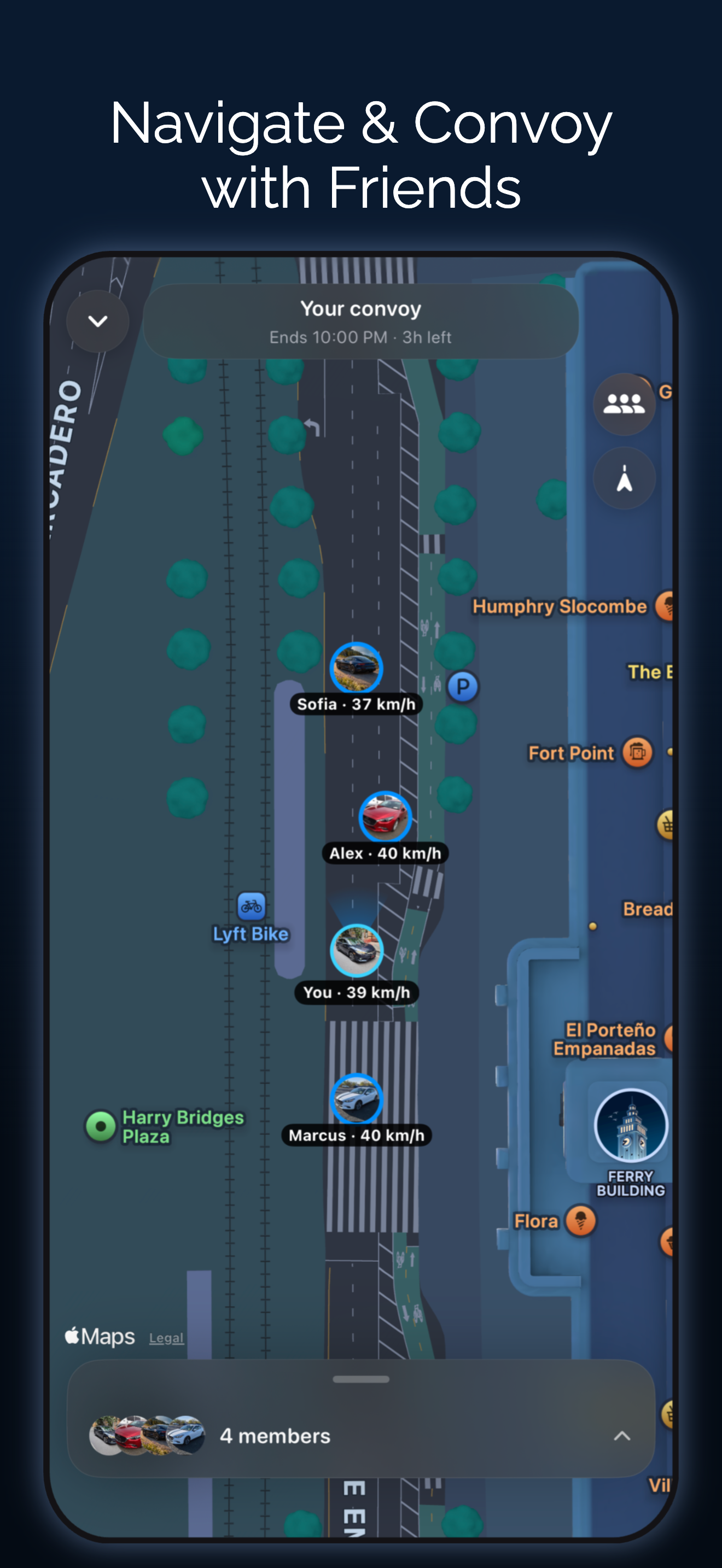
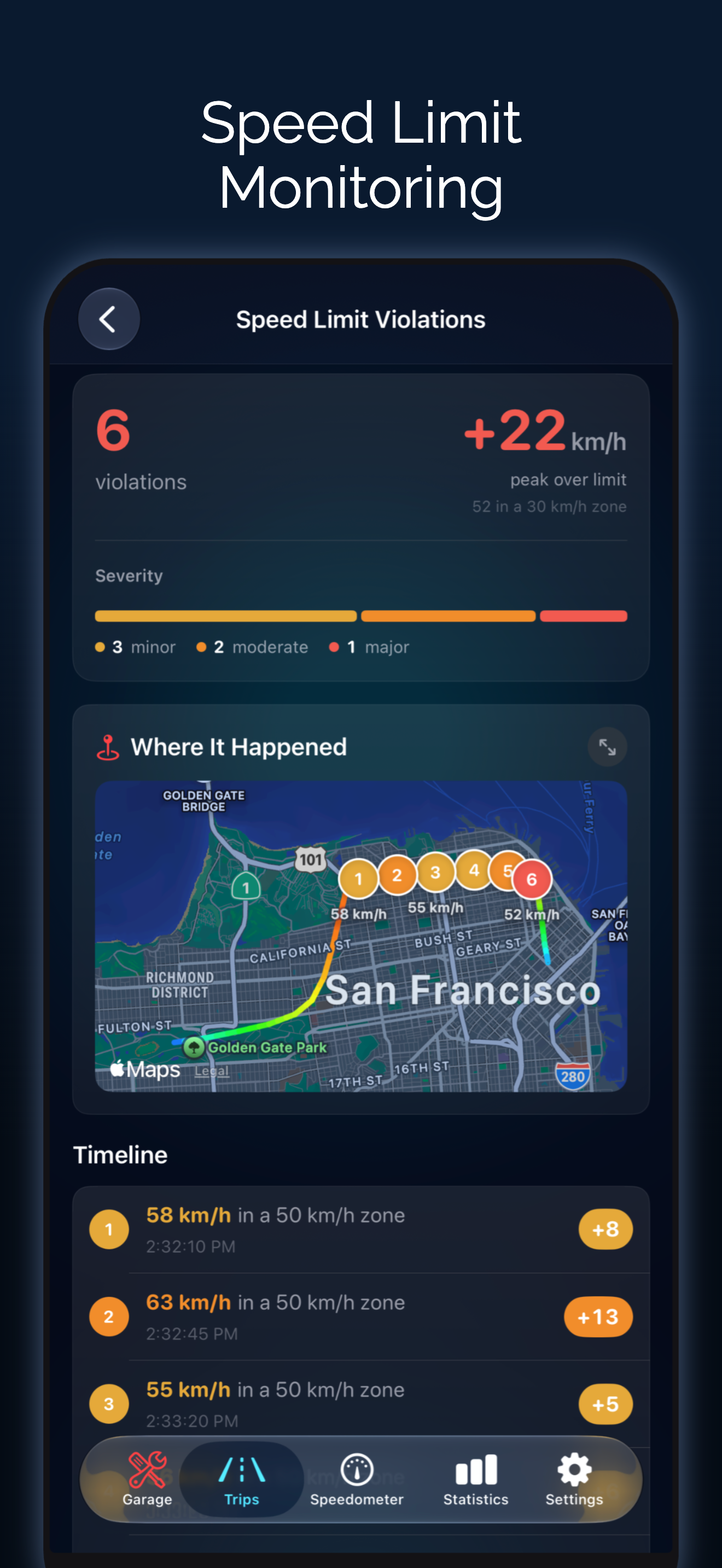
Odo is a GPS speedometer, drive and mileage tracker for car, motorcycle and bike, on iPhone, iPad and CarPlay. Record every drive automatically, get speed limit alerts, navigate turn by turn, time 0-60 sprints, read OBD2 codes, and keep your mileage log, fuel, EV charging and maintenance in one place. AUTOMATIC TRIP TRACKING • Trips start and stop on their own using motion detection, CarPlay or Bluetooth, for car, motorcycle or bike • Auto-pause, auto-end and automatic vehicle matching by CarPlay, Bluetooth or VIN • Distance, duration, moving time, average and top speed, elevation, turns and max G-force • Mileage tracker for work or personal trips: tags, saved places, auto-tagging, favorites, merge and split LIVE SPEEDOMETER • Digital, analog, map and windshield HUD displays in mph, km/h, knots or m/s • 50+ gauge designs, from automotive and sport to marine and aviation • Speed limit alerts with custom presets and a violations history • Picture in Picture shows your speed over other apps • Dynamic Island, Live Activities, and Home and Lock Screen widgets NAVIGATION & CARPLAY • Turn-by-turn navigation with voice and lane guidance, from Apple Maps or OpenStreetMap, plus your own usual routes • Live Comparison against your usual time, and the next turn on the Lock Screen • Add fuel, charging or food stops; avoid tolls, highways, ferries or any spot you choose • Muted and Dark map styles, live traffic and a 3D view, also in CarPlay • CarPlay map, dashboard and instrument cluster with live speed, trip stats and OBD readings ROUTES, REPLAY & STATS • Replay any trip or imported GPX route, heading-up or north-up, with speed-colored routes • Route History compares every run of the same route • 0-60 sprint timer: 0-60 mph, 0-100 km/h or custom ranges, with trophy rankings • Speed and elevation charts, speed distribution, top speed medals, most visited cities and lifetime stats • AI Trip Insights explain each drive, on device • Monthly Recap of your driving, ready to share FUEL, EV & EXPENSES • Fuel log and gas mileage tracker with cost, volume and fuel economy (MPG, L/100km, km/L) • Scan the fuel pump display with your camera, or touch and hold the app icon to log fuel fast • EV charging, battery level and electric efficiency • Car maintenance tracker, service reminders by date or mileage, expenses with custom types, and calendar reminders • Nearby fuel stations and EV chargers, garages and any currency • Insurance and registration documents with expiry reminders and PDF receipts • Multiple vehicles with plate and VIN, plus each car's last parked spot OBD2 SCANNER & DIAGNOSTICS • Live engine data: RPM, coolant, fuel level, battery voltage, throttle, O2 sensors and more • Read and clear check engine codes (stored, pending, permanent) with freeze frames, in plain language • Emissions readiness monitors • Tire pressure (TPMS), diesel DPF, 12 V battery charging check and custom PIDs • Per-vehicle history by VIN and a PDF report for your mechanic FRIENDS & CONVOY • Convoy: drive together with friends on one live map, with a meeting point and arrival alerts • Add friends, compare drives and climb the leaderboards RECORD & SHARE • Dashcam-style video with a live speed overlay, up to 4K • Trip photos, Trip Reels, replay videos and share cards with or without the map • GPX and CSV import and export by date or tag, automatic export to Files, full backup and restore • On Mac, review your trips, stats and logs, synced through iCloud SIRI & SHORTCUTS • "Hey Siri, navigate to Home with Odo", or start, stop, pause and resume trips • Automations from CarPlay, Bluetooth, NFC, Focus or the Action Button PRIVACY • No account needed to track trips. Data syncs privately through your own iCloud. • Route Privacy hides where your trips start and end when you share Available in English and 35 other languages. Terms of Use: https://www.apple.com/legal/internet-services/itunes/dev/stdeula/ Privacy Policy: https://speedometerproapp.com/privacy
What’s New
Version 4.0.0 · 10/5/2026Speedometer is now Odo • Same app, new name. Your trips, vehicles, logs and settings are all exactly where you left them. • It's still the speedometer you know. Odo now does much more besides: navigation, convoys, fuel and maintenance. Turn-by-turn navigation • Switch the Speedometer to Map and tap the Navigate button. Search for a place, choose one on the map, or pick from places your trips often end. • Routes come from Apple Maps, or from OpenStreetMap where Apple Maps has no directions. Roads you've driven before are marked "Your usual road", and From Your Drives offers your own routes too. • Voice guidance (Personal Voice works too), lane guidance, and the next turn on the Lock Screen and Dynamic Island. • Live Comparison shows how far ahead or behind your usual time you are as you drive. • Add stops for fuel, charging, food or coffee. Avoid tolls, highways or ferries. Touch and hold the map to avoid a spot, like a bad junction. • Works in CarPlay, and with Siri: "Navigate to Home with Odo". Convoy • Drive together with friends on one live map. Start a Convoy from Friends, invite friends, and set a meeting point. • Locations are shared only while the convoy runs, and all of them are deleted when it ends. Members can choose to share their speed. • Get notified when someone joins or when everyone has arrived. Convoys show in CarPlay too. • Starting a convoy is part of Premium. Joining one is free. New map looks • Muted and Dark Map styles, live traffic, a 3D view on the Map, and Horizon Fade. They apply to the Map, navigation and CarPlay. Find them in Settings > Driving > Navigation. Hide Start & End • Hide the route near where a trip starts and ends, plus the place names, when you share a card, a Trip Reel or a GPX file. Turn it on in Settings > Display & Recording > Route Privacy and choose the distance. Quicker logging • Touch and hold the app icon to Log Fuel, Log Maintenance or Add Expense. We hope you love these updates! Please take a moment to rate us if you're enjoying these new features. Your rating helps us grow and improve! Have feedback? [email protected]
Information
- Seller
- Taohidul Islam
- Category
- Navigation
- Version
- 4.0.0
- Requires
- iOS 18.6+
- Size
- 99.0 MB
- Age Rating
- 4+