 AppRank
Screenshots



Description
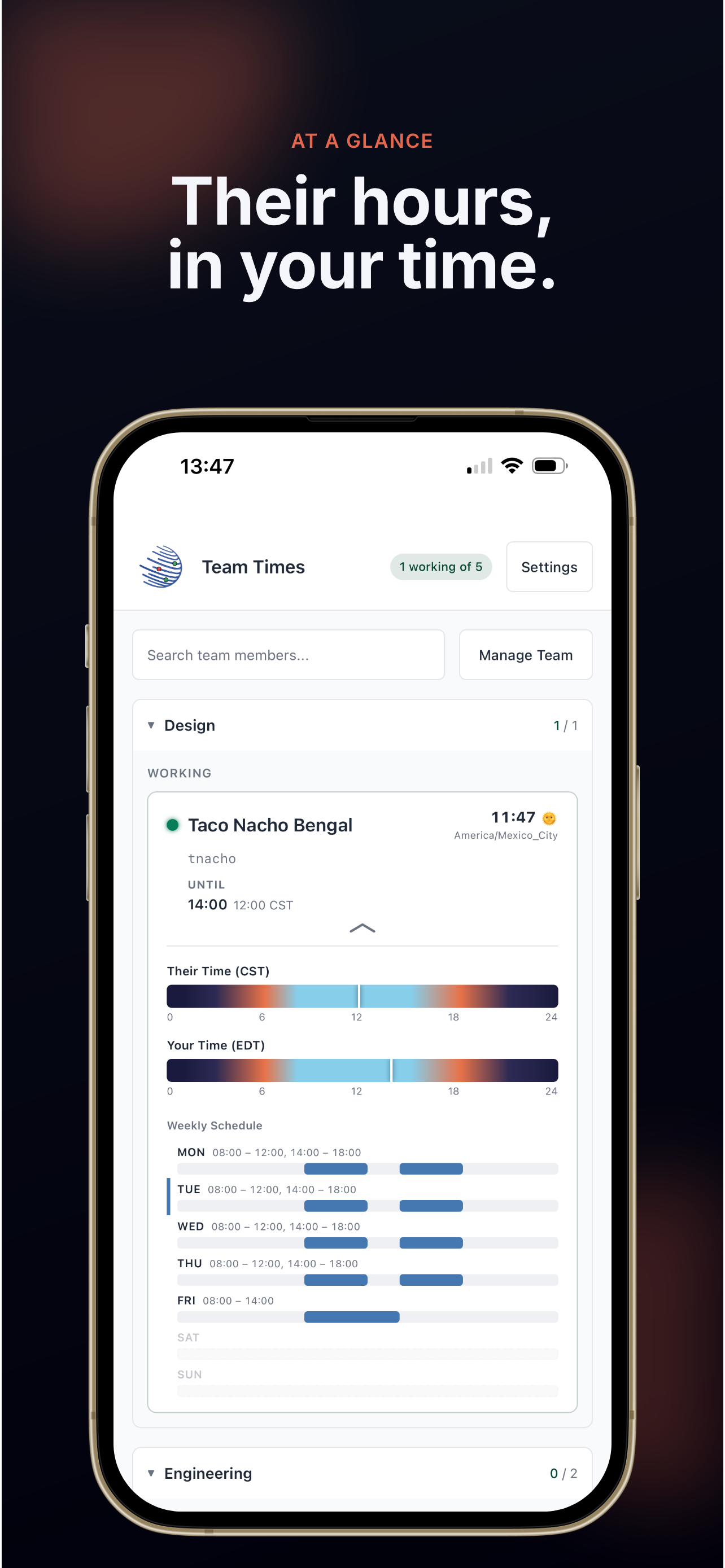
Team Times Viewer shows you which teammates should be working right now — from your pocket, based on their schedules and time zones. This is the full app, not a viewer companion: add members, edit schedules, and manage teams right on your iPhone or iPad. Turn on optional iCloud sync and changes flow both ways between your phone, tablet, and Mac in seconds. One purchase covers them all. Features: - Schedule-based working/not-working status for every team member - Support for any IANA time zone worldwide - Full editing on the go: members, teams, and weekly schedules - Optional iCloud sync with your other devices — private to your own iCloud account - Group members by team and filter with a tap - Searchable member list - 12-hour or 24-hour time display - Import and export configs through the Files app - Config history with snapshots you can review and restore - Designed for iPhone and iPad, including Split View - Fully localized in 10 languages - No account, no sign-up, no tracking — your data lives on your devices and in your own iCloud Perfect for distributed teams, remote workers, and anyone who collaborates across time zones.
What’s New
Version 1.6.1 · 8/22/2026Team Times arrives on iPhone and iPad. The full app: see who's working now, edit members and schedules on the go, and sync with the Mac app through your own iCloud. Included with the Mac purchase — buy once, use everywhere.
Information
- Seller
- Kevin Muncie
- Category
- Business
- Version
- 1.6.1
- Requires
- iOS 15.0+
- Size
- 12.2 MB
- Age Rating
- 4+