 AppRank
Screenshots




Description
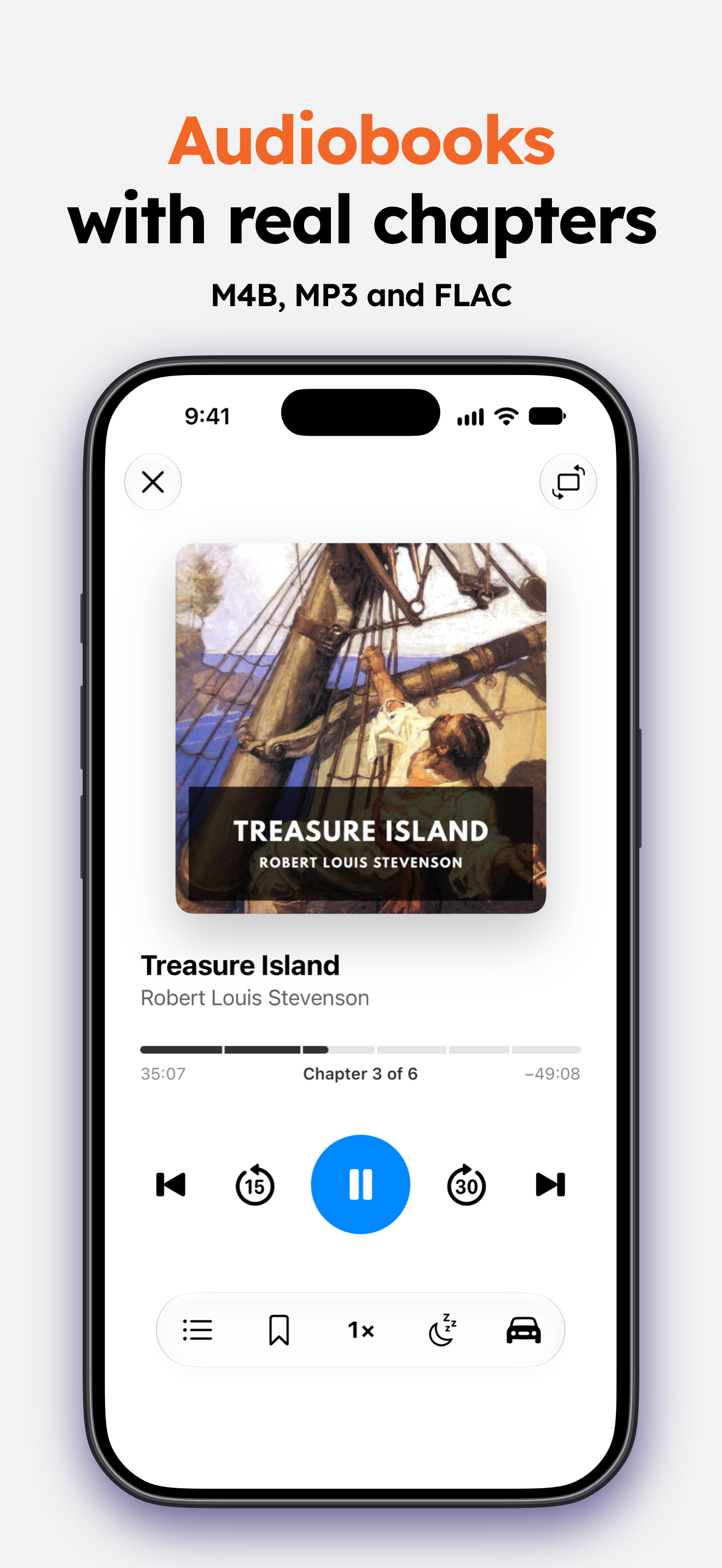
EPUB, PDF, comics, and audiobooks in one native iOS reader. Fast, deeply customizable, and built to disappear so you can simply read. FOUR FORMATS, ONE SHELF Read EPUB 3 and PDF. Read CBZ and CBR comics and manga, with two-page spreads, double-tap zoom, and a reading direction you set per book. Listen to audiobooks with chapters, a sleep timer, Car Mode, and CarPlay. Or follow along with EPUB 3 narration, where the text highlights in time with the voice. READ ALOUD Any book can be read to you, by any Apple voice on your device or by natural neural voices in 31 languages that you download once and then run offline. The sentence highlights as it is spoken and the pages turn on their own, with speed presets, sentence skips, a sleep timer, and Lock Screen controls. Prepare a book in advance and keep listening with the screen off. TYPOGRAPHY YOU CONTROL 200+ fonts, or import your own. Tune size, weight, line and paragraph spacing, alignment, hyphenation, and separate margins for portrait and landscape. Save settings per book so a novel, a textbook, and poetry each look right. Build your own color themes and let them switch at sunset. Choose which buttons the reader toolbar shows and where a tap opens it, and give links their own color and style. Smart dark mode keeps images natural, and in-reader brightness, Line Focus, and eye-care break reminders protect your eyes. NO LOCK-IN, EVER Your books stay ordinary files in an ordinary folder, never a proprietary database. Point justread at any folder: on device, iCloud Drive, or one your cloud app syncs through Files. Import from a Calibre server or any OPDS catalog. Email a book to your Kindle or PocketBook. IN SYNC WITH YOUR E-READER Your reading position follows you to any e-reader running KOReader, a Kobo included, in both directions. Connect a self-hosted Grimmory server to browse and download its books, send books to it, and keep status, ratings, highlights, notes, and bookmarks in step both ways. A LIBRARY THAT SCALES Thousands of books with no lag, and a book opens in about a second. Instant search by title, author, or series. Automatic metadata and series detection, 11 sort modes, saved filters, collections, and tags. Edit any book's details by hand, description included. Spotlight opens any book from your home screen. HIGHLIGHTS, NOTES, BOOKMARKS Highlight, underline, and attach a note. Browse every highlight across your whole library in one place, share a quote as a card, or export to Markdown, PDF, or Readwise. YOUR READING, IN NUMBERS Daily goals, a yearly books goal, streaks, and milestone badges. An hourly heatmap shows when you read best. Monthly and yearly recaps, plus a story-style Reading Wrap that turns your year into cards worth sharing. AND THE REST Home screen and lock screen widgets. Dictionary and translation. Full-text search and a nested table of contents. iCloud sync, so you resume on the exact line on any device. Right-to-left and Japanese vertical text. A page curl, if you want one. Free for 14 days, then a subscription or a lifetime purchase, both with Family Sharing. Available in 18 languages. Terms of Use (EULA): https://www.apple.com/legal/internet-services/itunes/dev/stdeula/ Privacy Policy: https://justread.app/en/privacy_policy
What’s New
Version 5.2 · 10/6/2026■ New features - A new look. Every tab, every sheet and the reader are redesigned. Each tab opens with a summary at the top, with Edit right beside it. - New Statistics. Tap Edit to pin the cards you want, and open any card for a page with a chart to explore. New Time to Finish card, and Highlights for your records, streaks, goals, books and tags. Reading Recap now opens from Reading Time. - New widgets: Current Book, Statistics and Recap. The old widgets are gone, so add them again from your Home Screen. - Customize Toolbar. Hold the reader toolbar to choose and arrange its buttons, with the tap areas on the same page. - Customize Bookmark. Hold the One-Touch Bookmark to restyle it and move it anywhere on the page. - New reading bar styles for EPUB books in Reading Bars. - Go to Page is now a page ruler for EPUB and PDF: drag to any page and tap Go. - Your Notes puts highlights, notes and saved words on one page, with search and Select. - The Reading Wrap is rebuilt, with Share Wrap. Hide from Wrap in Edit Book leaves a book out of it. - Recent Activity on the Roadmap shows which features changed lately. - Project Gutenberg has categories, sorting and a language choice. - Details shows how many words an EPUB has. - On iPad, the audiobook player shows the chapter list beside the controls. ■ Improvements - Tap the Library title to switch collections. - Add Books replaces the + button: files, iCloud Drive and book servers in one place, and every book source lists its books on one page with the same filter. - New books in your library folder appear by themselves while Auto-Refresh Library is on. - Large libraries are faster: sorting 10,000 books takes less than half the time. - Covers fill every slot. A cover close to the book shape is trimmed to fit, any other sits on a blurred backdrop. - Themes & Settings holds the theme, text size and fonts in one place, and the Text Size slider previews as you drag. - Slim side rails replace the edge sliders for brightness and text size. - Default Reading Style is regrouped into three pages and adds Font. - Comic and PDF settings follow the same design as EPUB books. - Book Details, Edit Book, Search, Car Mode, App Settings and the Help Center are redesigned. - iCloud sync shows as a thin line under the status bar. - A refreshed glass app icon. ■ Fixes - A library scan that cannot read your folder no longer removes books, and books that iCloud offloaded stay in the library. - Choose from Files in Edit Book opens in the book's own folder. ■ Localization - All new text is natively translated across all 20 supported languages.
Information
- Seller
- PETR JAHODA
- Category
- Book
- Version
- 5.2
- Requires
- iOS 18.1+
- Size
- 121.0 MB
- Age Rating
- 4+