 AppRank
Screenshots




Description
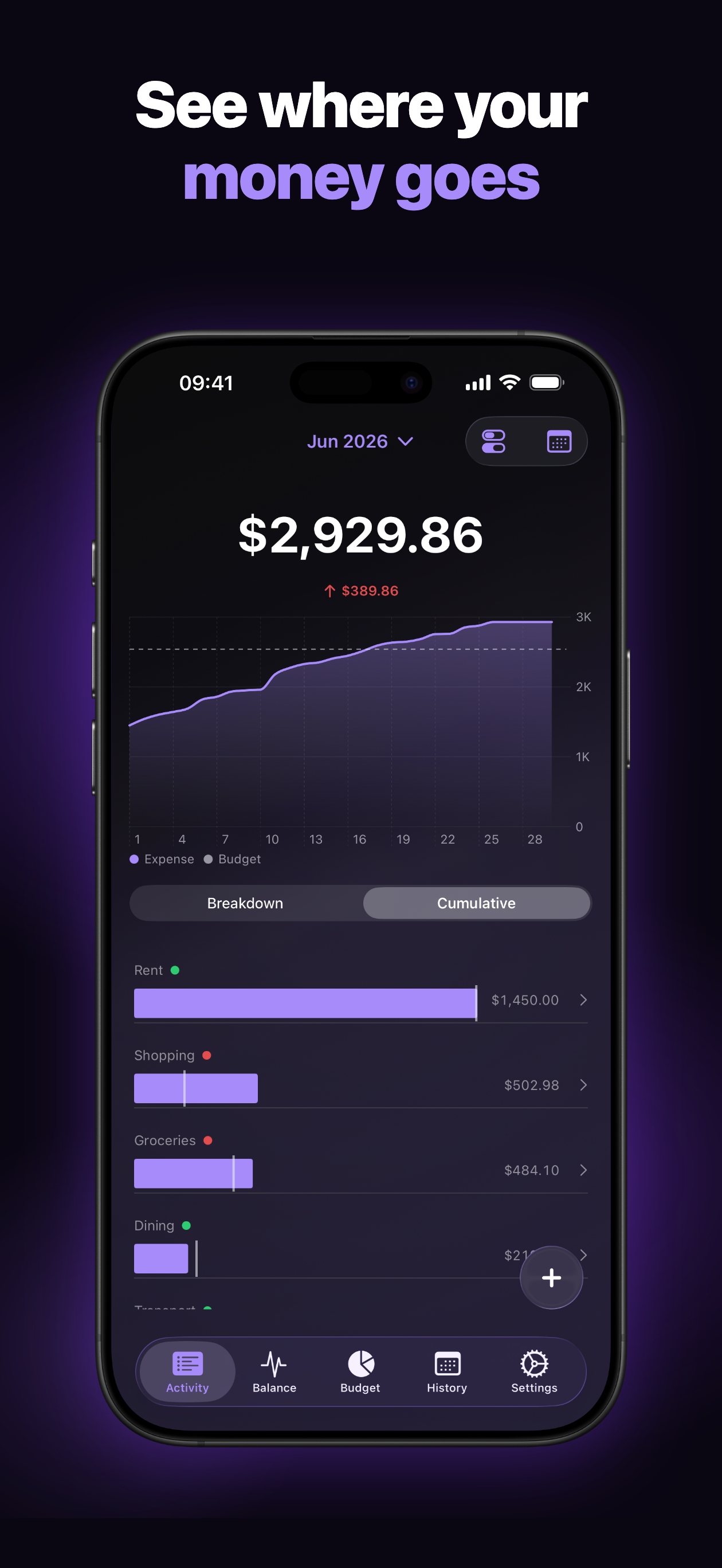
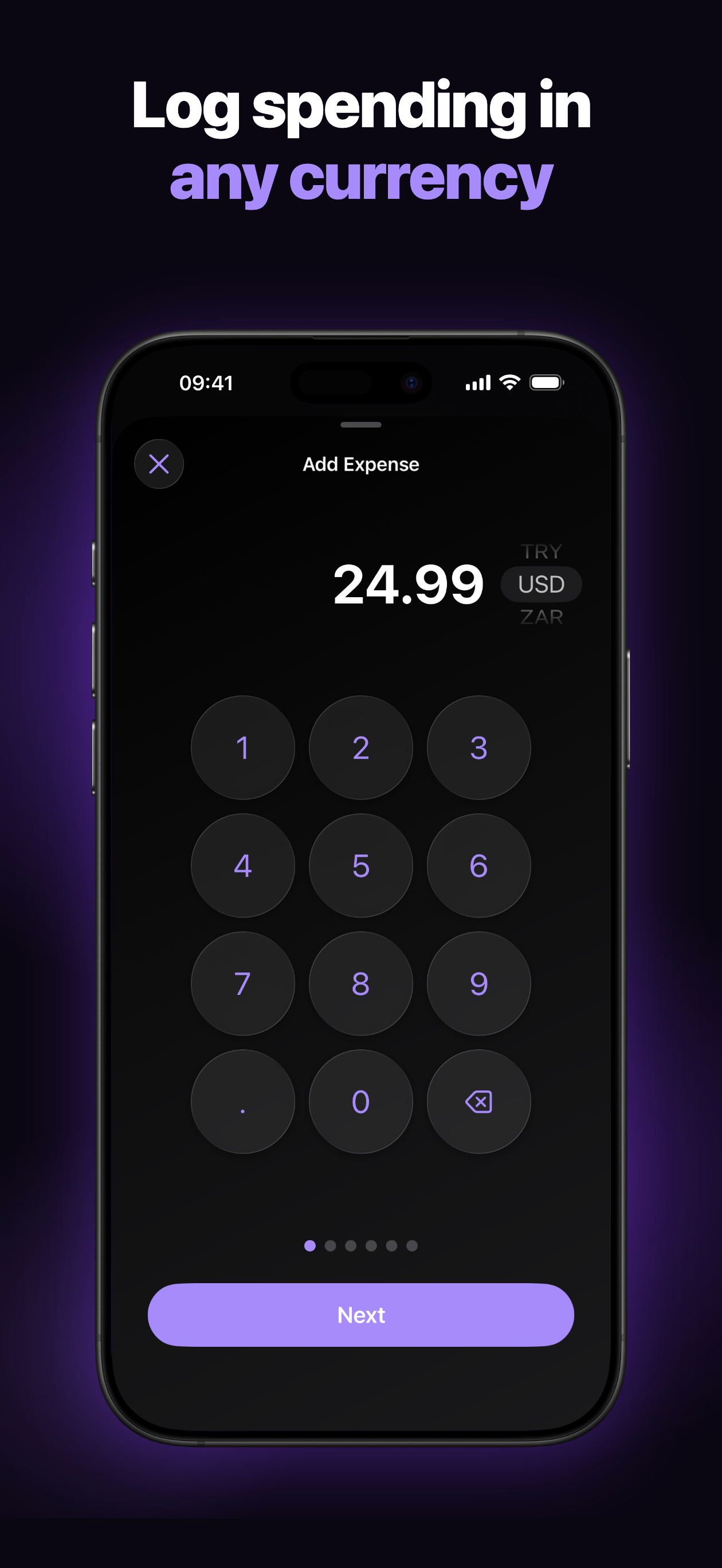
Take control of your personal finances – the first step toward building wealth. Managing your money shouldn't be a chore. WalletLog provides a streamlined experience to track your spending and income, categorize transactions, and visualize your financial habits in real time — all in one clear place, on iPhone, iPad and Apple Watch. Key Features: - iPhone & iPad: on iPad every screen is made for the big display, and WalletLog works in Split View and Slide Over too. - Apple Watch: add expenses right from your wrist, see this month's and today's spending with your budget ring, and keep your finances on your watch face with complications and widgets. - Fast Logging: Add expenses and income in seconds with an intuitive wizard. - Apple Pay & Shortcuts: After a payment, add the expense with a single tap — the amount is already filled in. - Multi-Currency: Record transactions in any currency with up-to-date ECB rates, and see all totals in your currency. - Powerful Search & Filters: Find any transaction by note, category, or subcategory, and filter your history by subcategory and period. - Home & Lock Screen Widgets: See spending, budget progress, and totals at a glance — configurable by type, period, and category — plus a one-tap Quick Add. - Recurring Transactions: Automate salary, rent, and subscriptions — repeating entries are added for you. - Budgets: Set monthly budgets per category and see how you're really doing against your plan. - Accounts & Balances: Keep multiple accounts and your balance always under control. - Deep Financial Insights: Understand your habits through clear, interactive charts, and on iPad with a Dashboard that puts everything on one screen. - Detailed Categorization: Organize your spending with categories and subcategories to see exactly where your money goes. - Sync: Your data securely synced across your devices. Free Version Limitations: - 3 entries per day. - Maximum of 6 categories and 16 subcategories. Unlock More with Premium: Upgrade to WalletLog Premium to access: - Unlimited entries. - Unlimited categories and subcategories. - On-demand sync with cloud. Premium Subscription: WalletLog offers an optional auto-renewable subscription. - Payment: Payment will be charged to your Apple ID Account at confirmation of purchase. - Renewal: Subscription automatically renews unless auto-renew is turned off at least 24 hours before the end of the current period. - Management: You can manage or turn off auto-renew in your App Store Account Settings any time after purchase. - Trial Period: Any unused portion of a free trial period, if offered, will be forfeited when the user purchases a subscription, where applicable. Links: - Privacy Policy: https://lukbro.com/walletlog/privacy-policy/ - Terms of Use (EULA): https://www.apple.com/legal/internet-services/itunes/dev/stdeula/ Start your journey toward financial success today. Simple, fast, and effective – exactly how expense tracking should be.
What’s New
Version 1.11.0 · 10/5/2026WalletLog is now on Apple Watch! • Add expenses right from your wrist: amount, category, subcategory, done in seconds. • This month's and today's spending always at hand, with your budget ring. • Complications for your watch face: pick expenses or income, month or year, all categories or just one, and keep your budget in view. • New Apple Watch widgets that show your finances at a glance. Also: • Stability improvements and bug fixes.
Information
- Seller
- Lukasz Brodzki
- Category
- Finance
- Version
- 1.11.0
- Requires
- iOS 26.0+
- Size
- 22.7 MB
- Age Rating
- 4+