 AppRank
Screenshots


Description
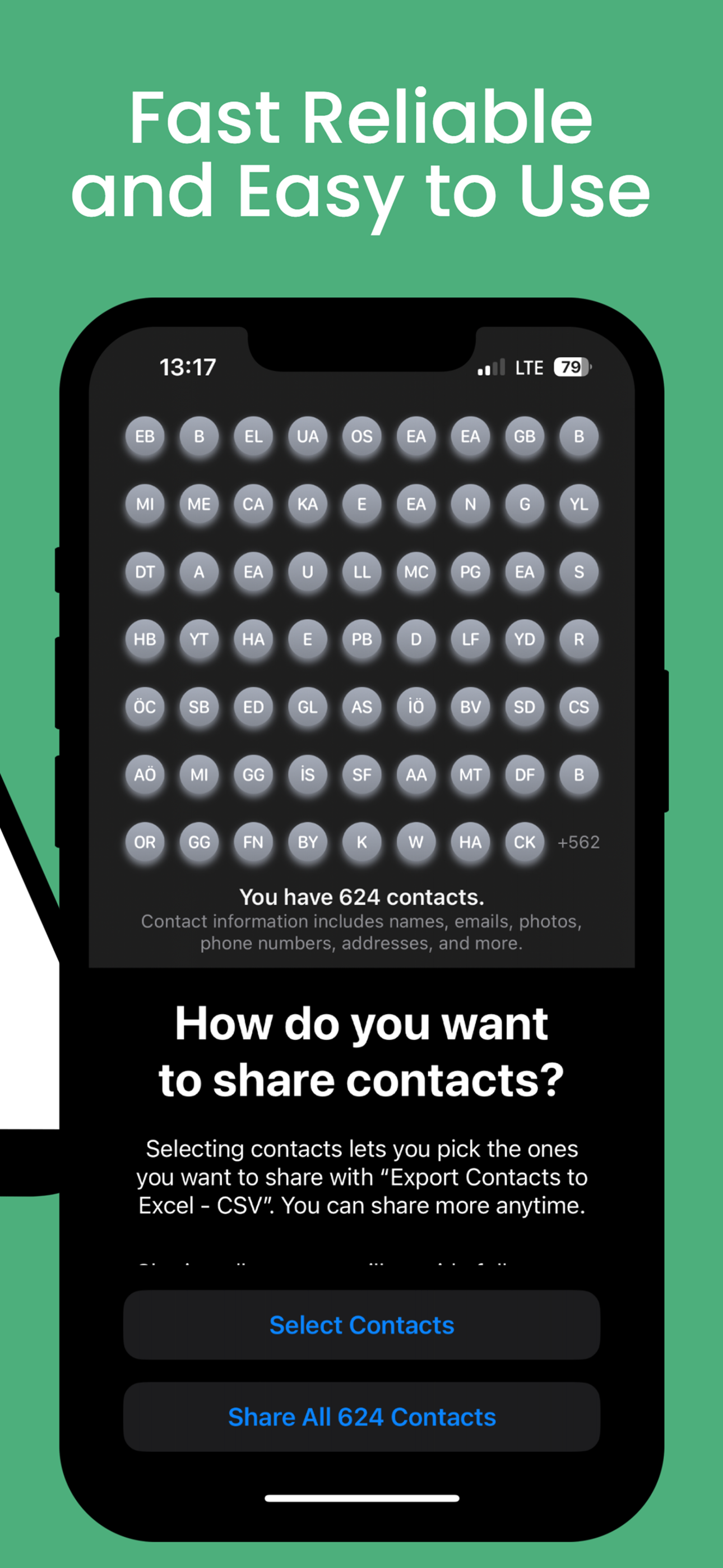
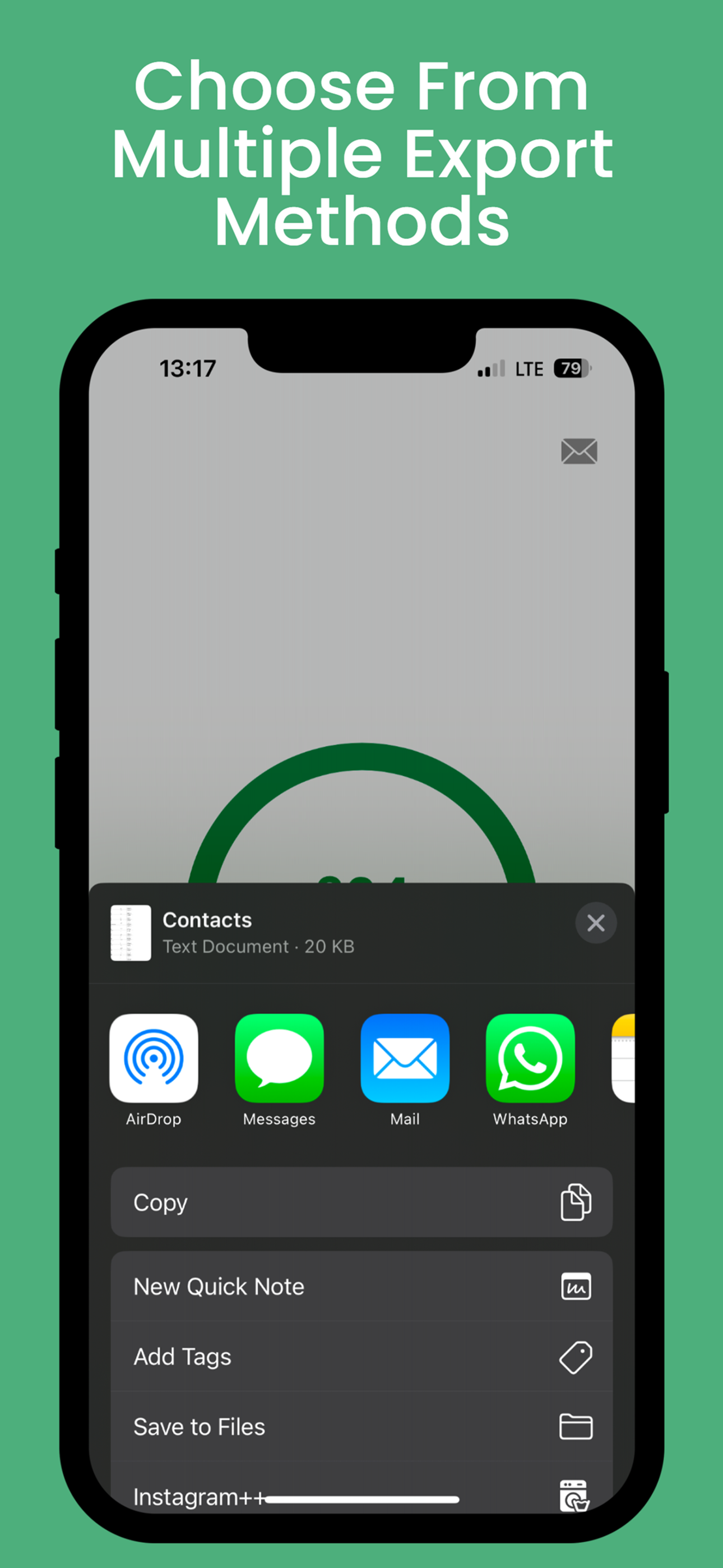
Why Choose Export Contacts to Excel - CSV? Easy to Use -Save your iPhone or iPad contacts as an Excel or CSV file in just a few taps. Open the app, tap Continue, tap Export, select your export method, and you’re done. Multiple Export Methods -Export your contacts via email, iMessage, Dropbox, iCloud Drive, Slack, Evernote, and more. You can also open the file directly in Excel if installed on your device. Unlimited Use -Back up and export your contacts as many times as you need no limitations. Safe and Private -Your contacts remain on your device. This app does not analyze or store your data on remote servers. Everything is processed locally, ensuring maximum privacy. No Ads or Hidden Fees -Unlike similar apps, this one is completely ad-free and doesn’t charge for unnecessary services. WE LOVE FEEDBACK! If you like this app, please take a moment to rate it in the App Store. If you have any suggestions, let us know how we can improve it.
Information
- Seller
- WPPNT LTD
- Category
- Utilities
- Version
- 1.0
- Requires
- iOS 17.4+
- Size
- 3.0 MB
- Age Rating
- 4+