 AppRank
Screenshots

Description
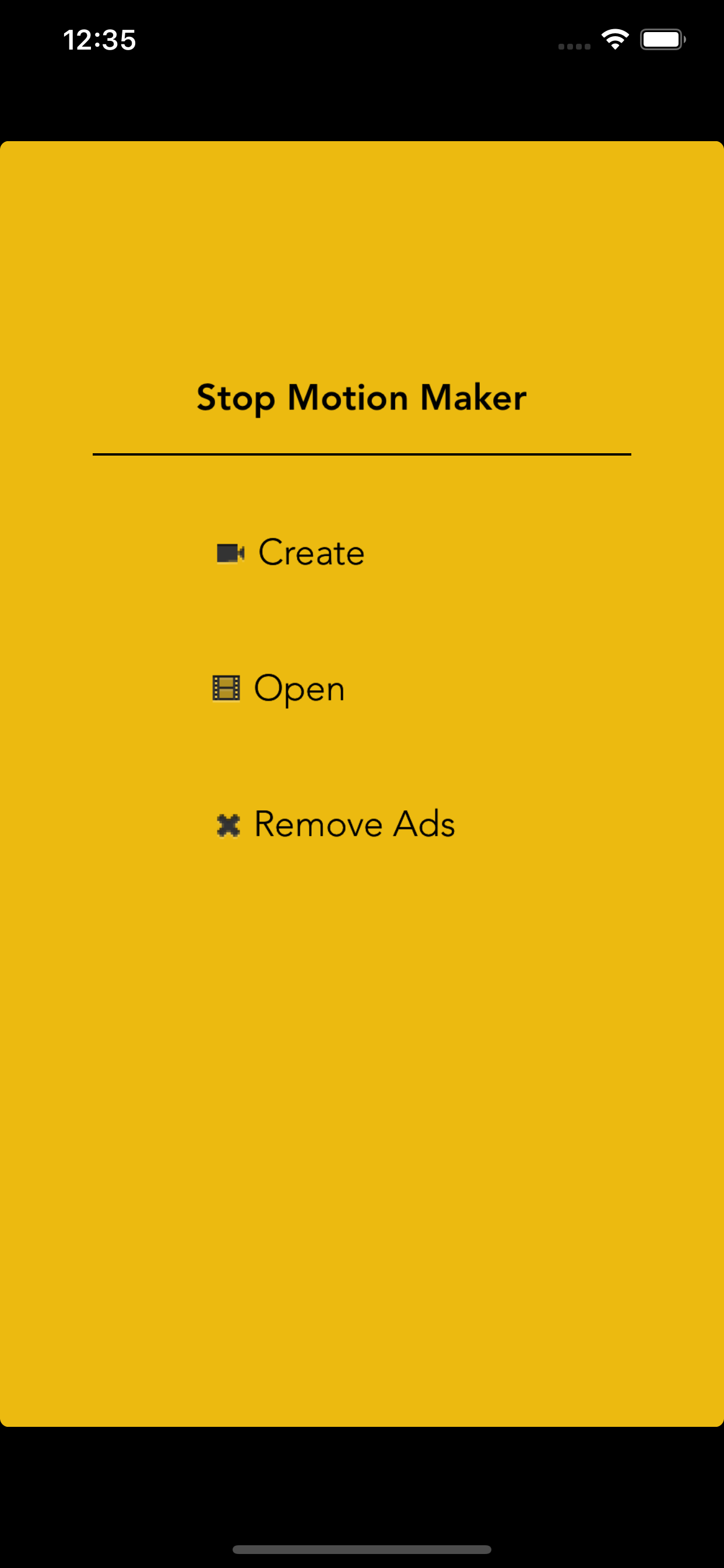
Take a sequence of images and make your own stop-motion video. How to use. - Choose "create" button. - Your camera will start, Click "photo" button to take an image. - If you have enough image sequence, Click "done" button. - At preview screen. You can touch on "Play" button to see preview and Click on "Export" button to save video into photo album. Troubleshooting: - Camera doesn't work. Please make sure that allow the application to acess "Camera. - Export doesn't work. Please make sure that allow the application to access "Photo library". If you have any feedback, feature requests, bugs. Please send me an email. I will fix it as soon as possible. Thanks for your support :) [email protected]
What’s New
Version 1.4.2 · 1/10/2020- support ‘Edit’ feature. Users can continue working on the finished project. - support front camera. - improve exported video quality. - fixed bugs.
Information
- Seller
- Pollapee Sroysuwan
- Category
- Photo & Video
- Version
- 1.4.2
- Requires
- iOS 8.0+
- Size
- 4.7 MB
- Age Rating
- 4+