 AppRank
Screenshots




Description
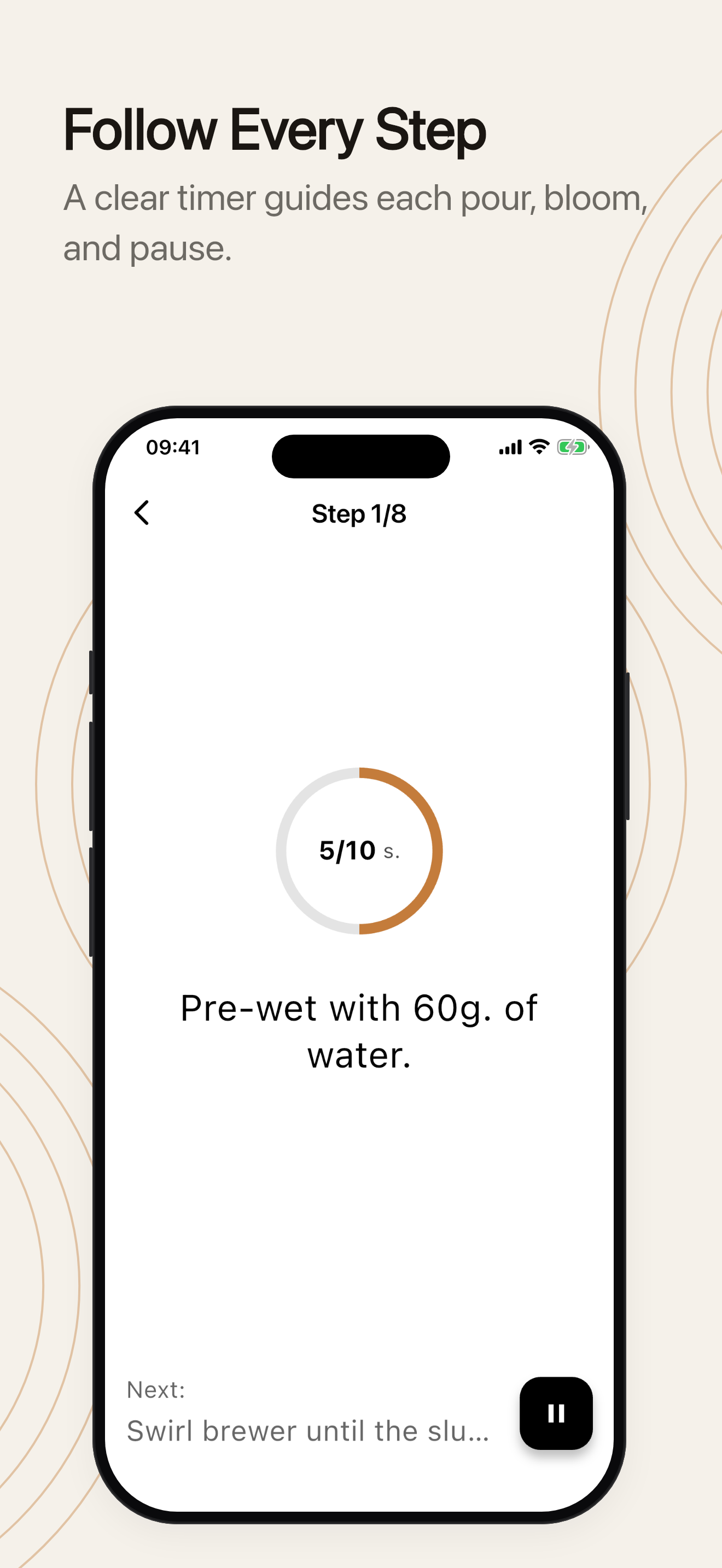
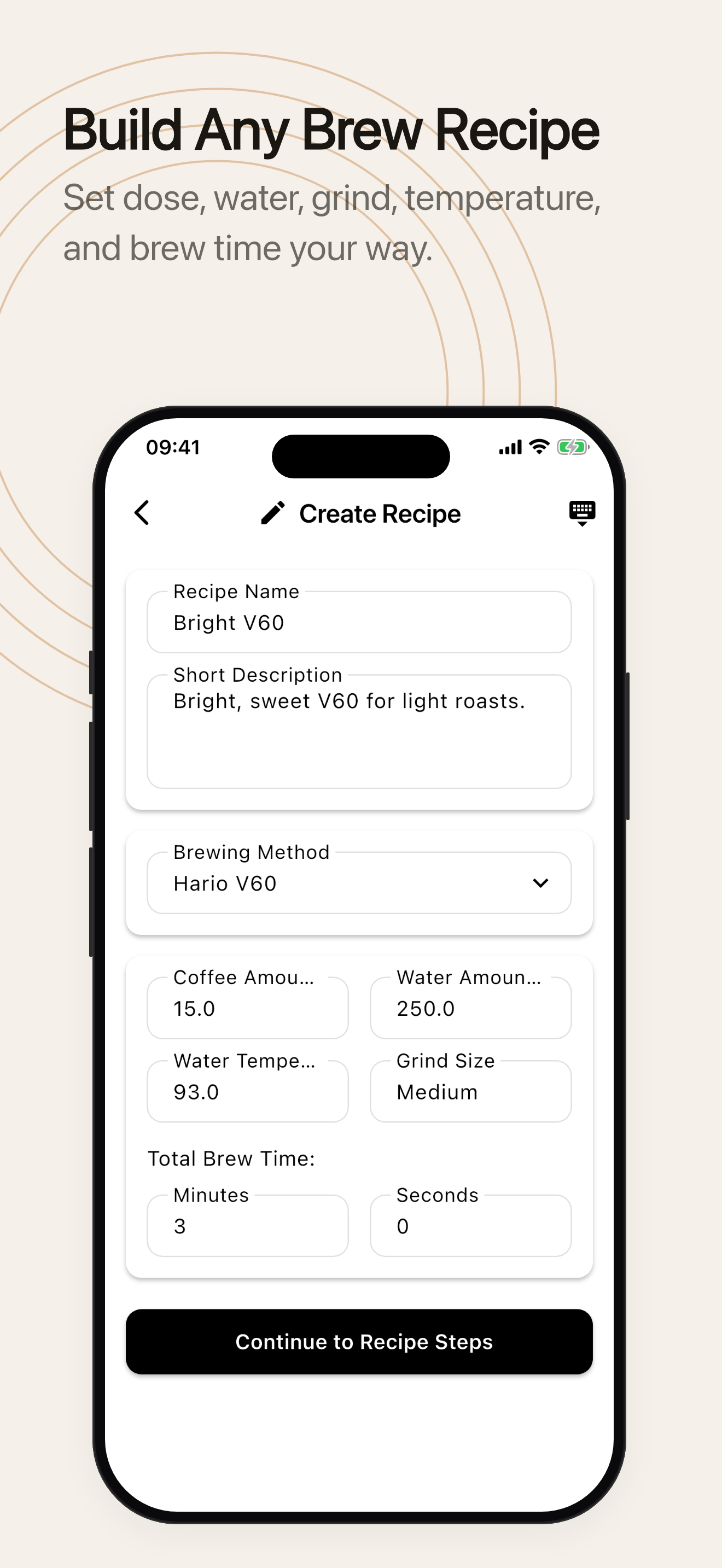
Timer.Coffee is a free, open-source coffee brewing timer and calculator designed to enhance your brewing experience. The app is completely free. Optional in-app donations support ongoing development and never affect access to features. Key Features - 27 Brewing Methods: Step-by-step instructions for Hario V60, AeroPress, Chemex, French Press, Clever Dripper, Kalita Wave, Wilfa Svart Pour Over, Origami Dripper, Hario Switch, and more. - Coffee Calculator: Adjust coffee and water quantities on the fly. - Custom Grind Size: Save your grind settings per recipe — never forget your Comandante clicks again. - Background Brewing: The timer keeps running accurately when you minimize the app — switch apps or check a message without losing your place. - Live Activities: Follow your brew step-by-step on the Lock Screen and in the Dynamic Island without unlocking your phone. - Pulse: See what coffee lovers around the world are brewing right now, in real time. - Create & Share Recipes: Build your own brewing recipes and share them with the community. - Brew Diary: Automatically save timer-guided brews or add entries manually, with notes, ratings, taste, tags, grind, water temperature, and extraction. - Bean Tracking: Manage your coffee bean inventory with AI-powered label recognition. - Favorites: Quick access to your most-used recipes. - Audio Chime: Audio alerts for every brewing step. - Dial In Your Beans: Search and filter your history, bookmark best cups, compare attempts, follow bean journeys, and review monthly progress. - Device Sync: Recipes, beans, and brews synced across all your devices. - 22 Languages: Fully localized for a global audience. - Dark Mode: Easy on the eyes at any hour.
What’s New
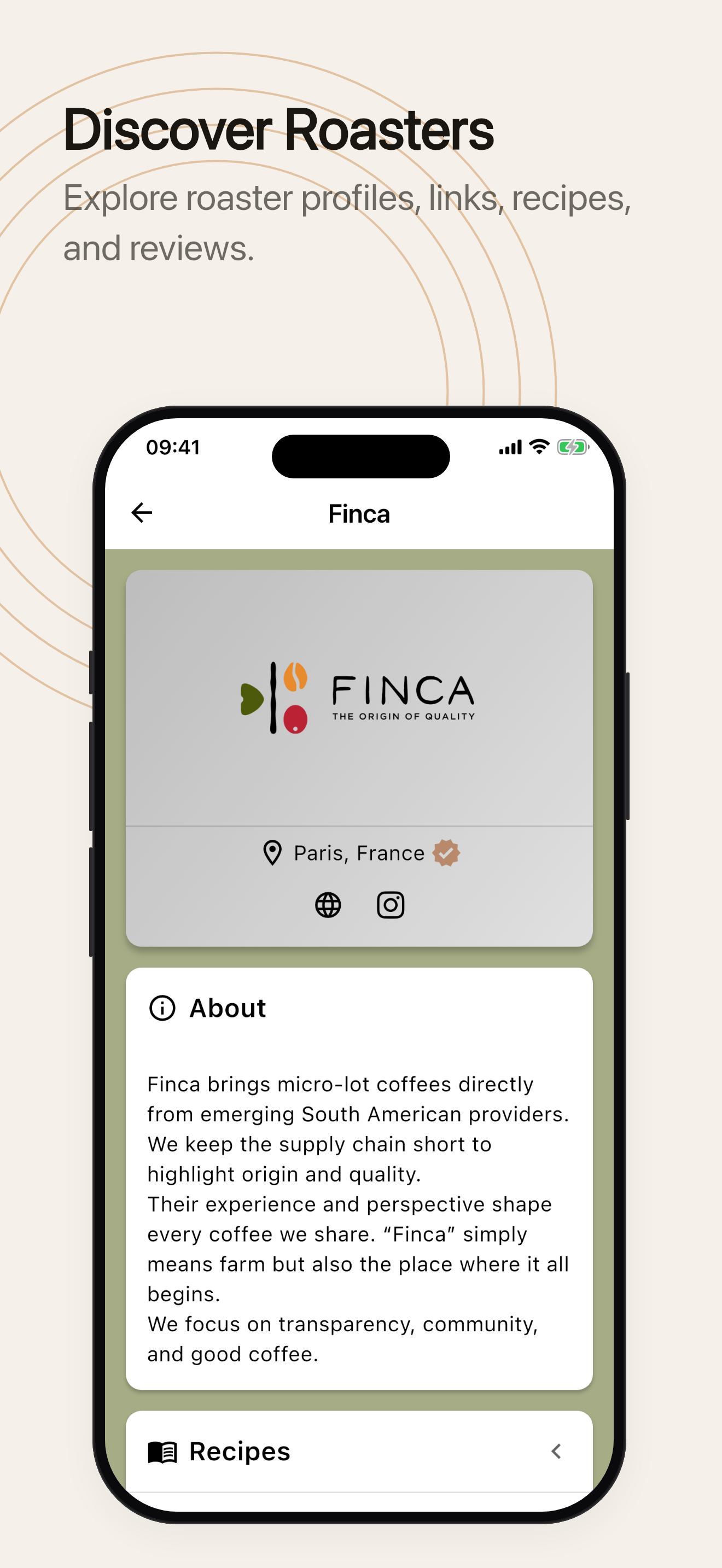
Version 3.9.0 · 9/24/2026What’s New: • An immersive brewing screen: the whole screen fills with coffee as your brew goes on, and the brew ends with a last drop. Turn it on from the gear icon before you start a brew, or in Settings → Advanced / Beta Features. The classic timer is still there whenever you want it. • Undo a delete: after deleting a brew, a bean or a recipe you get a few seconds to bring it back. • Suggested a roaster we didn’t have yet? Once they’re on Timer.Coffee, you’ll see a thank-you with a link to their page. • Review a scanned bag right on the bean form, instead of on a separate screen. Improvements: • A new ending for the classic timer: the ring closes and fills like a cup instead of shaking. • On the last step, the button now reads “Finish” and shows up right away. • Freshness reminders are rebuilt. They now nudge you about a bag you haven’t brewed yet as it reaches its peak, or one you’ve stopped brewing before its peak is over, and never months after roasting. • A clearer recipe setup screen and an easier-to-read next-step preview while brewing. • Numbers stay on the same line as their units in brew steps. Bug Fixes: • Fixed deleting a custom recipe also deleting every brew you had logged with it. Your brew diary now keeps those entries. • Fixed deleting a bean removing its name from your past brews. • Fixed freshness reminders almost never arriving. • Fixed the “first brew” congratulations showing again on later brews.
Information
- Seller
- Anton Karliner
- Category
- Food & Drink
- Version
- 3.9.0
- Requires
- iOS 15.0+
- Size
- 59.1 MB
- Age Rating
- 4+