 AppRank
Screenshots


Description
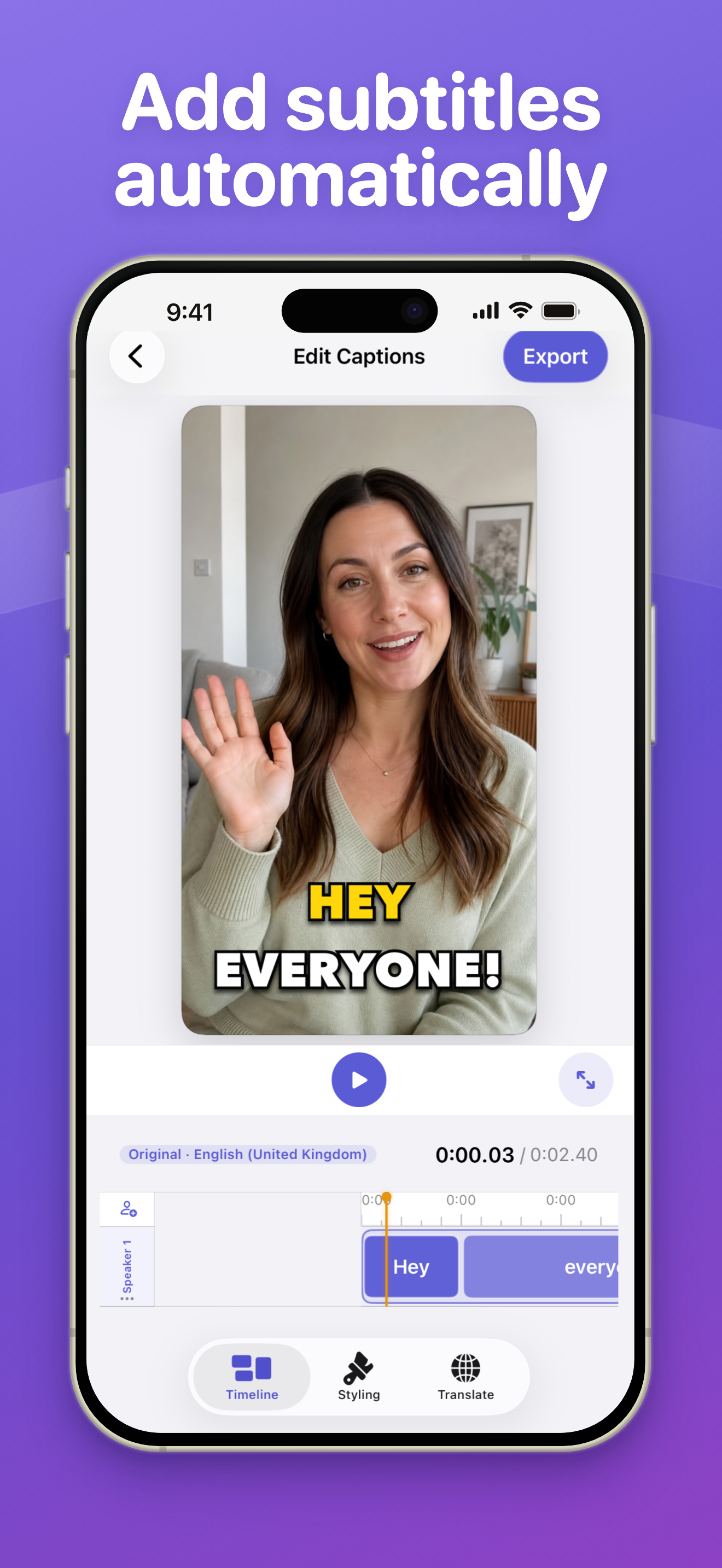
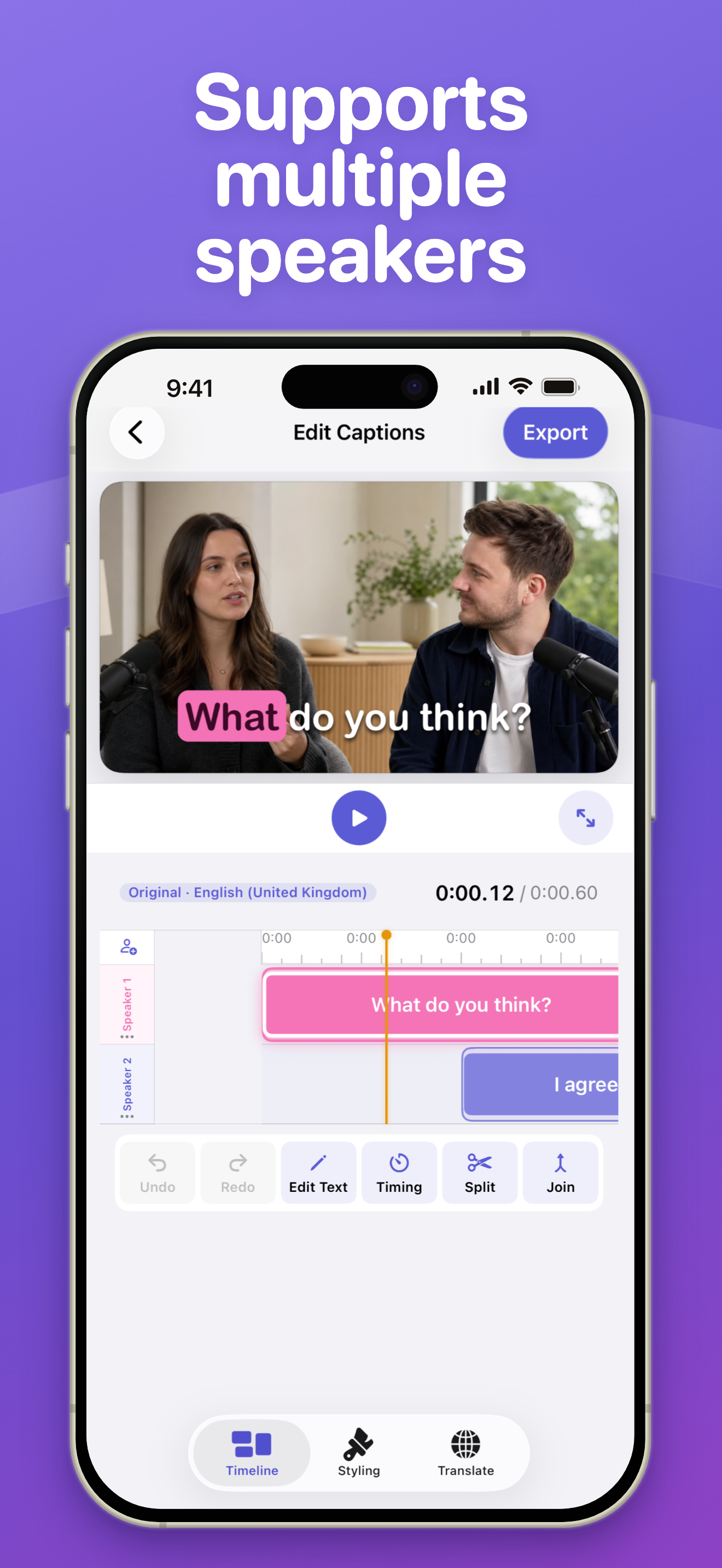
Translate the speech in your videos into clear subtitles in other languages—without typing every word. subtitles.so automatically transcribes your video, builds synchronized captions, and gives you the tools to make every line clear, accurate, and on-brand. Choose a video from Photos or record a new one, trim the beginning and end, then let the app create your first caption track. AUTOMATIC CAPTIONS • Convert spoken video into timed captions • Detect multiple speakers and organize their dialogue • Review and correct the full transcript PRECISE EDITING • Edit caption text directly • Split, join, delete, and regroup captions • Refine timing in a visual timeline • Keep each speaker organised in a separate track CUSTOM STYLES • Choose fonts, weights, alignment, colours, and position • Add backgrounds, outlines, shadows, and active-word emphasis • Animate caption entrances and highlighted words • Style speakers independently and save reusable presets TRANSLATE AND REACH MORE VIEWERS Translate your captions into additional languages, review each translation alongside the original, and choose which language to show or export. FLEXIBLE VIDEO EXPORT Choose the quality that fits your needs, preview the finished result, control watermark placement, and save or share your captioned video. Whether you create interviews, tutorials, lessons, social clips, or business videos, subtitles.so helps you turn spoken content into polished videos people can follow—even with the sound off. Built for iPhone and iPad.
What’s New
Version 2.0.2 · 8/31/2026Bug fixes and performance improvements.
Information
- Seller
- Sajed Nahian
- Category
- Photo & Video
- Version
- 2.0.2
- Requires
- iOS 18.6+
- Size
- 22.9 MB
- Age Rating
- 4+