 AppRank
Calculadora Gráfica Taculator
Di Venisco UG (haftungsbeschrankt)
Education
Screenshots




Description
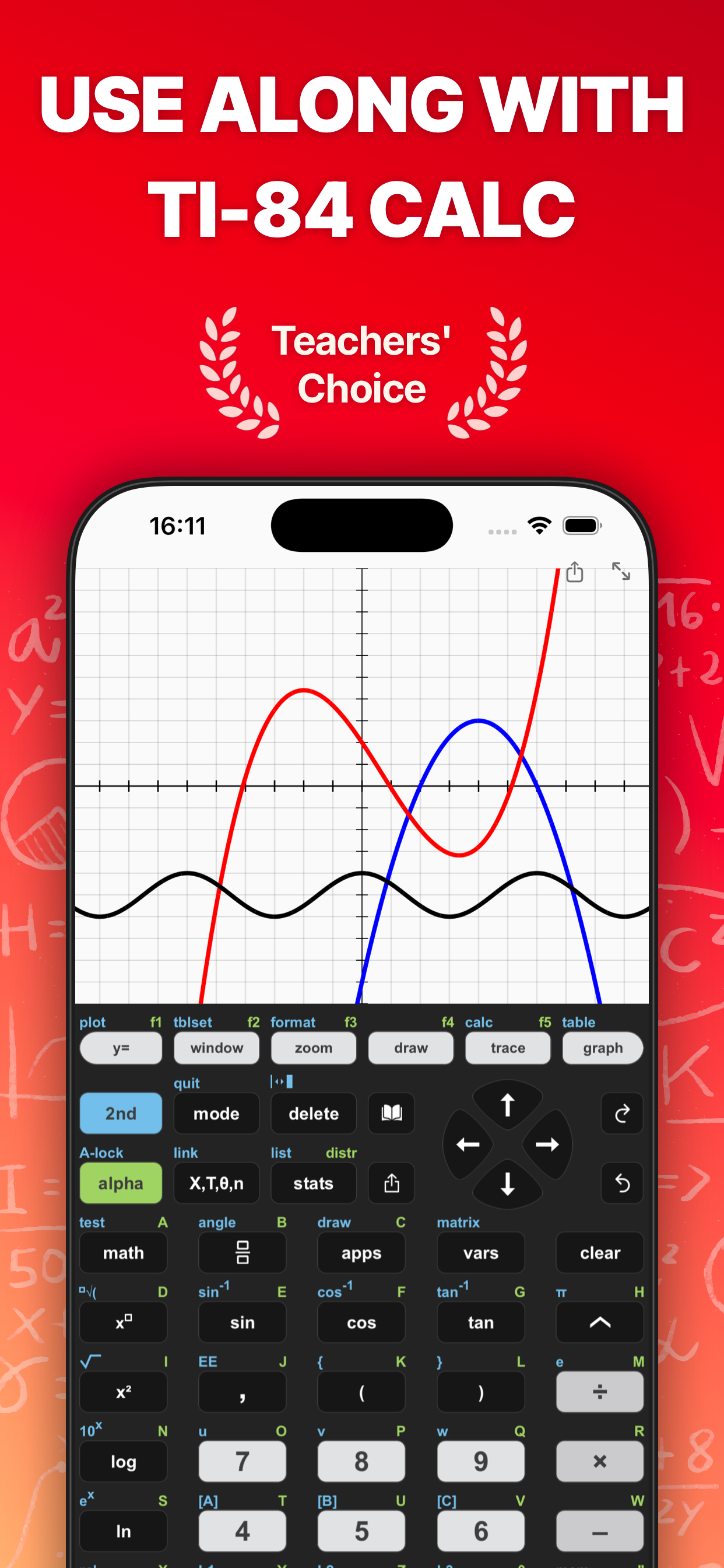
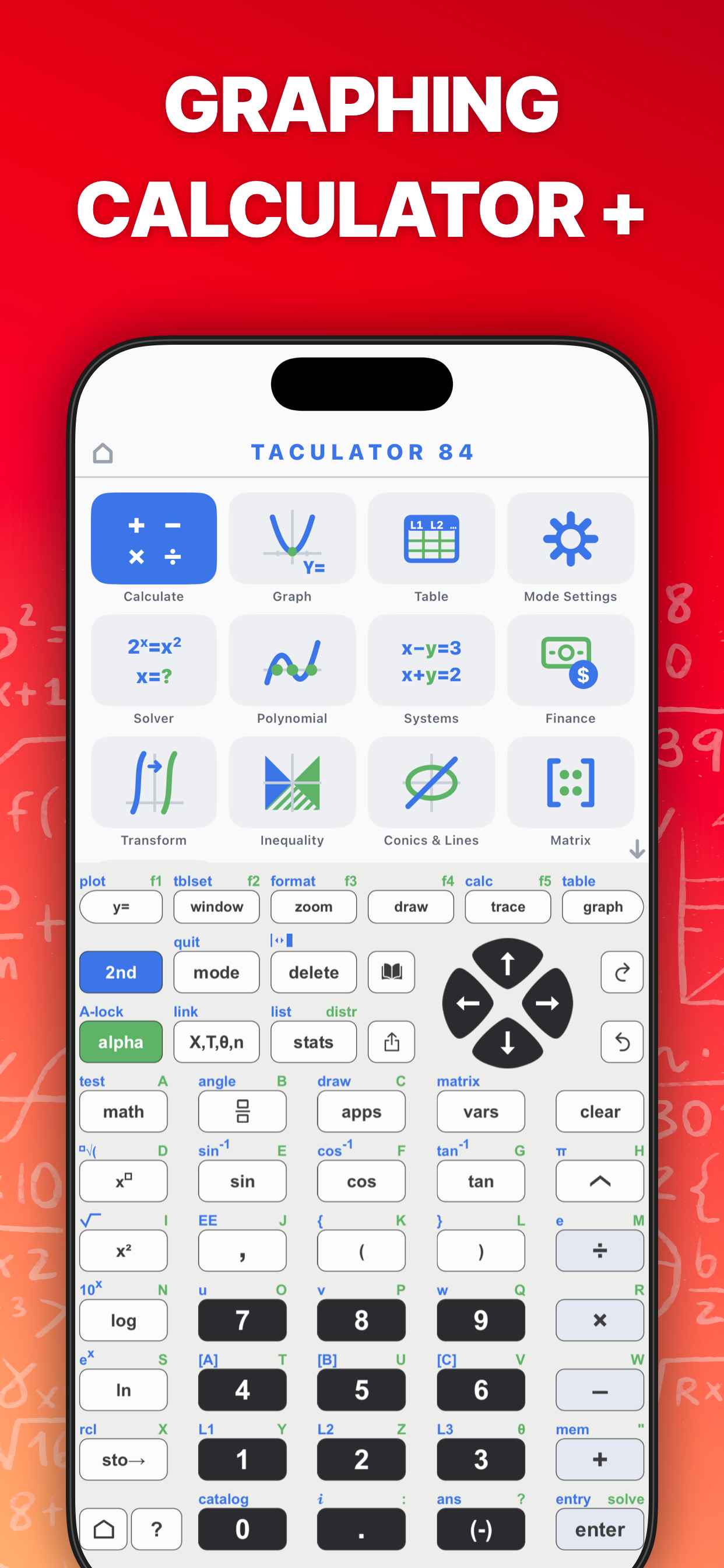
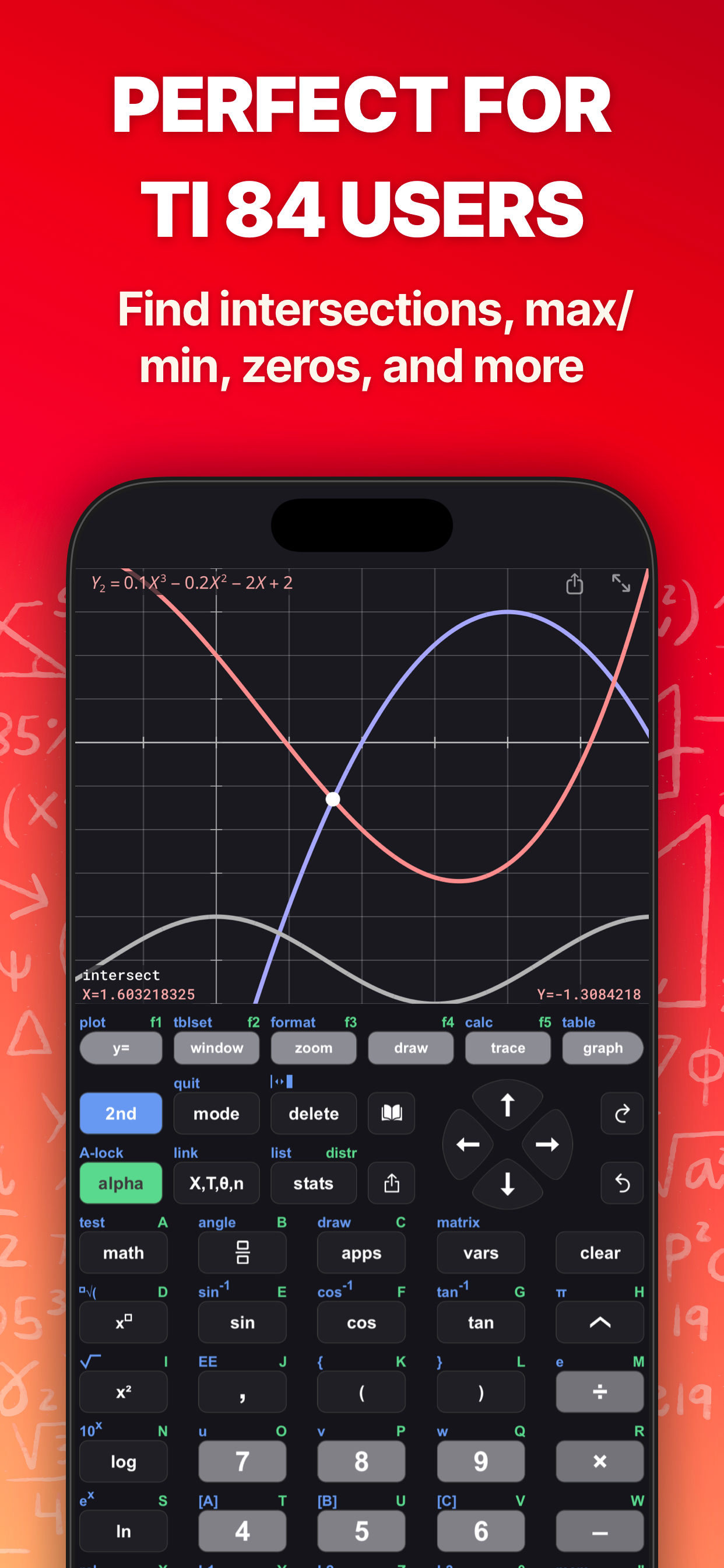
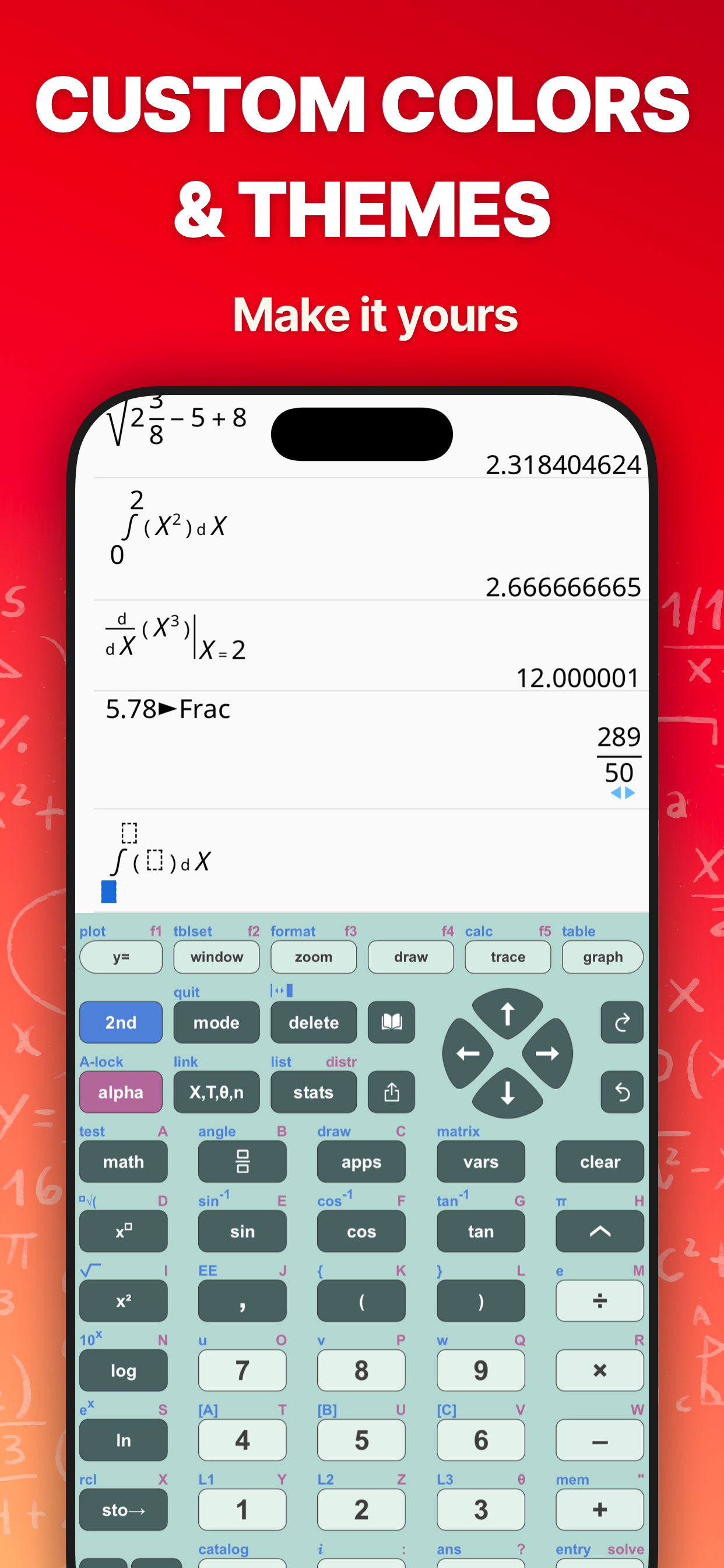
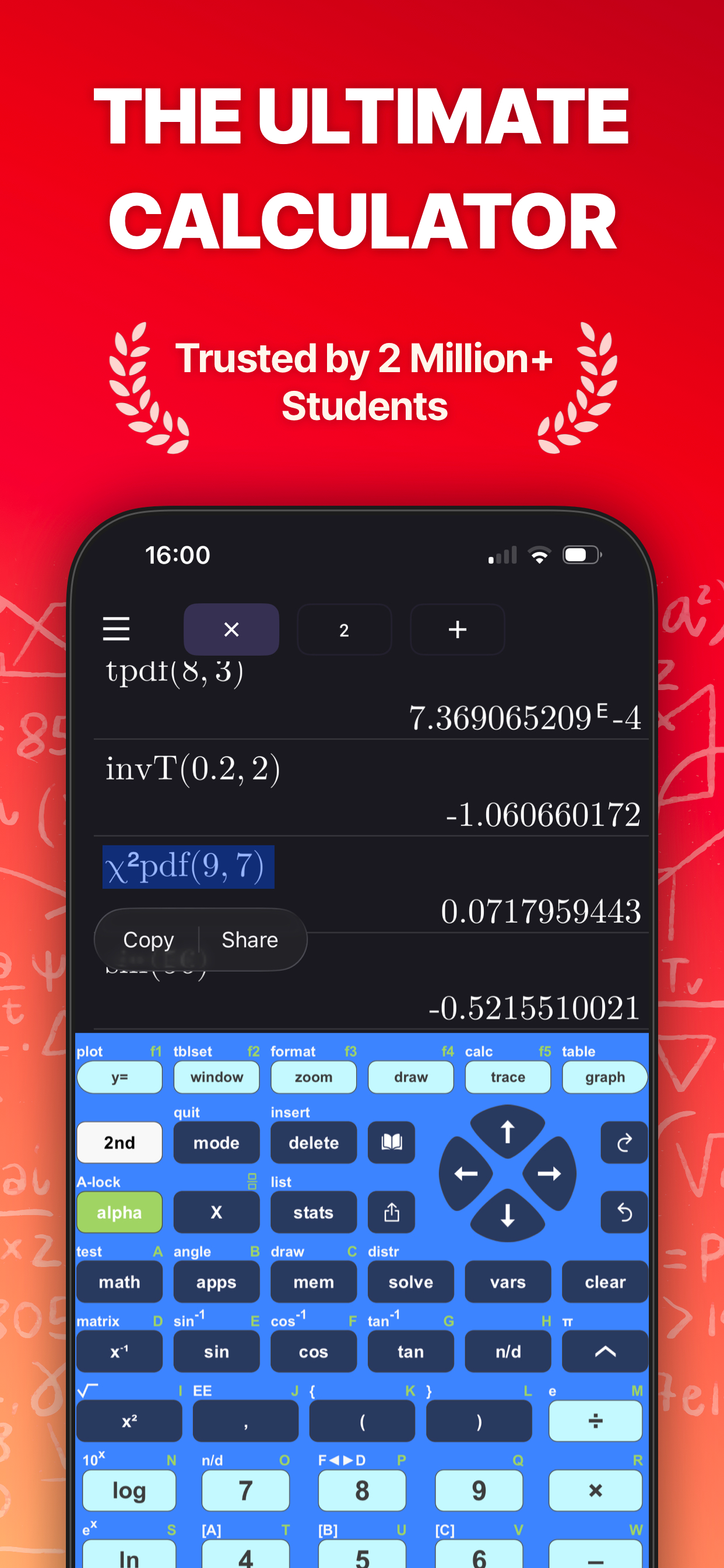
TACULATOR 84 GRAPHING CALCULATOR • Your graphing calculator for high school and college students. • All the commands you know: advanced math, lists, statistics, distributions, stat plots and more. • Covers everything you need: Pre-Algebra, Algebra 1 & 2, Pre-Calculus, Calculus, Statistics... IT'S EVEN BETTER THAN AN ACTUAL CALCULATOR • 100X faster than a handheld, using the full calculation power of your iPhone/iPad. • High-resolution graphing window for sharp and beautiful graphs. • Icon home screen, redesigned menus, optional status line. • Share calculations by text or email. ◉ Math Functions • Scientific calculator with every basic and advanced function. • Scrollable history; copy any previous calculation. • Complex numbers support • Probability: nPr, nCr, factorial, random numbers. • Enter fractions easily; tap any result to flip fraction and decimal. • Piecewise functions, sequences, list commands like seq(, ΔList(, augment(. • Degree, radian and gradian angle modes, DMS format. • Error messages point at the exact spot in your input. ◉ Graphing Functions • Four graphing modes: Function, Parametric, Polar and Sequence (u, v, w with TIME and WEB plots); trace, tables, CALC and zoom work in every mode. • Smart trace snaps to zeros, maxima, minima, intersections and asymptotes. • Calculate intersection, zero, minimum, maximum, integral, and derivative. • Full ZOOM menu: ZBox, ZSquare, ZTrig, ZoomFit, zoom factors and zoom memory. • Draw on your graph: text, pen, points, tangents, circles and shading in color. • Store and recall pictures, or put a photo behind your graph. • Graph statistical plots like histogram, box plot, scatter plot, xy-line plot. • Full-screen mode, pinch to zoom, full window and format settings. ◉ List, Statistics, and Distribution • Stat list editor with 1- and 2-Variable statistics. • Guided input wizards for every test, interval and distribution. • List math: min, max, mean, median, sum, product, standard deviation, variance. • Find best-fit regressions: LinReg (ax+b), LinReg (a+bx), QuadReg, CubicReg, QuartReg, LnReg, ExpReg, PwrReg, Logistic, SinReg, PropReg, RecipReg, eBASEReg — with r and r² diagnostics. • Manual-Fit a line by eye, or QuickPlot points and fit a model right on the graph. • Statistical tests: Z-Test, T-Test, 2-Sample Z- and T-Tests, 1- and 2-PropZTest, plus Z-, T- and proportion intervals. • Distributions: Normal, T, χ2, F, Poisson, Binomial, Geometric (each pdf and cdf), invT — and shade them right on the graph. ◉ Command Catalog & Syntax Help • Integrated Catalog & Help: syntax, examples and error messages for every command. • Type a command and see the right syntax next to the cursor. ◉ Built-in Apps • Geometry: points, lines, circles and polygons — measure, transform, animate. • Polynomial Root Finder & Simultaneous Equation Solver. • Finance: Time-Value-of-Money solver, NPV, IRR, amortization. • Probability Simulation: toss coins, roll dice, spin spinners, draw cards. • Science Tools: sig-fig calculator, unit converter, data/graphs wizard, vector calculator. • Conics & Lines: equation templates for lines (even X=C), circles, parabolas, ellipses and hyperbolas, with SOLVE for center, foci, vertices, directrix. • Transformation Graphing, Inequality Graphing, Periodic Table. • Numeric Solver: solve any equation for any variable. ◉ Matrix Calculator • Store matrices and reuse them as [A], [B], [C], ... • Matrix arithmetic: addition, multiplication, scalar products, powers. • Transpose, determinant, inverse, dimension, ref/rref, identity matrix, cumulative sum. SUPPORT Contact us at [email protected] --- Taculator Pro Membership • Unlock advanced calculations and functions with a monthly, yearly, or lifetime subscription. • Subscriptions auto-renew unless canceled at least 24 hours before the end of the current period. • Manage subscriptions in Account Settings. Terms of Service: https://taculator.com/terms/ Privacy Policy: https://taculator.com/privacy/
What’s New
Version 2.2.0 · 9/29/2026PROGRAMS • Press 2nd PRGM to write and run TI-BASIC programs right on your calculator • Create your own in the built-in editor, with a toolbar for →, Lbl, Goto, If, For, Disp, Input and more • Import .8xp files from the Files app and run them with Input, Prompt, Menu, Pause and Output • Programs share variables, lists and Ans with the home screen, so results are ready for your next calculation • Sample programs QUADRAT and PYTHAG get you started • Early version: some programs use commands we do not support yet. Use the report button in the PRGM menu to send us a program you want to see running GRAPHING AND INPUT • ZOOM menu with the new names: Zoom Box, Zoom Default, Zoom [-10,10], Zoom Fit and more • Math templates palette on alpha + X,T,θ,n: mixed number, absolute value, piecewise, integral, derivative, sum, nCr, nPr and matrix in one place • Matrices fill in right on the home screen: alpha + F3 picks the size, then you type into the cells. Absolute value shows with bars around the expression • alpha + enter shows the answer as a decimal, whatever ANSWERS is set to • Quick zoom on the graph screen with + and − SMALL THINGS • With the status line on, tap NORMAL, FLOAT, AUTO, REAL or RADIAN to change that setting right there • nDeriv( is exact for polynomials, and fnInt( integrates adaptively for precise results, on the home screen and in graph calculations • Press enter twice on an input with a syntax error to keep it in the history and free the line • The MEM menus, the canvas list and the PRGM menu wear the new menu style • Stability improvements throughout
Information
- Seller
- Di Venisco UG (haftungsbeschrankt)
- Category
- Education
- Version
- 2.2.0
- Requires
- iOS 13.0+
- Size
- 55.5 MB
- Age Rating
- +4