 AppRank
Screenshots


Beschreibung
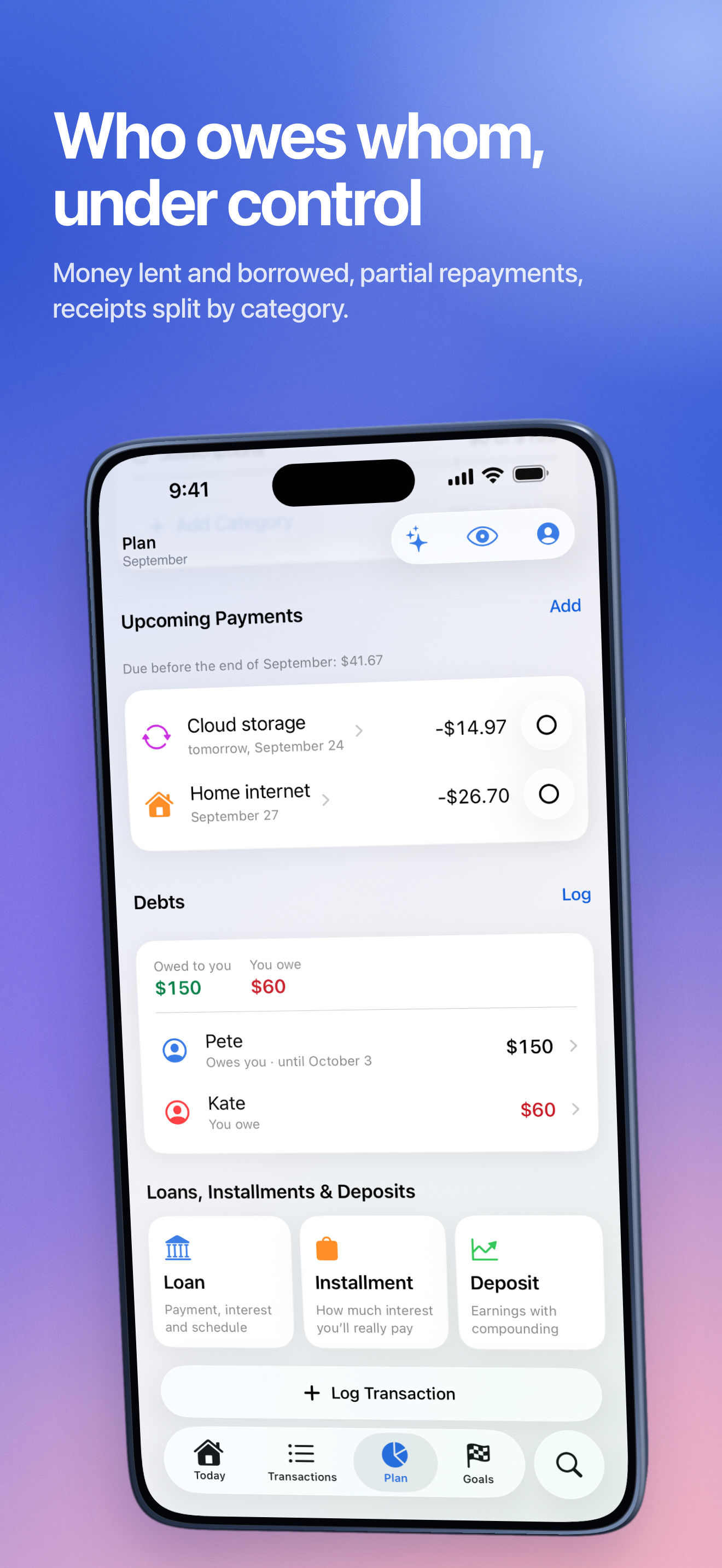
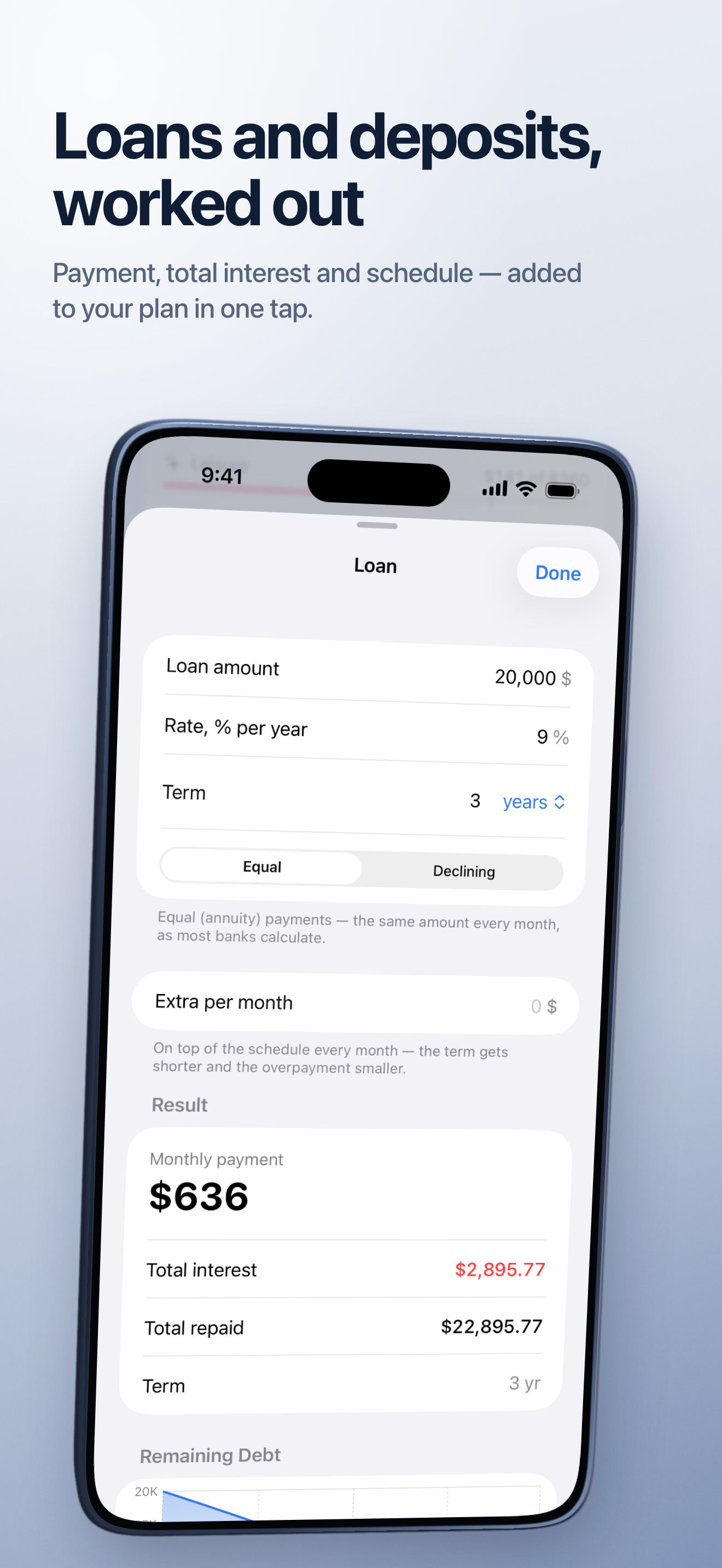
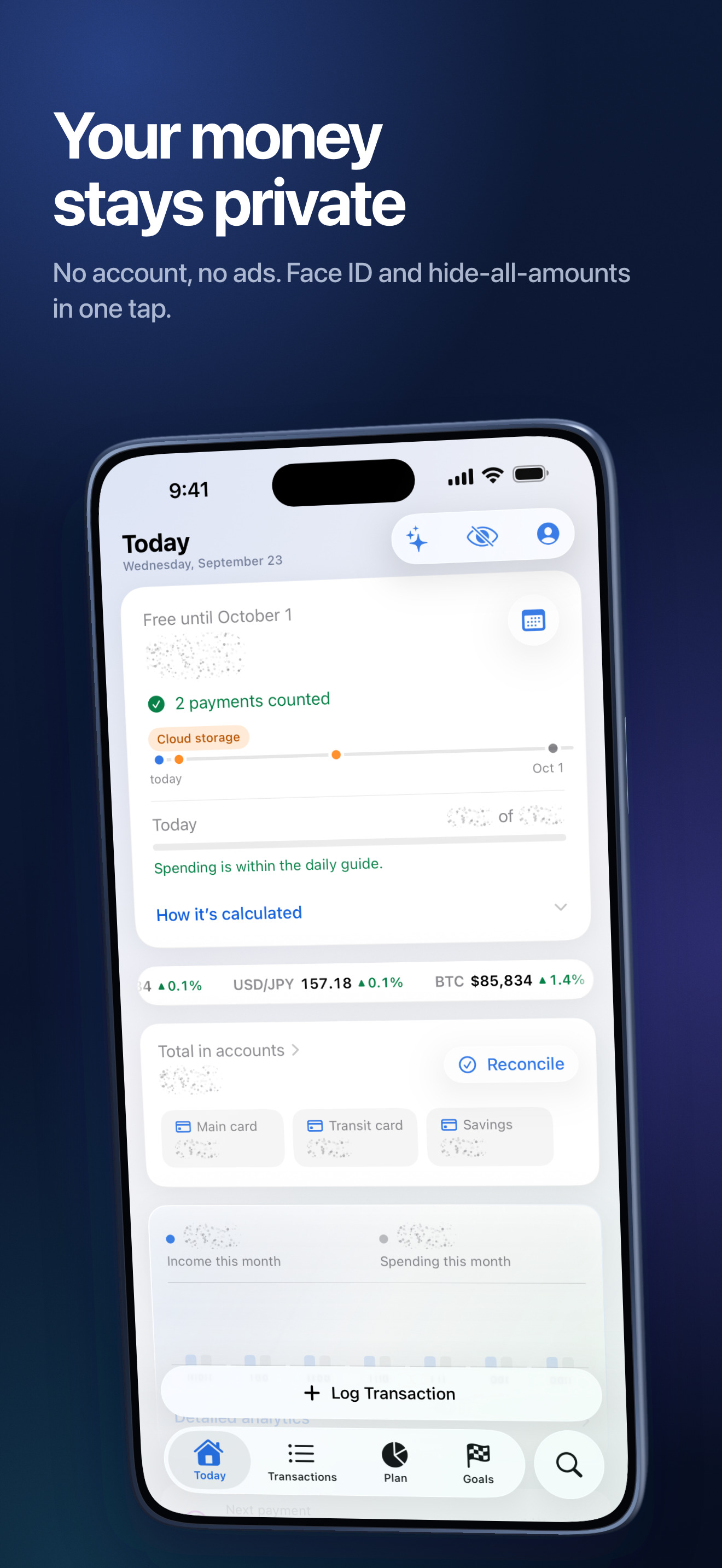
How much can you spend today and still make it to payday? Finances answers with one number, and the assistant explains how it was calculated and where you could save. SAFE-TO-SPEND FOR TODAY Your account balances, minus your protected reserve and every scheduled payment before your next income. Below it: a daily guide, so you can see at a glance whether you're on track. AN ASSISTANT THAT KNOWS YOUR NUMBERS Ask in plain words: "How much can I spend a day?", "Where did my money go this month?", "Who owes me?", "What would my mortgage payment be?" The assistant answers from your own data and shows its reasoning, works out loans and deposits, explains more than 60 personal-finance topics and can log transactions for you: "taxi 12 yesterday". It runs on the device. LOG AN EXPENSE IN TWO SECONDS Type one line — "Coffee 4.50 #work" — and the amount, account, category and tags fill themselves in. Or say it: "spent 20 on a taxi and 45 at the store" becomes two transactions; speech is recognized on the device. Siri and a Control Center button too. Made a mistake? Undo with one tap. FAMILY BUDGET One budget for the whole family: everyone logs spending on their own iPhone or iPad, and balances and the safe-to-spend amount match for everyone. Invite people with a link; the data is stored encrypted in iCloud. Your personal budget stays yours, and you can switch any time. NET WORTH, LOANS AND DEBTS Card, cash, savings, deposit, investments, loan, credit card — all your money on one screen, minus what you owe. Lent or borrowed money? The app remembers who owes whom and how much, and shows what's past due. Split a supermarket receipt across categories. CURRENCIES AND RATES Accounts in dollars, euros, pounds, lira and dozens more: each keeps its own currency, totals are converted at central bank rates or at your own. A ticker under the free amount shows currency rates, crypto and major stocks. It updates on its own and can be turned off. PLAN AND GOALS Category limits with your spending pace, recurring payments with reminders, and a protected reserve. Skip a payment this month or mark it paid with the actual amount. Goals — a trip, a safety cushion, a renovation — each with a date and a clear amount per month. ANALYTICS AND CALCULATORS A month, three months or a year: your spending pace against the previous period, a forecast to the end of the month, categories, subscriptions and leaks, a spending calendar, notes on what stands out. PDF and Excel reports, bank statement import (Chase, Revolut, Monzo, N26 and plain CSV), Home and Lock Screen widgets. Loan, installment and deposit calculators that add payments to your plan in one tap. Net worth month by month on a chart. PRIVATE BY DESIGN No account, no tracking, no ads. Your personal data never leaves your device; only a family budget goes to iCloud, and only if you create one. Face ID lock, hide all amounts with one tap, export everything to a file. WHAT'S FREE AND WHAT'S IN FINANCES PRO Free, with no ads and no time limit: accounts and transactions, quick and voice entry, the safe-to-spend amount and forecast, the plan, goals, net worth and debts, currencies and rates, search and export. Paid levels of Finances Pro: • Analytics — analytics, reports, statement import, widgets, calculators and monthly net worth; • Analytics + Assistant — everything in Analytics, plus the assistant and the family budget. Both levels are open to everyone for the first 7 days, then with an access code. Joining a family budget by invitation is free. English and Russian. iPhone and iPad with iOS 18 or later.
Neuigkeiten
Version 1.5.0 · 25.9.2026• Create and rename tags in Settings before recording transactions. • Import Excel .xlsx workbooks and use a blank transaction template. Improved date, currency, duplicate and transfer checks before saving. • Fixed summary image sharing: prepare and preview the actual file before sending it. • Updated assistant help and the What's New screen. • A native Mac version with sidebar navigation and a two-column Today overview. • Clearer error messages and retry handling for iCloud shared budgets. Available iCloud storage is required for synchronization.
Informationen
- Anbieter
- Antonova Vladilena
- Kategorie
- Finance
- Version
- 1.5.0
- Erfordert
- iOS 18.0+
- Größe
- 17.6 MB
- Altersfreigabe
- 4+