 AppRank
Screenshots





Beschreibung
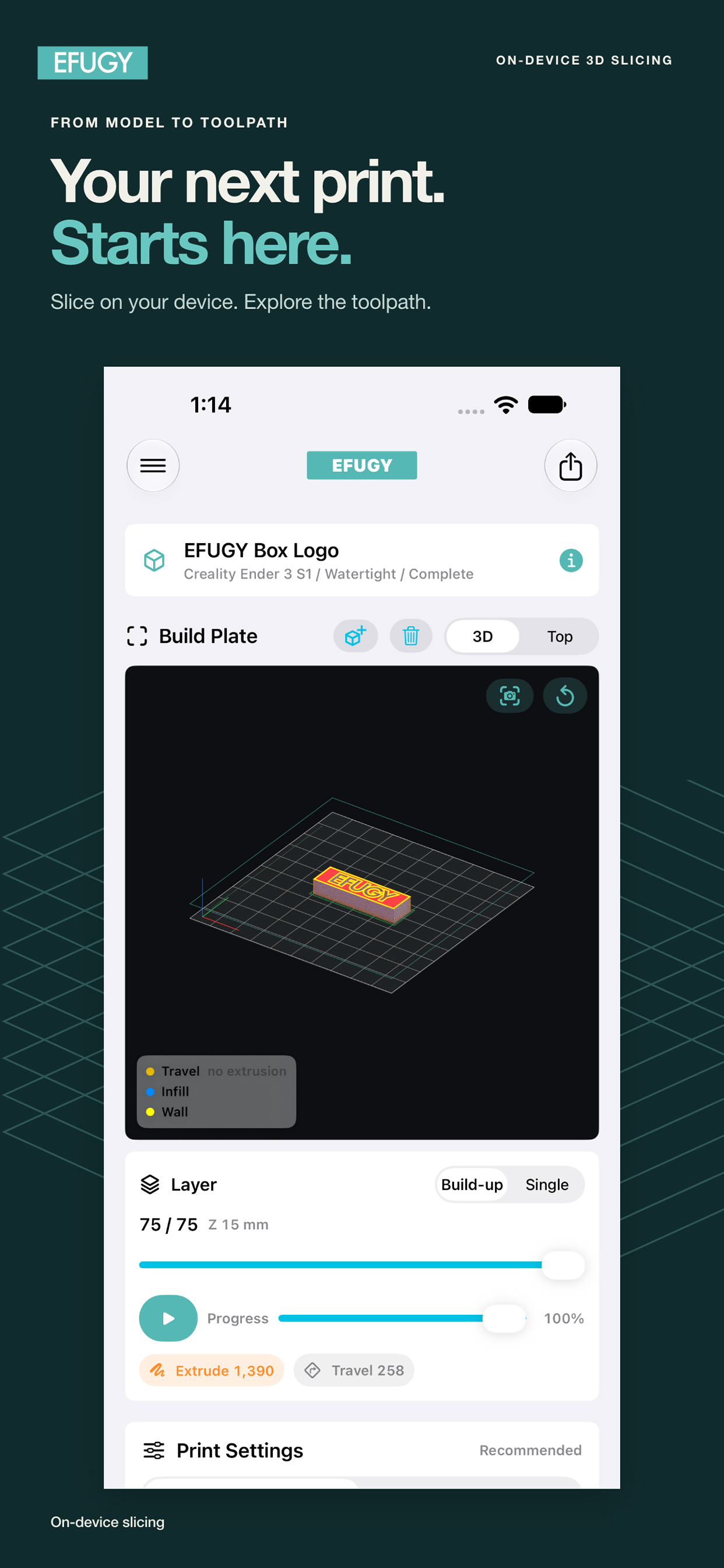
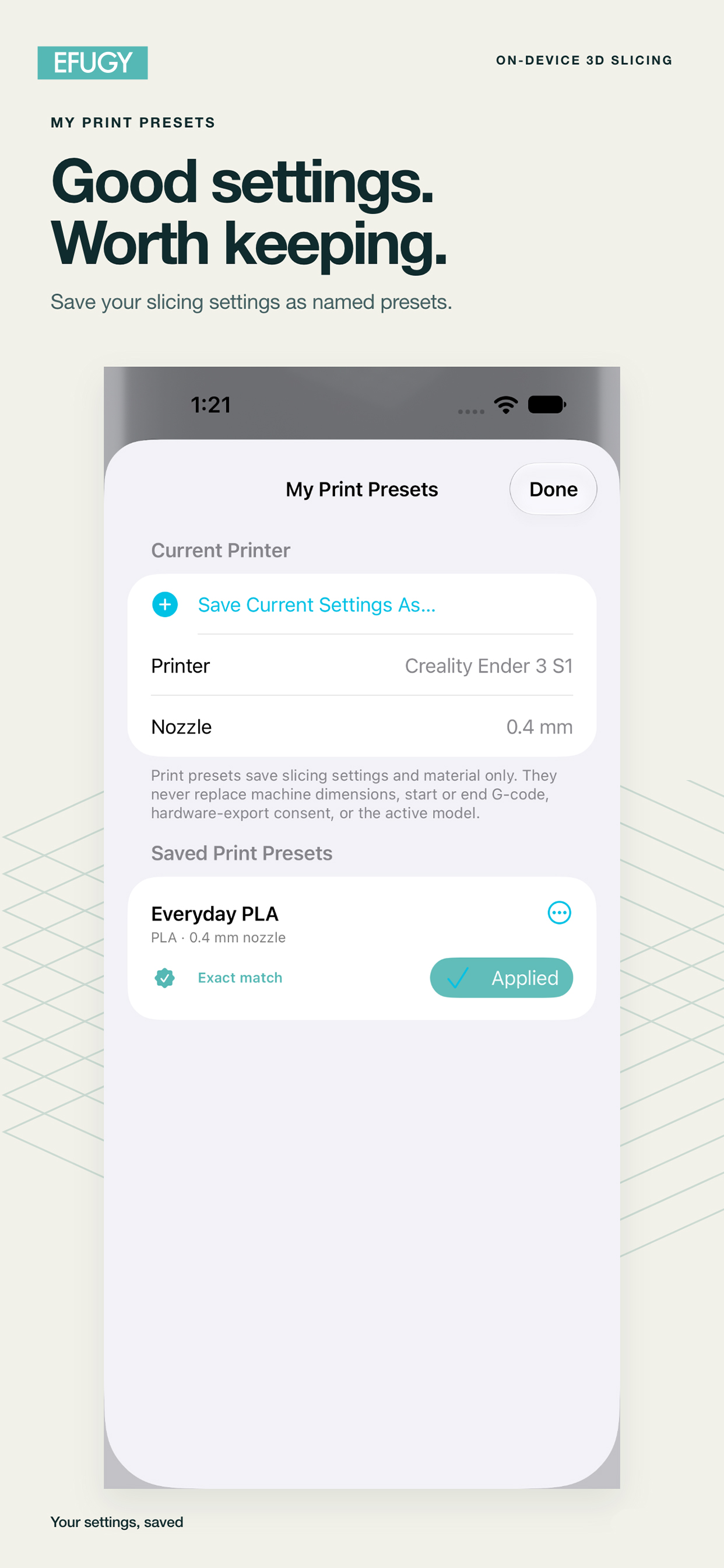
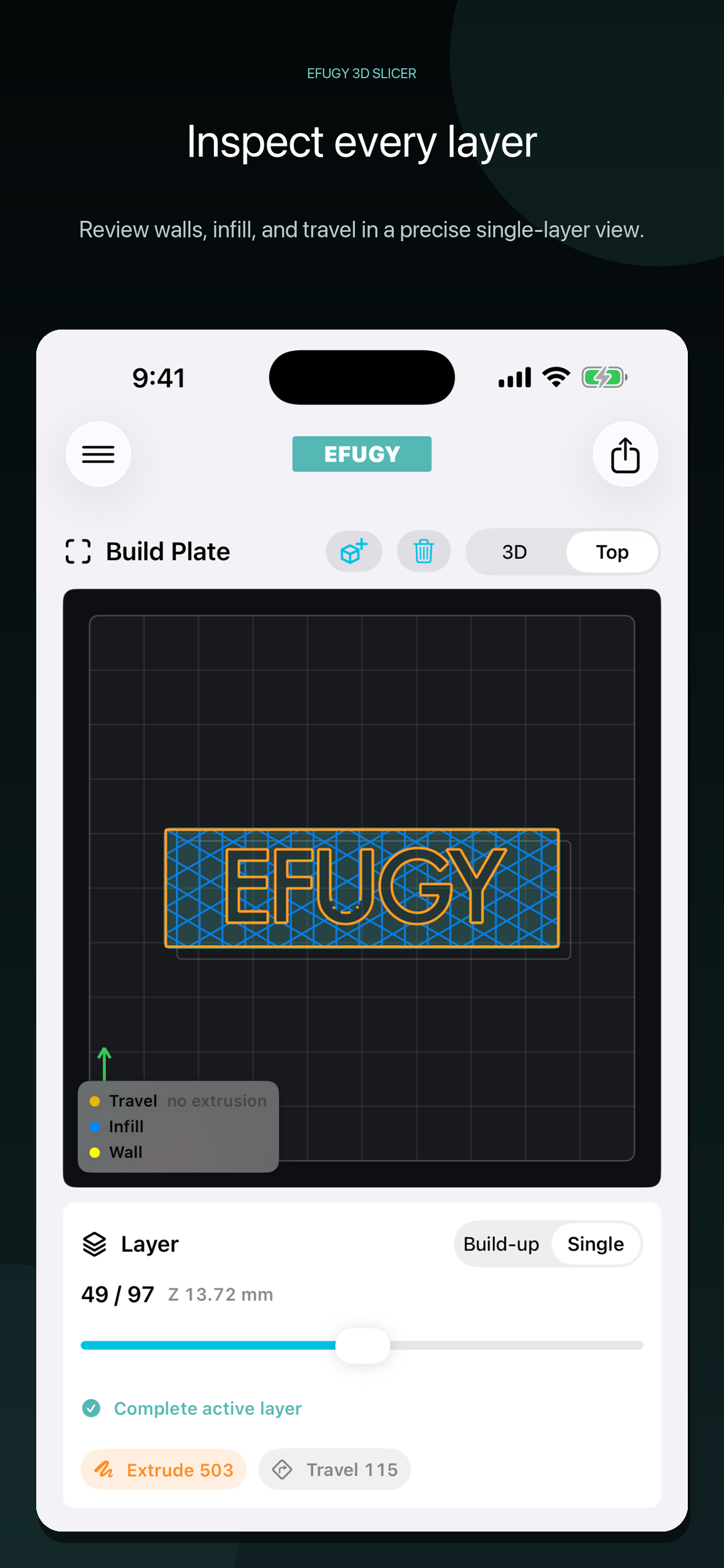
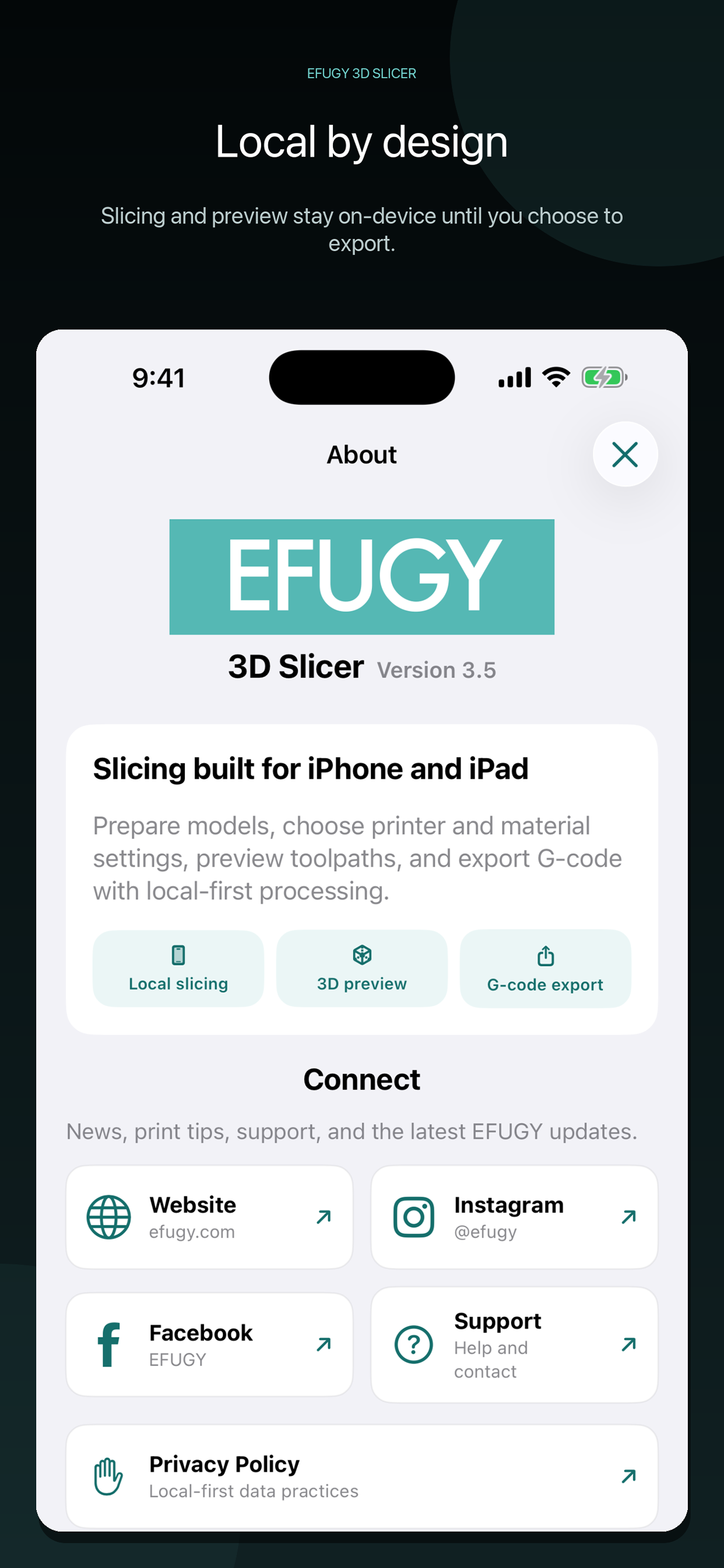
A 3D slicer built for iPhone and iPad. EFUGY turns STL and OBJ models into G-code on your device. Import a model, choose a printer and material, adjust your settings, inspect the toolpath, and export through Files or Share. No account is required for these workflows. SLICE ON YOUR DEVICE - Import STL and OBJ models, or open G-code for preview. - Prepare and slice supported models locally, without a cloud slicing account. - Review model placement, build volume, printer settings, and export checks. KEEP YOUR PRINT SETTINGS - Choose Basic controls for setup or Advanced controls for more adjustments. - Save named print presets, then Apply, Rename, Duplicate, or Delete them. - Reuse compatible presets for the matching printer and nozzle. - Adjust settings such as layer height, infill, supports, temperature, speed, retraction, and Z-hop where the selected profile allows them. INSPECT THE TOOLPATH - Explore interactive 3D and Top views. - Scrub through layers and switch between Build-up and Single-layer inspection. - Review the preview and compatibility guidance before exporting. CHOOSE YOUR EXPORT WORKFLOW - Save generated G-code through Files or Share when the selected profile supports that route. - Configure optional local-network transfer for reviewed, compatible Klipper/Moonraker profiles. - Follow the selected profile's firmware, nozzle, transfer, and Beta guidance. Export availability varies by profile and configuration. GET HELP WITH RECENT STEPS Recent Steps keeps a short history of app actions on your device to help explain a problem. Open Help & Feedback, then Recent Steps & Privacy to review it, clear it, or turn recording off. Recording is on by default and keeps up to 80 events from the last 72 hours. Older entries are removed when the app next opens or records an action. You choose whether to include Recent Steps in each issue email. Inclusion starts off for every report, and you can review or edit the draft before sending. No history is sent automatically. Sending feedback shares your email address, message, and any included diagnostics with EFUGY / Rule Mobile LLC, which may reply about your request. Printer profiles are compatibility configurations, not manufacturer certification or proof that every setup has been physically qualified. Review the preview, confirm your machine and material settings, and follow the printer manufacturer's safety guidance. Respect all profile warnings and supervised-first-print guidance.
Neuigkeiten
Version 3.8.1 · 18.9.2026EFUGY 3.8.1 focuses on more dependable slicing and fixes reported by our community. • Fixes an issue that could interrupt slicing with Arbor supports enabled. • Adds clearer error messages and retry guidance for slicing failures. • Corrects support availability when the bundled EFUGY sample logo is tilted. • Improves safeguards for model imports, workspace recovery, and G-code export. Looking ahead: For the next update, we're working on enhanced supports, clearer support previews, and more options to help you fine-tune your prints. Thank you for your feedback and for helping us improve EFUGY.
Informationen
- Anbieter
- Rule Mobile LLC
- Kategorie
- Graphics & Design
- Version
- 3.8.1
- Erfordert
- iOS 17.0+
- Größe
- 12.1 MB
- Altersfreigabe
- 4+