 AppRank
Screenshots




Beschreibung
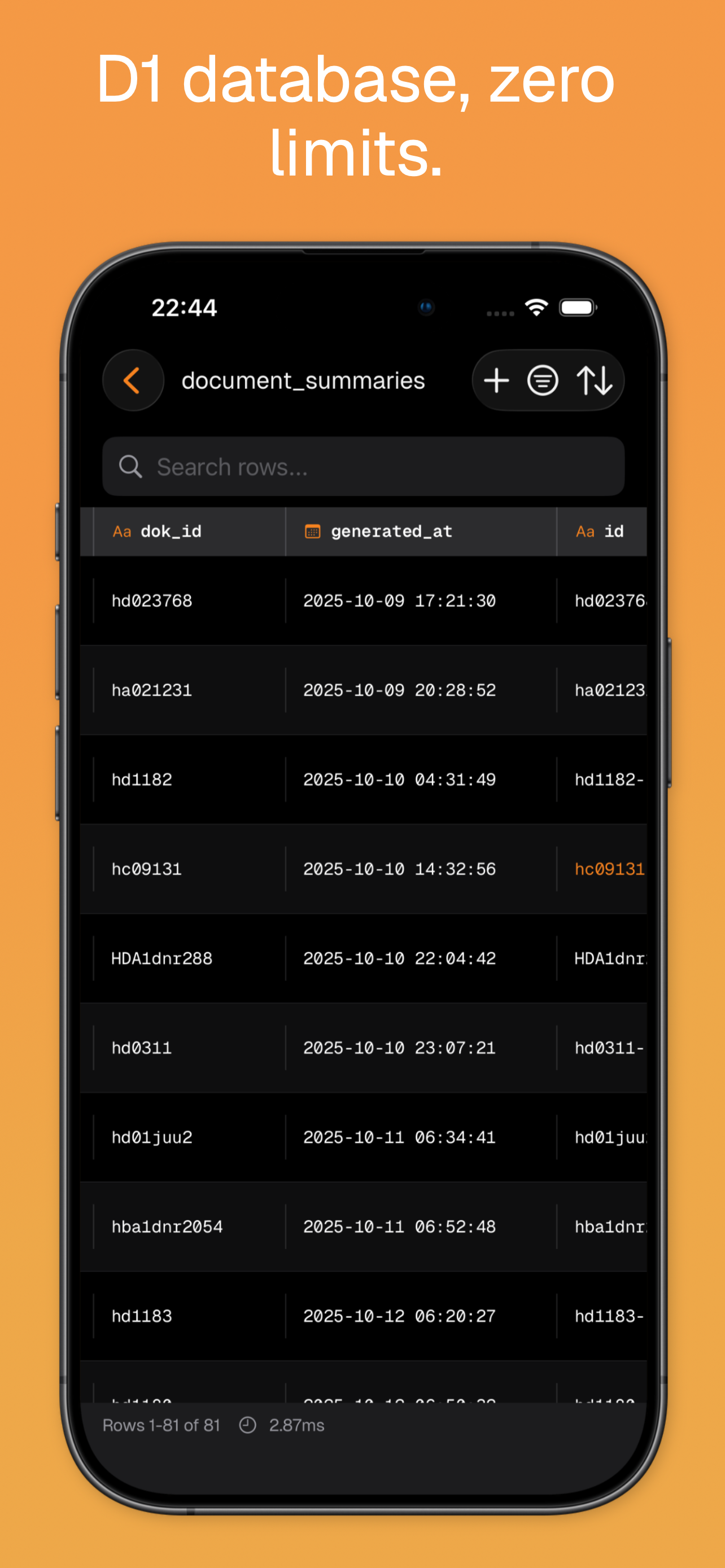
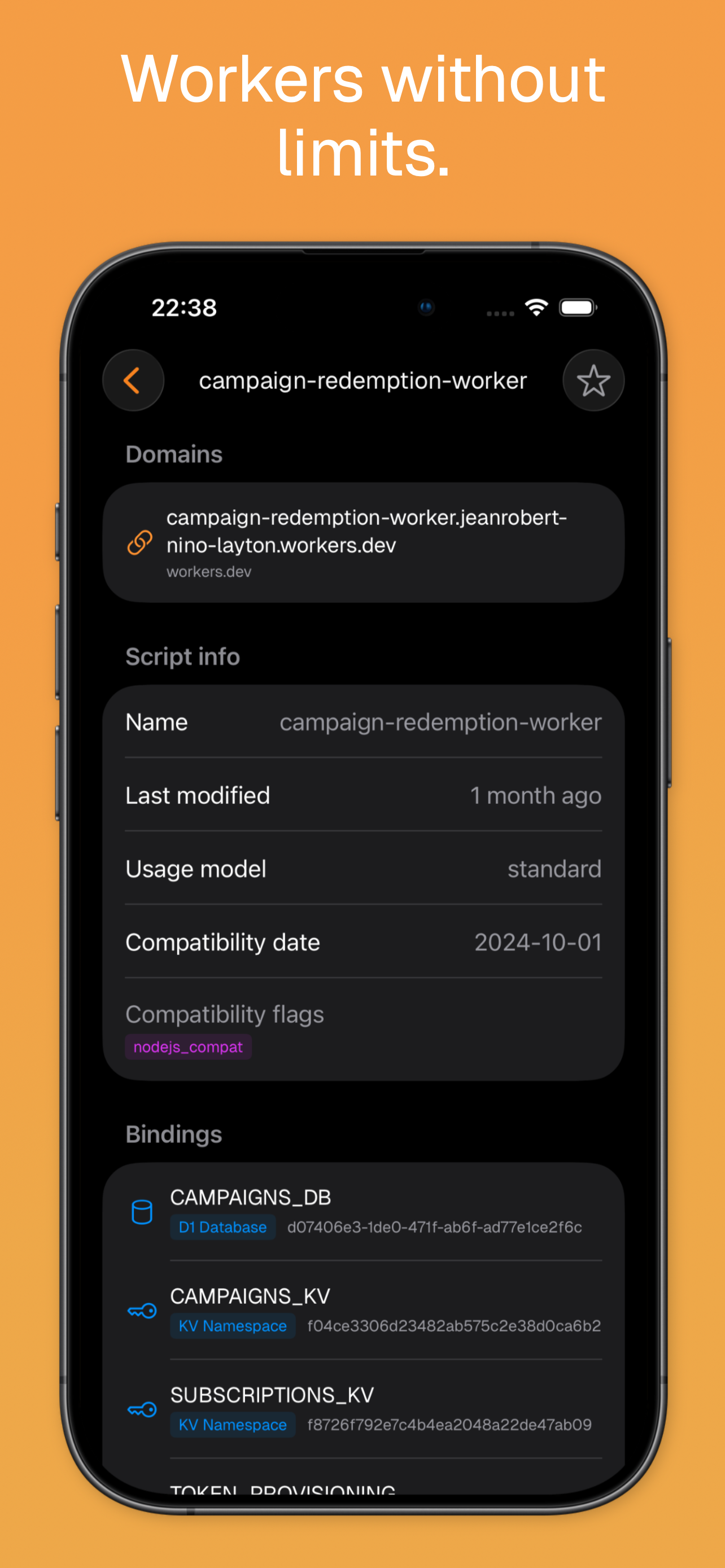
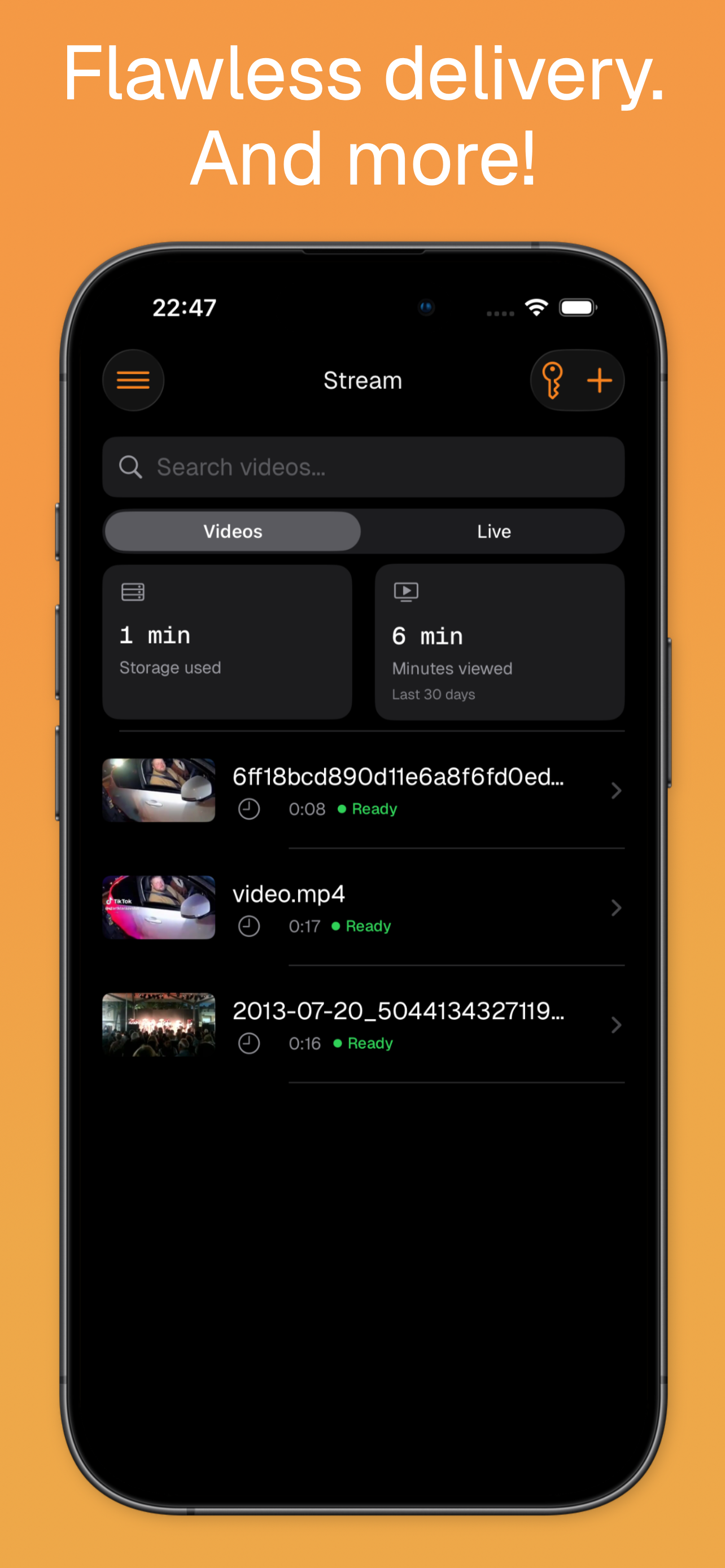
Clouder is a professional-grade client for Cloudflare, built for developers, system administrators, and DevOps teams on iPhone and iPad. Not affiliated with Cloudflare®. Manage your Cloudflare resources from anywhere with a fast, native experience. WORKERS & PAGES View Worker logs, monitor execution metrics, and manage scripts on the go. Browse Pages projects, review deployments, and track build status. DNS MANAGEMENT Add, edit, and delete DNS records across your zones. Filter by type and proxy status, manage zone settings, and view analytics with native charts. Set up Email Routing rules with a catch-all address, and balance traffic across origin pools with Load Balancing health monitors. STORAGE & DATABASES Manage your data layer with support for R2, D1, and KV. Upload and download files in R2, run SQL queries in D1, and browse or edit KV namespaces. STREAM & IMAGES Upload and manage Stream videos, monitor live inputs, and review playback analytics. Organize Images and manage variants. ZERO TRUST & TUNNELS Monitor Access applications, Gateway rules, posture policies, and connected devices. Create and manage Tunnels, routes, and tokens. ANALYTICS & MONITORING Track traffic, bandwidth, requests, and security threats with interactive charts. See detailed insights for zones, Workers, Stream, and D1 in real time. Follow privacy-first Web Analytics with page views, visits, Core Web Vitals, and breakdowns by country, referrer, browser, and device. CLOUDER AGENT Ask the Clouder Agent about your account in plain language. It reads your zones, DNS, traffic, security settings, Workers, Pages, and storage to answer questions, and it can act for you, creating or updating DNS records, purging cache, or setting the security level. It always asks for approval before it writes anything. BRING YOUR OWN TOKEN Sign in with a Cloudflare API token scoped to exactly the permissions you choose. Clouder shows what your token covers and lets you re-check or replace it later without signing out. QUEUES & DURABLE OBJECTS Manage Queues with push, pull, and purge actions. Browse Durable Objects namespaces and inspect active instances. WAF & SECURITY Monitor firewall events, manage rulesets, and configure protections. Tune SSL/TLS modes, edge certificates, and the minimum TLS version, and stop bots with Turnstile widgets. LIVE INCIDENTS Let Clouder watch your zones and alert you the moment something breaks. Anomaly detection spots unusual traffic and origin errors, opens an incident, and builds a live timeline. Jump from an alert to one-tap mitigations like Under Attack mode, cache purges, or resolving the incident, and follow it on your Lock Screen with a Live Activity on Clouder Pro. PUSH NOTIFICATIONS Receive alerts for infrastructure events and incident detection, and configure notification policies. FREE FEATURES • Read-only access to resources and configurations • DNS, Workers, Pages, and zone overview • Basic traffic and request analytics • Status monitoring for zones and services • Home Screen widgets • Push notifications • Public feature request board CLOUDER PRO (In-App Purchase) • Read and write access across Cloudflare services • Deploy Workers and update DNS • Clouder Agent that reads your account and takes approved actions • Use your own OpenAI key with the Clouder Agent • Live incidents with Lock Screen Live Activities • Multi-account support • Registrar and Intel API • Full R2, D1, and KV management • Stream, Images, Zero Trust, Tunnels, and Queues • Pages project details and deployment logs • Workers AI models and Vectorize indexes • Real-time Worker tail logs and advanced analytics Privacy Policy: https://getclouder.app/privacy.txt Terms of Use (EULA): https://www.apple.com/legal/internet-services/itunes/dev/stdeula/ Clouder is an independent third-party app and is not affiliated with or endorsed by Cloudflare, Inc.
Neuigkeiten
Version 3.2.10 · 30.9.2026IP Access Rules Block, challenge or allow traffic by IP address, IP range, country or ASN, without leaving your phone. Rules are listed per zone with a filter by action and a search across values and notes, and every entry shows what it matches and what happens to it. Creating a rule validates the address, range, country code or ASN as you type, so a typo never reaches Cloudflare. Custom WAF Rules Write your own firewall rules from the WAF screen. Pick an action, describe what to match in plain language and let Clouder generate the expression, or write it yourself with the built in field and operator reference. Rules can be edited, switched on and off, and deleted. Cloudflare's managed rulesets can now be switched on or off for each zone too. Cache, Origin and Configuration Rules Three new editors on each zone. Cache rules decide what gets cached and for how long, with separate edge and browser settings. Origin rules route matching requests to a different host, port or SNI. Configuration rules override zone settings such as security level, SSL mode, Rocket Loader and email obfuscation for requests you choose. Settings you do not set are left exactly as the zone has them. Speed and Network Settings Turn Brotli, Rocket Loader, HTTP/3, IPv6, WebSockets and Always Online on or off, set how long browsers keep your files, and choose the security level, not just Under Attack mode. Settings your plan cannot change are marked as such. Worker Routes See which URL patterns run which Worker on each domain, and add, edit or remove routes. A route without a Worker lets you exclude a path from a broader one. Health Checks See whether your origin servers are answering and why a check is failing. Create HTTP, HTTPS and TCP checks, and pause, edit or delete them. Health checks need a Cloudflare Pro plan or higher. Protect Tunnels with Access Swipe a tunnel's public hostname to put it behind Cloudflare Access and choose who may open it, by email address or by whole domain. Protected hostnames carry a lock badge. Audit Log See who changed what on your account, grouped by day and searchable by person, action or zone. Open any entry for the full picture, including the exact values before and after the change, ready to copy. DNS Analytics Follow the DNS queries Cloudflare answers for a zone over six hours, a day or a week. See the total, a timeline, and your top query names, query types and response codes. Zone Files Export a zone as a standard BIND file to read, copy or share, and import one to add records in bulk. Imported records can be proxied on arrival, and anything that already exists is reported rather than duplicated. Delete From Your Phone Remove empty R2 buckets, load balancers, origin pools and whole domains. Deleting a domain asks you to type its name first, so it never happens by accident. Your Credentials Stay on Your Device Your Cloudflare tokens and your own OpenAI key now live in the iOS Keychain, pinned to this device, so they never sync to iCloud or restore onto another device from a backup. If you paste your Global API Key or an Origin CA key where a token belongs, Clouder tells you what you pasted. Token Permissions The new features appear in the token permissions checklist, so you can see at a glance whether your token reaches them and add what is missing. Fixes and Refinements Switching a rate limiting rule on or off now works. It previously failed every time, and the rule kept its old state. Editing a rate limiting rule also keeps the counting settings it already had instead of resetting them. Switching rules on and off inside a WAF ruleset works too. Turning Under Attack mode off in Clouder returns the zone to the security level it had before you turned it on, instead of always setting it to high. Long TXT values such as DKIM keys wrap while you edit them.
Informationen
- Anbieter
- Layton Labs AB
- Kategorie
- Developer Tools
- Version
- 3.2.10
- Erfordert
- iOS 18.0+
- Größe
- 58.3 MB
- Altersfreigabe
- 4+