 AppRank
Screenshots


Beschreibung
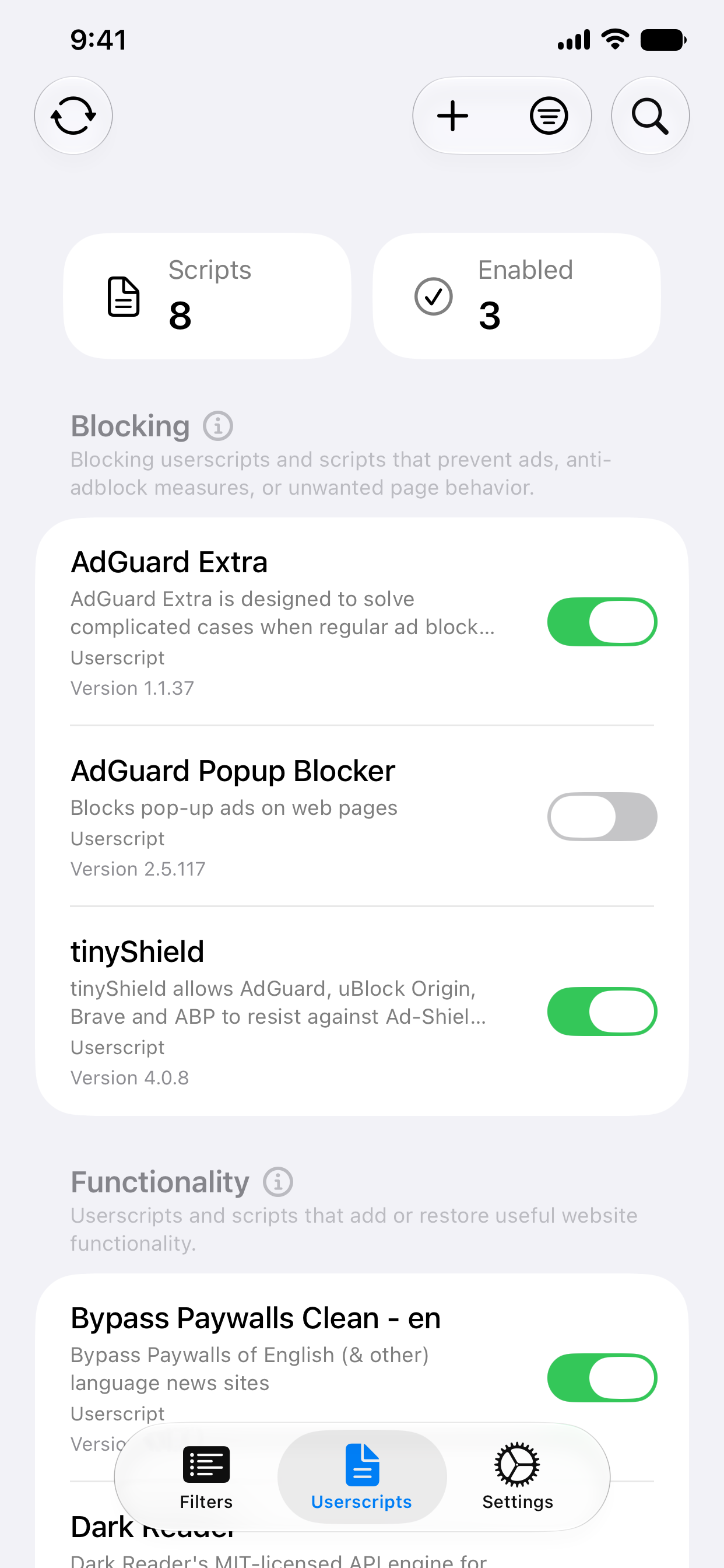
wBlock turns Safari into a cleaner, faster, and more private browsing experience while being completely free and open-source. Userscript Support Enhance your browsing with powerful userscripts that add features mainstream browsers can't. Bring back YouTube dislikes, bypass paywalls, customize social media feeds, and more. wBlock gives you the power to shape the web the way you want it. Lightning-Fast Performance wBlock uses only ~40 MB of RAM at idle, one of the lightest ad blockers available. Your browser stays fast and responsive while blocking ads, trackers, malware, and annoyances across every website you visit. Complete Control Toggle blocking on individual sites with one click. Add custom filter lists to fine-tune protection. View detailed logs to troubleshoot issues. wBlock puts you in the driver's seat. Free & Open-Source Forever No subscriptions, no in-app purchases, no hidden fees. wBlock is completely free and always will be. The open-source codebase ensures complete transparency; you can verify exactly what the app does and how it protects your privacy. Privacy-First Design wBlock runs entirely within Safari's content blocking API. There's no data collection, no tracking, and no system-level extensions that can monitor your browsing. Your privacy stays yours. Comprehensive Protection Using AdGuard's comprehensive filters and more, wBlock blocks ads and trackers across the entire web. One-click filter updates keep protection current.
Neuigkeiten
Version 3.1.2 · 26.9.2026New - AdGuard Mobile Filter is part of the Minimal preset on iPhone and iPad - A labeled Pause Blocking menu in the macOS toolbar Fixed - Safari on iOS could crash on heavy pages because removed frames were kept in memory - A crash in the Scripts extension on macOS - Filter updates that showed up on every check but never applied - Site Settings accepts IP addresses and local hostnames - Custom names and descriptions for URL userscripts now sync - The Safari toolbar icon is sharp on Retina displays Improved - Leaner Recommended preset: EasyPrivacy, Adblock Warning Removal List, and Online Malicious URL Blocklist are no longer on by default - The Online Malicious URL Blocklist is retired, since Safari's Safe Browsing already covers it - Smoother scrolling in macOS filter and userscript lists - Snappier toolbar search on macOS - Tidier macOS setup screens
Informationen
- Anbieter
- Alexander Skula
- Kategorie
- Utilities
- Version
- 3.1.2
- Erfordert
- iOS 15.4+
- Größe
- 26.4 MB
- Altersfreigabe
- 4+