 AppRank
Screenshots



Beschreibung
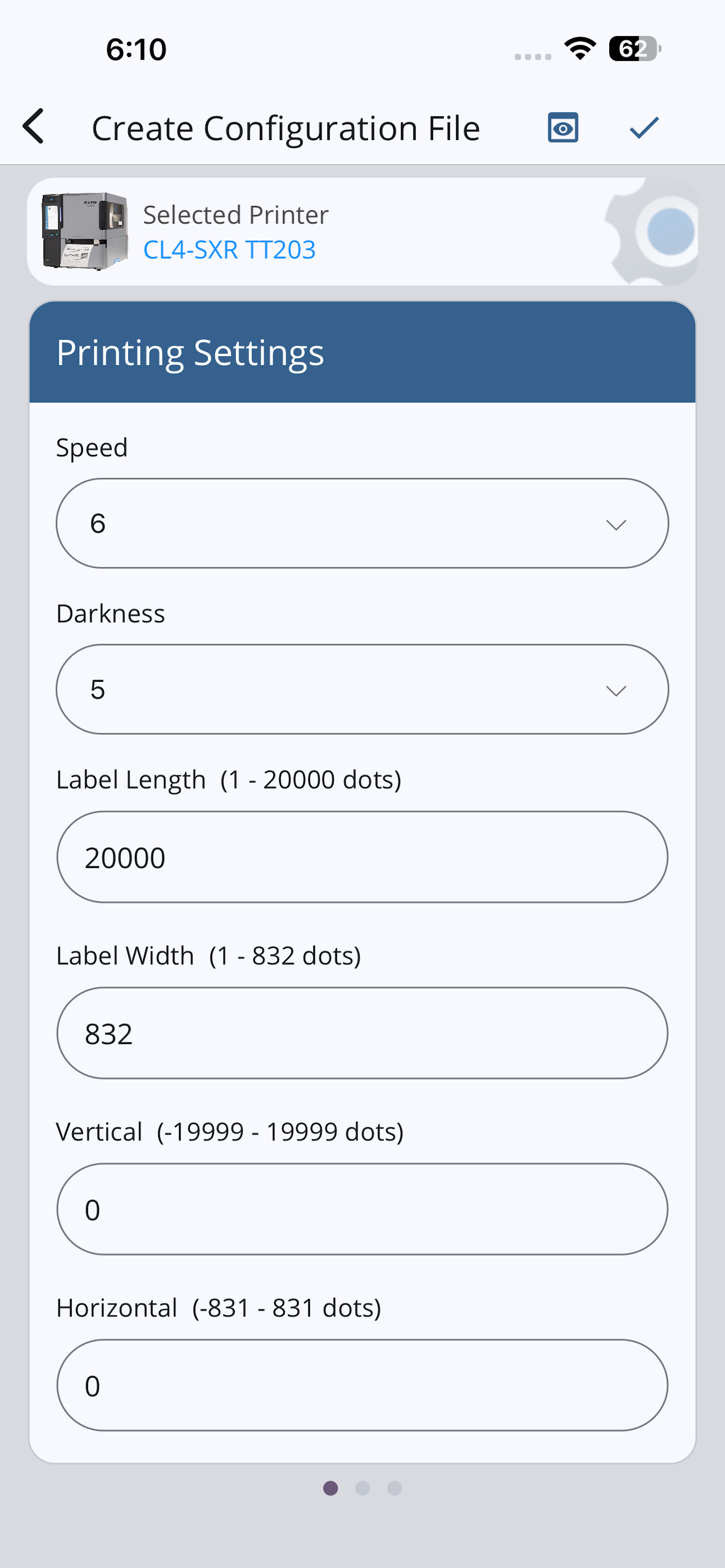
SATO Mobile All-In-One Tool is a printer utility tool to configure SATO printers* more easily and efficiently by utilizing the Wi-Fi or NFC interface. SATO printers supported to use with this tool include CL-SXR, CLNX plus, CLNX-J Plus, CT4-LX, CT4-LX-HC, HC4-LX, FX3-LX_Ln, PW2NX, PW4NX, S84NX, S86NX and WT4-AXB. Functions: 1. Configure Create Printer Configuration, Apply Configuration, and Configure Printer Directly 2. Test Print Factory test print option and Test print from the attachment (Printer Command) 3. File Upload Upload font, printer package file (AEP, Clone) and certificates 4. Create Clone Create a printer clone from a target printer 5. Send SBPL Send SATO Barcode Printer Language (SBPL) command to the printer to retrieve information Note: The Bluetooth interface option is available for Apply Configuration, Test Print, Send SBPL functions.
Neuigkeiten
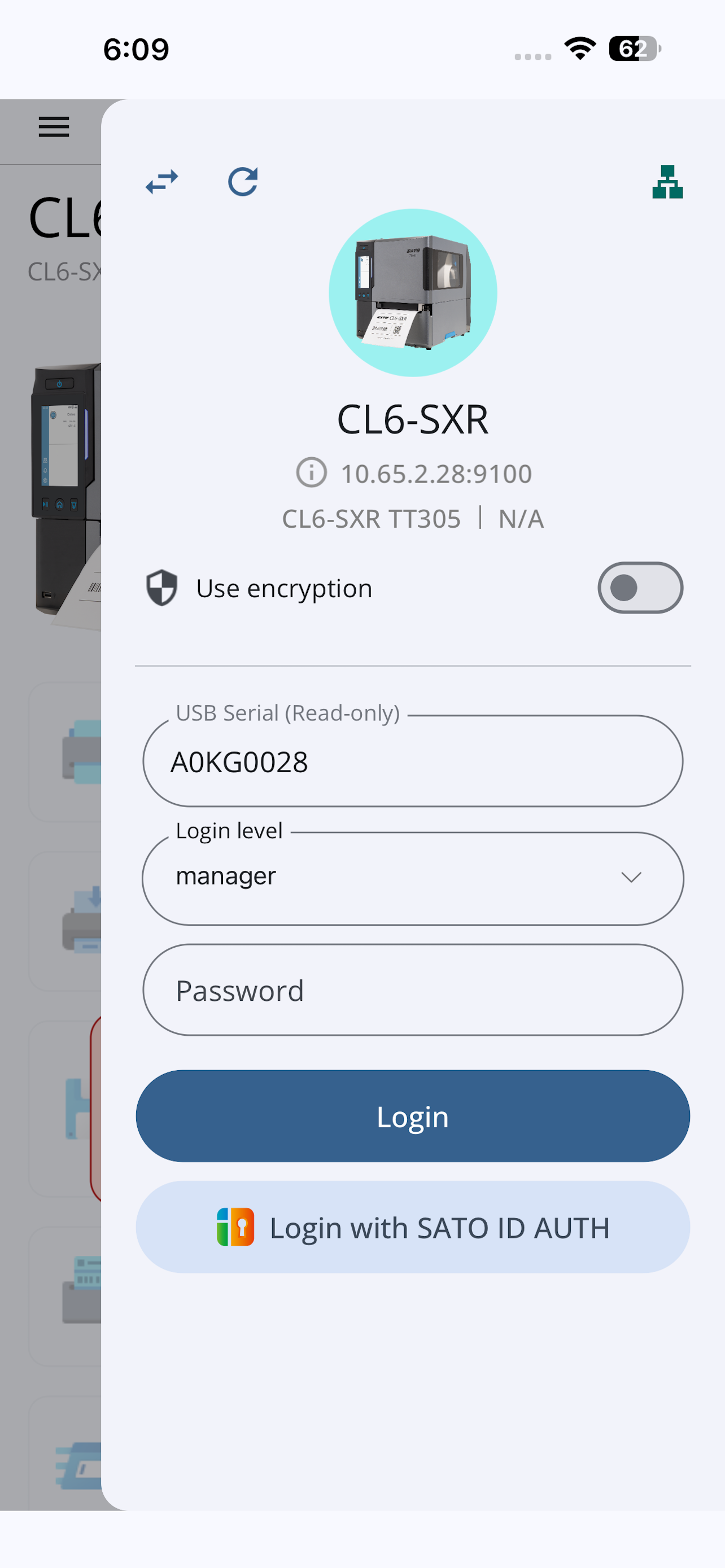
Version 3.7.101 · 24.9.2026New Features: FAQs: Added a page directing users to the web version of the MAIOTV2 User Manual for a better experience. Enhancements: Easy Printer Login: Integrated default password retrieval into Easy Printer Login to improve the user experience. Added options to enter the USB serial or password by scanning a code or using NFC during Login, Unlock Printer LCD, or Initial Setup.
Informationen
- Anbieter
- SATO CORPORATION
- Kategorie
- Business
- Version
- 3.7.101
- Erfordert
- iOS 15.0+
- Größe
- 107.7 MB
- Altersfreigabe
- 4+